> ## Documentation Index
> Fetch the complete documentation index at: https://apidoc.cometapi.com/llms.txt
> Use this file to discover all available pages before exploring further.
# Use IntelliJ Translation Plugin with CometAPI
> Use this guide to configure IntelliJ Translation Plugin with CometAPI by setting the base URL, API key, and model or provider options.
The [IntelliJ Translation Plugin](https://plugins.jetbrains.com/plugin/8579-translation) adds AI translation capabilities directly into JetBrains IDEs. Connect it to CometAPI to translate code and text without leaving your editor.
## Prerequisites
* [IntelliJ IDEA](https://www.jetbrains.com/idea/) or another JetBrains IDE
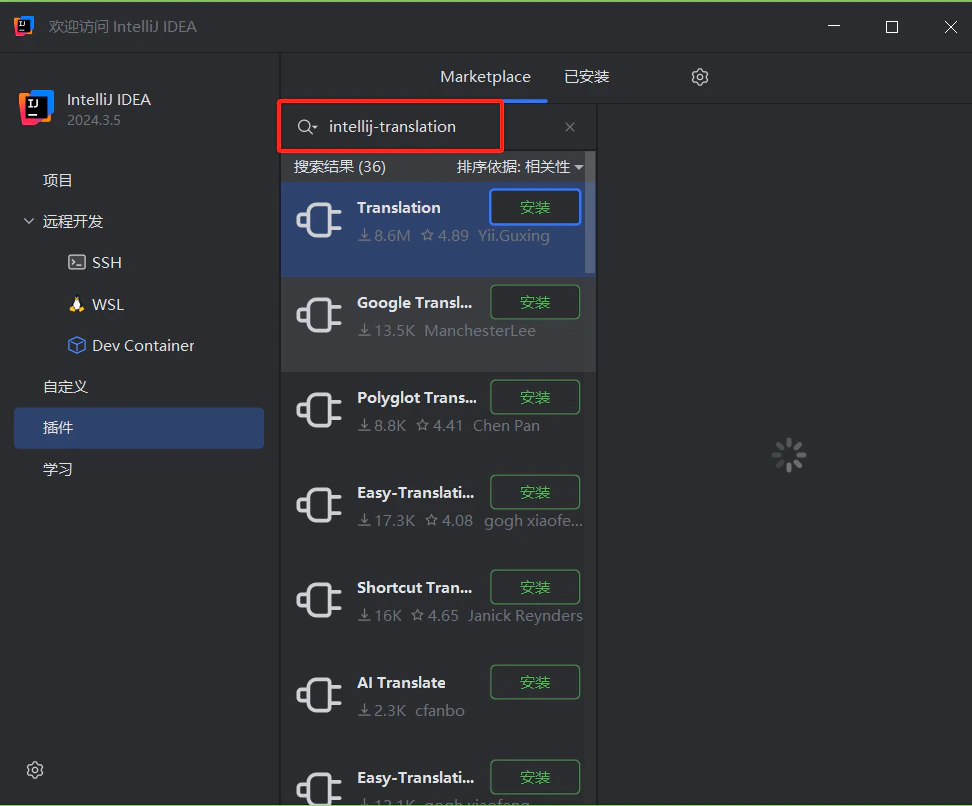
* Translation Plugin installed — search for **Translation** in the JetBrains Marketplace
 * A [CometAPI](https://www.cometapi.com) account with an active API key
## Setup
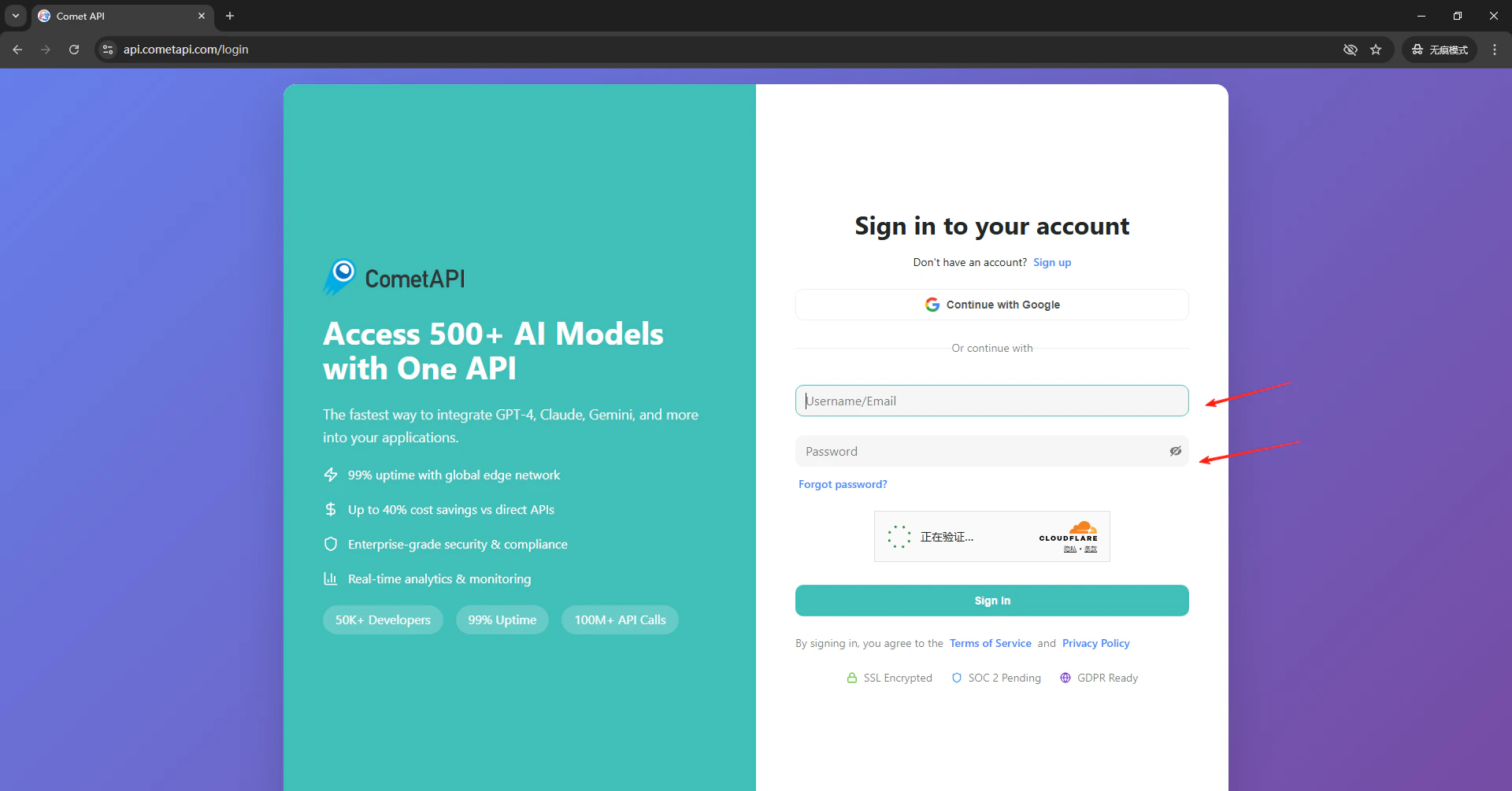
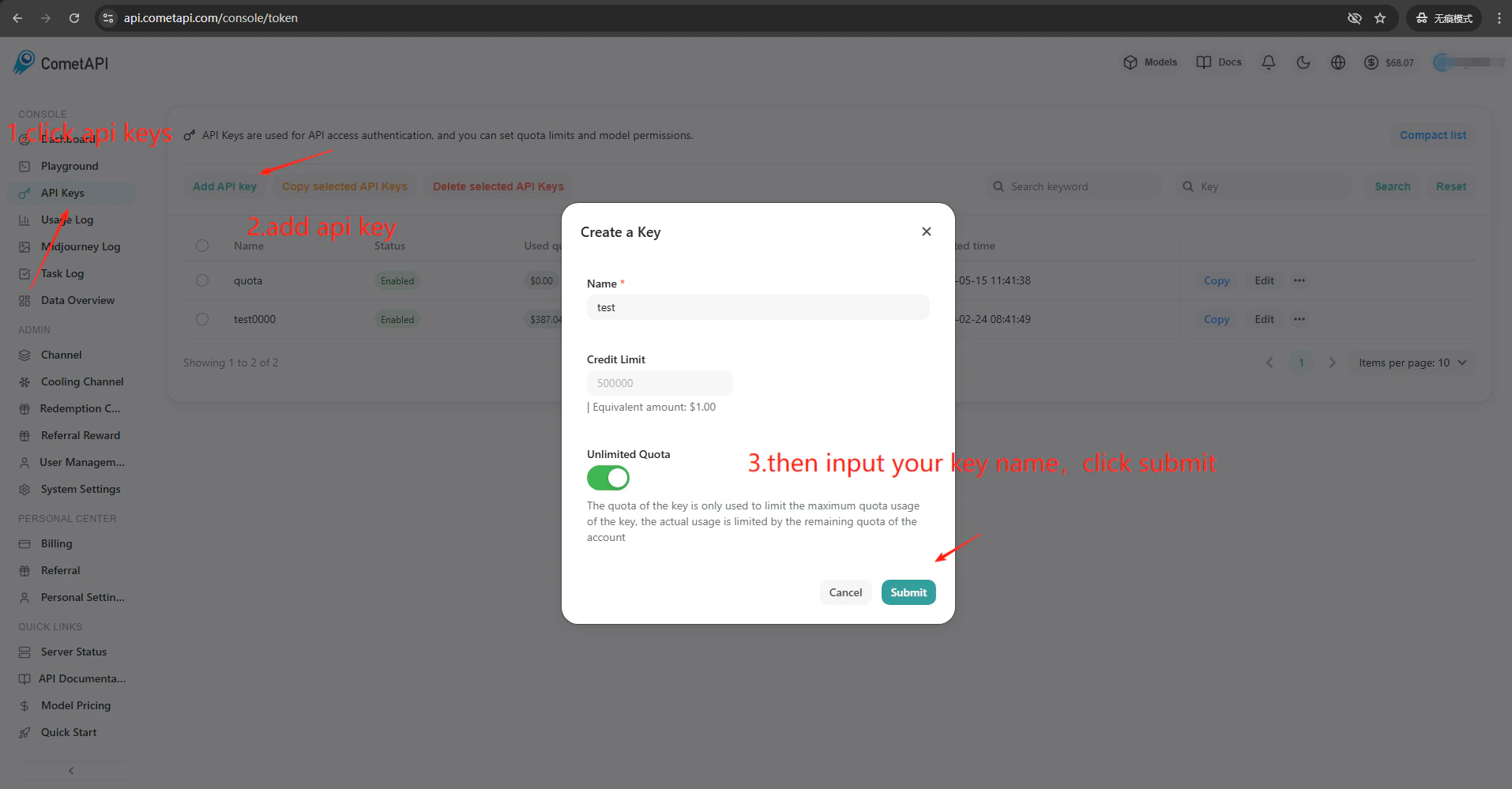
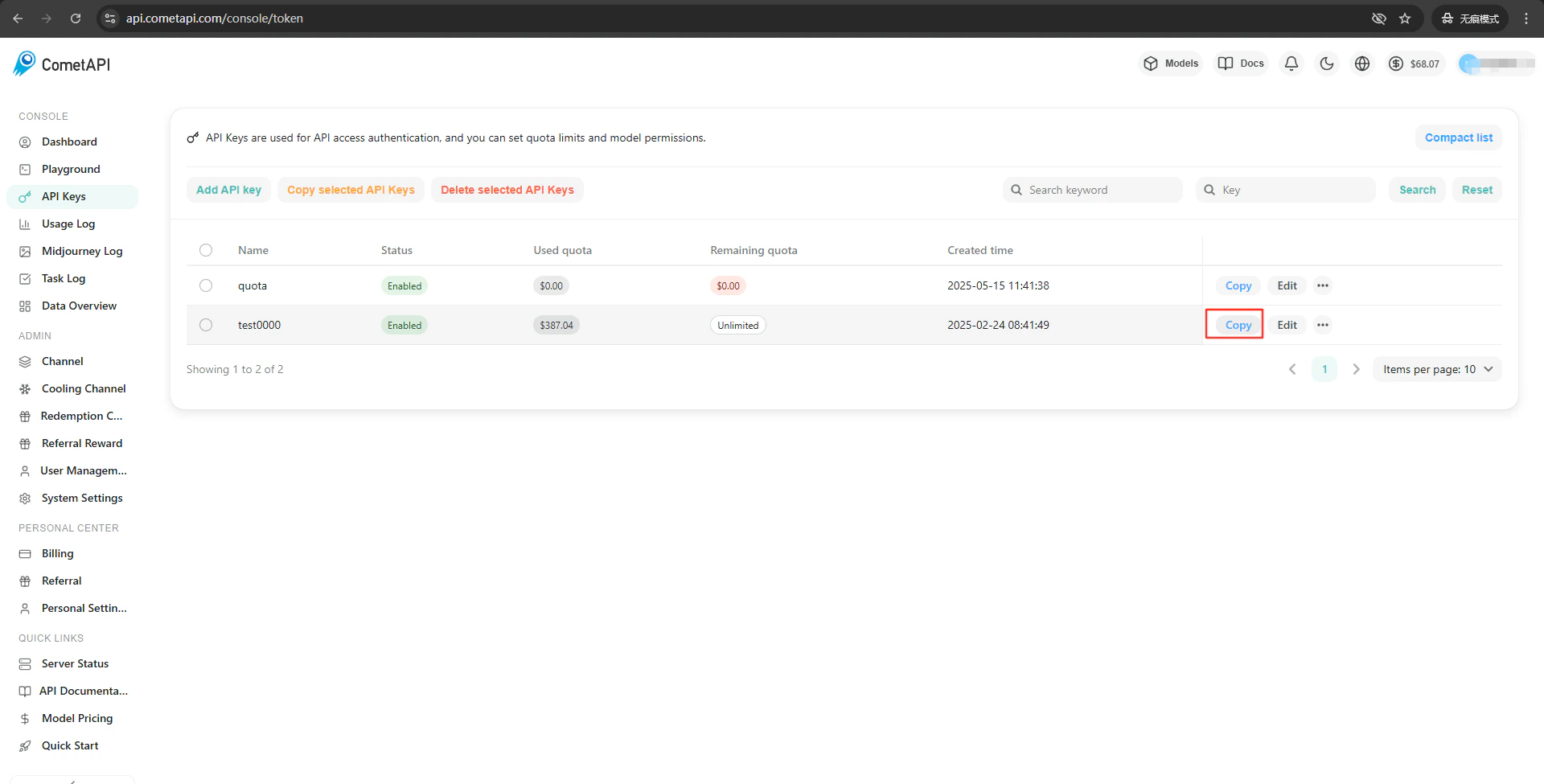
Log in to the [CometAPI dashboard](https://www.cometapi.com/console). Click **Add API Key** and copy your key.
* A [CometAPI](https://www.cometapi.com) account with an active API key
## Setup
Log in to the [CometAPI dashboard](https://www.cometapi.com/console). Click **Add API Key** and copy your key.
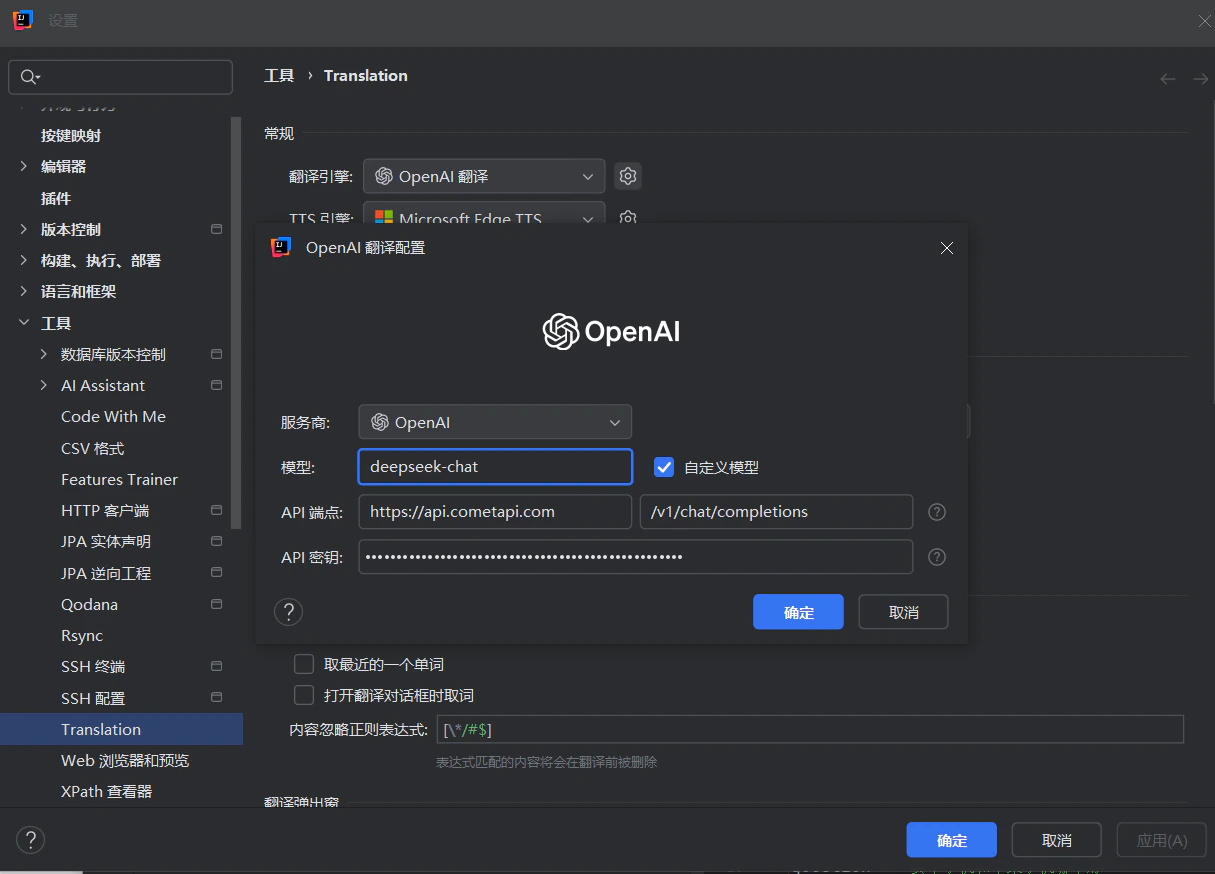
 Click the Translation Plugin icon in the IDE toolbar → **Settings** → **Translation**. Select **OpenAI Translation** as the engine. In the settings panel on the right, enter `https://api.cometapi.com` in the **API Endpoint** field (the second field defaults to `/v1/chat/completions`). Paste your CometAPI key into **API Key** and click **Confirm**.

 Click **Test Service** in the plugin settings. A successful verification confirms the setup is working.
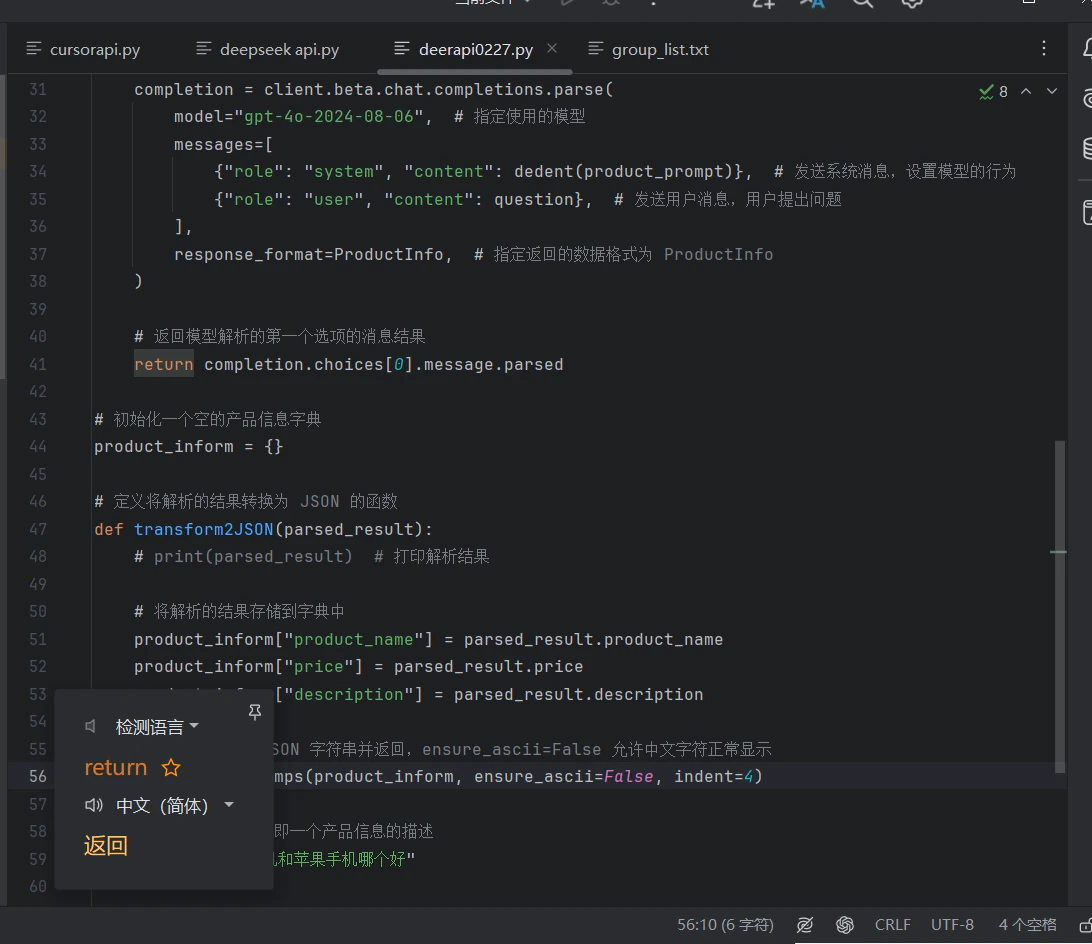 To add custom models, enter the current model ID in the plugin’s model configuration field.