

- Text-to-image generation
- Image-to-image editing
- Multi-image composition
- Saving generated images
- Base URL:
https://api.cometapi.com - Install the SDK:
pip install google-genai(Python) ornpm install @google/genai(Node.js)
Setup
Initialize the client with CometAPI’s base URL:Available Gemini image models
CometAPI supports multiple Gemini image models:- gemini-nano-banana-2.1 - Latest Nano Banana model with enhanced image generation capabilities
- gemini-3.1-flash-image-preview - Fast image generation model
- gemini-3-pro-image-preview - High-quality image generation model
Text-to-image generation
Generate an image from a text prompt and save it to a file.candidates[0].content.parts, which can contain text and/or image parts. Gemini image models can also return intermediate thought parts before the final image, especially when you request both text and images or explicitly enable thinking output. Do not save the first inlineData blindly; skip parts where thought is true, then save the last remaining image part.
Typical response with only the final image:
Image-to-image generation
Upload an input image and transform it with a text prompt.- The Python SDK accepts
PIL.Imageobjects directly — no manual Base64 encoding needed. - Do not include the
data:image/jpeg;base64,prefix when passing raw Base64 strings.
Multi-image composition
Generate a new image from multiple input images. CometAPI supports two approaches:Method 1: Single collage image
Combine multiple source images into one collage, then describe the desired output.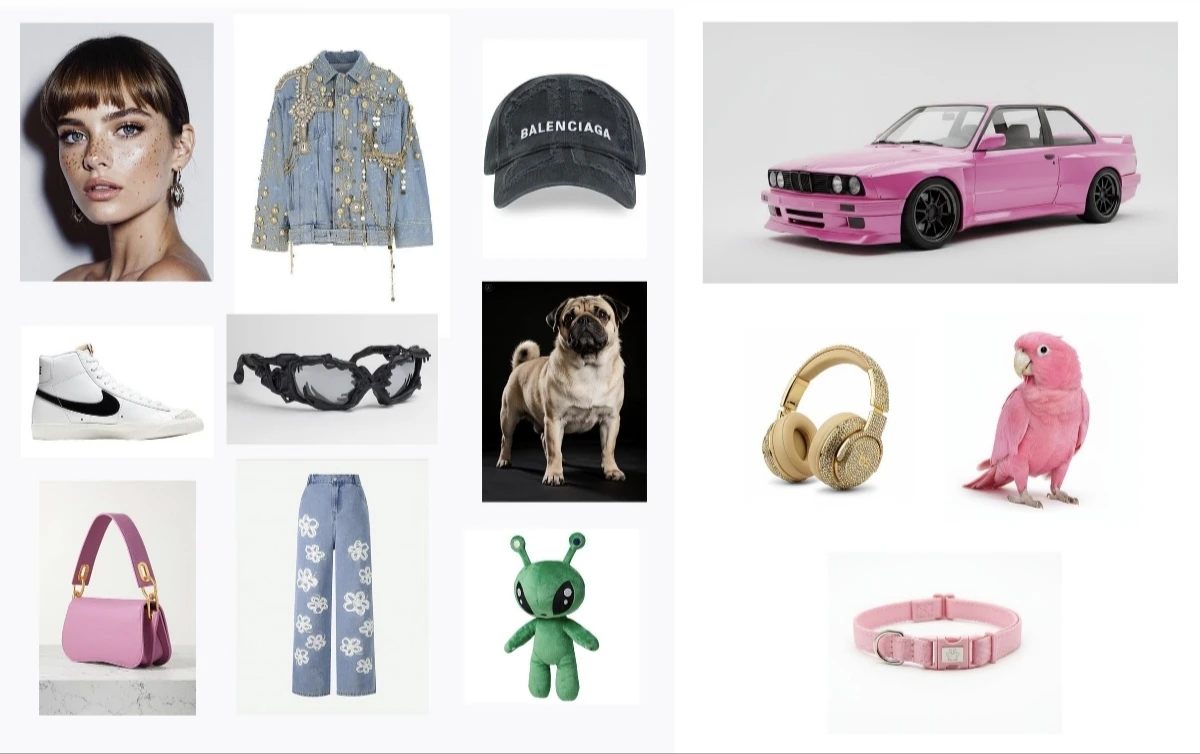
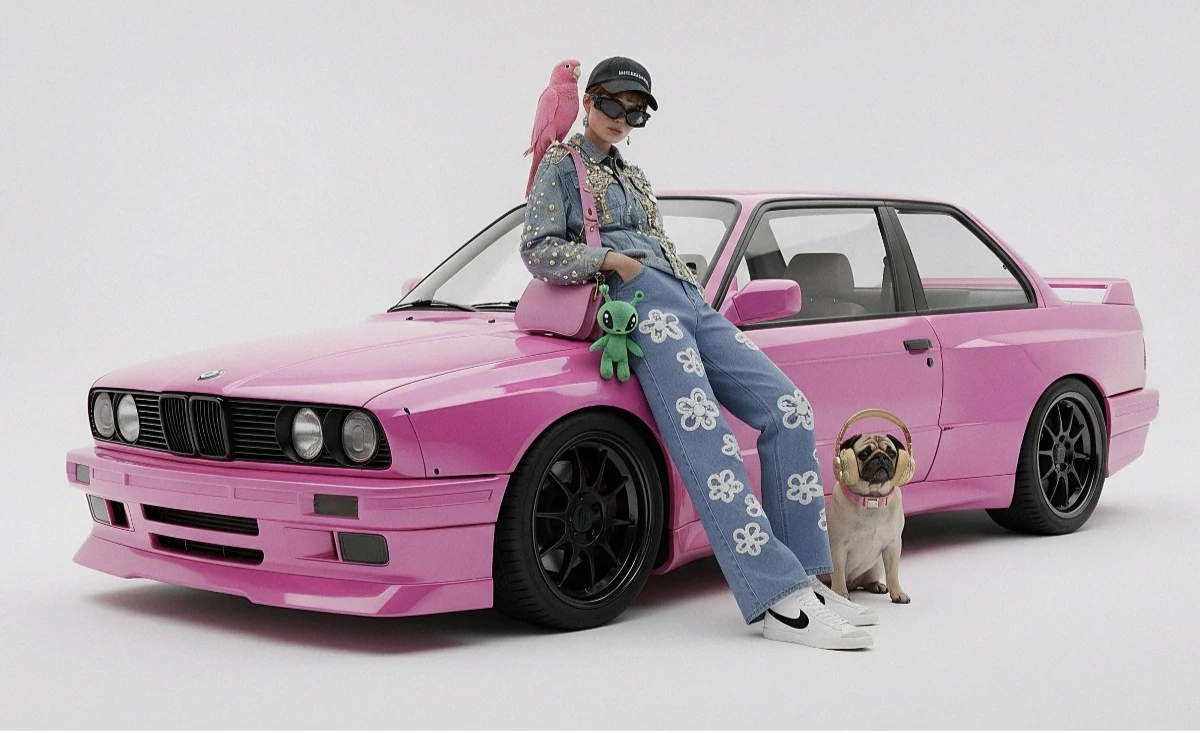
Method 2: Multiple separate images (up to 14)
Pass multiple images directly. Gemini 3 models support up to 14 reference images (objects + characters):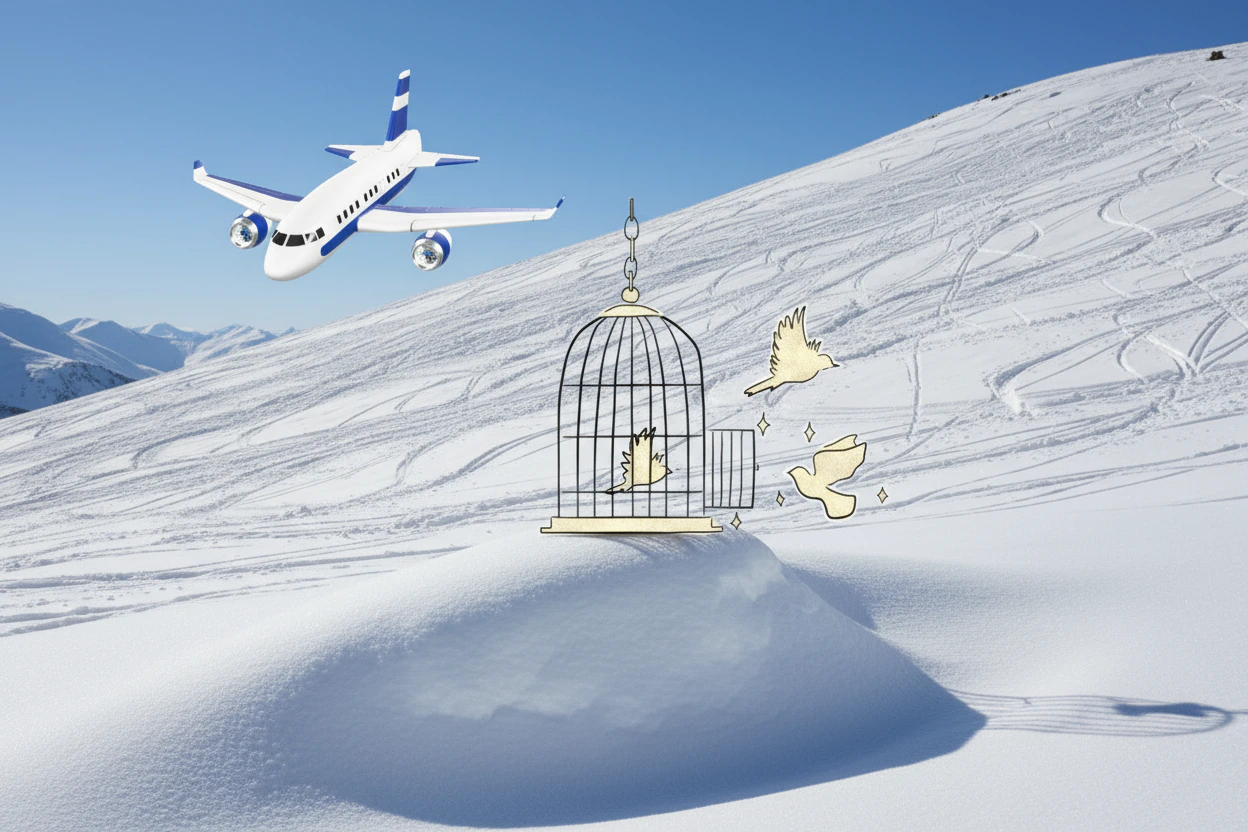
4K image generation
Specifyimage_config with aspect_ratio and image_size for high-resolution output:
For high-resolution requests, judge the output by the final non-thought image part. If your integration saves the first
inlineData part, it may save an intermediate thought image that is lower resolution than the requested imageSize.Multi-turn image editing (chat)
Use the SDK’s chat feature to iteratively refine images:Tips
Prompt Optimization
Prompt Optimization
Specify style keywords (e.g., “cyberpunk, film grain, low contrast”), aspect ratio, subject, background, lighting, and detail level.
Base64 Format
Base64 Format
When using raw HTTP, do not include
data:image/png;base64, prefix — use only the raw Base64 string. The Python SDK handles this automatically with PIL.Image objects.Force Image Output
Force Image Output
Set
"responseModalities" to ["IMAGE"] only to guarantee image output without text.Why is my image blurry or lower resolution?
Why is my image blurry or lower resolution?
Check whether your code saved an intermediate thought image. Gemini image responses may include image parts where
thought is true; these are not the final output. Skip thought: true parts and save the last image part where inlineData exists and thought is not true. If you do not need text output, request "responseModalities": ["IMAGE"] to reduce mixed text/image response handling.