사전 준비 사항
- IntelliJ IDEA 또는 다른 JetBrains IDE
-
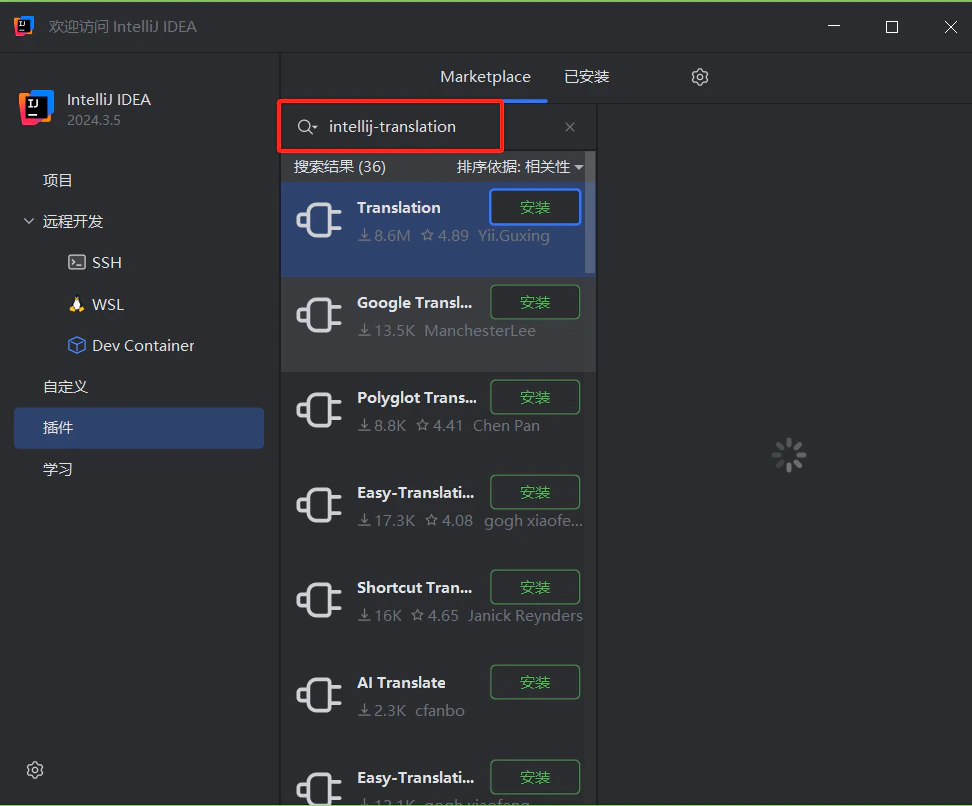
Translation Plugin 설치 — JetBrains Marketplace에서 Translation 검색
- 활성 API key가 있는 CometAPI 계정
설정
1
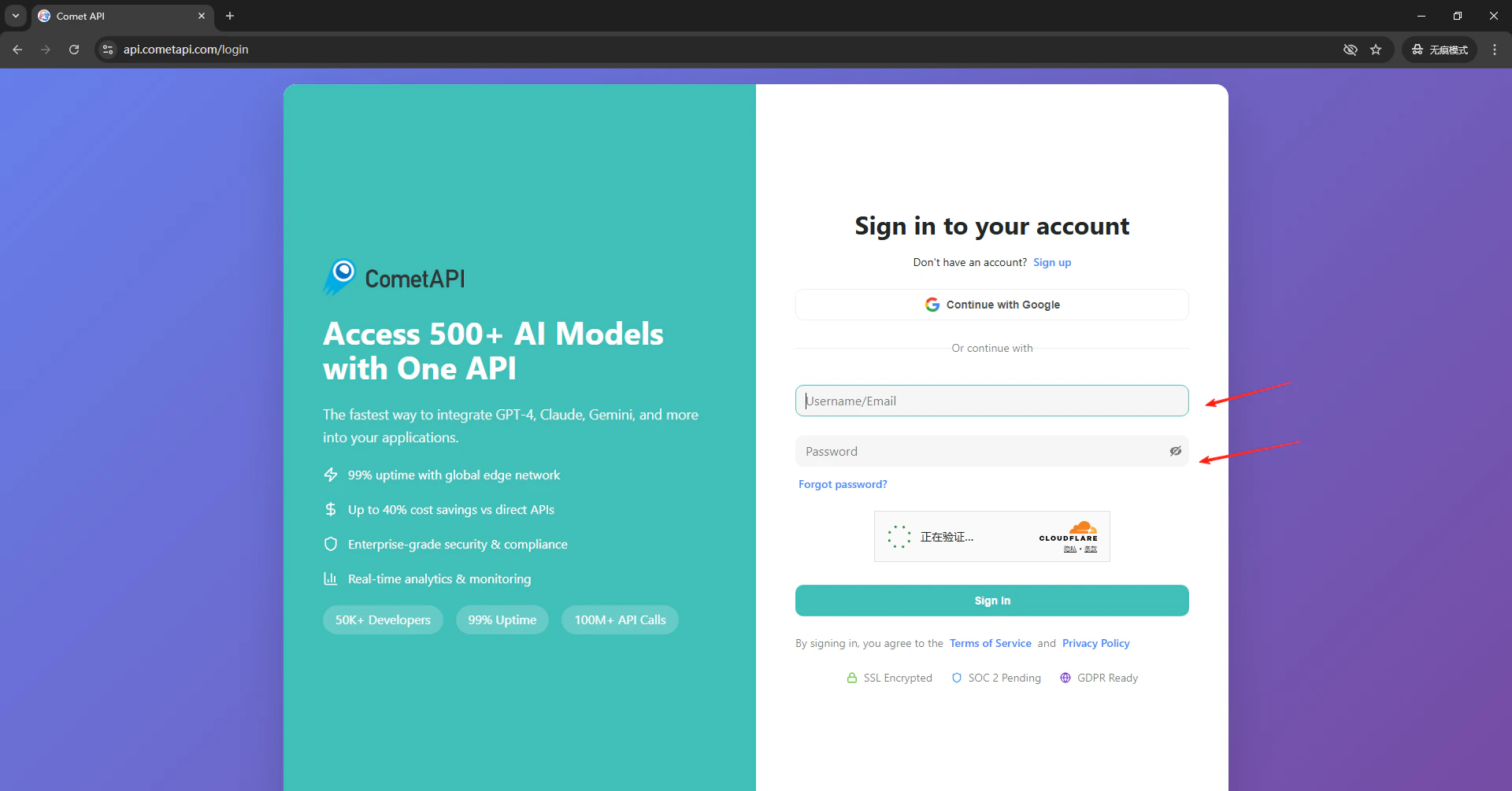
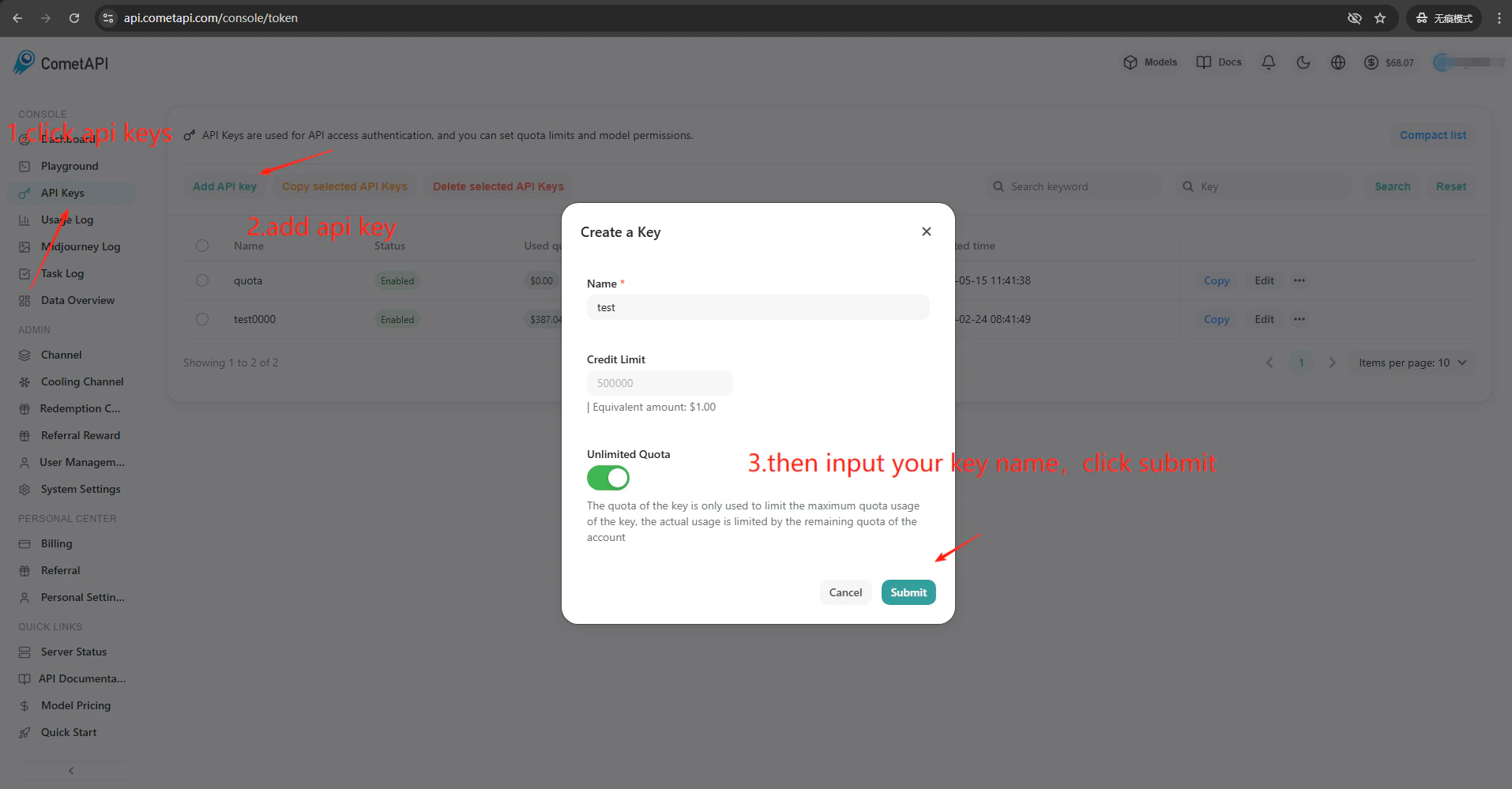
CometAPI API 키 받기
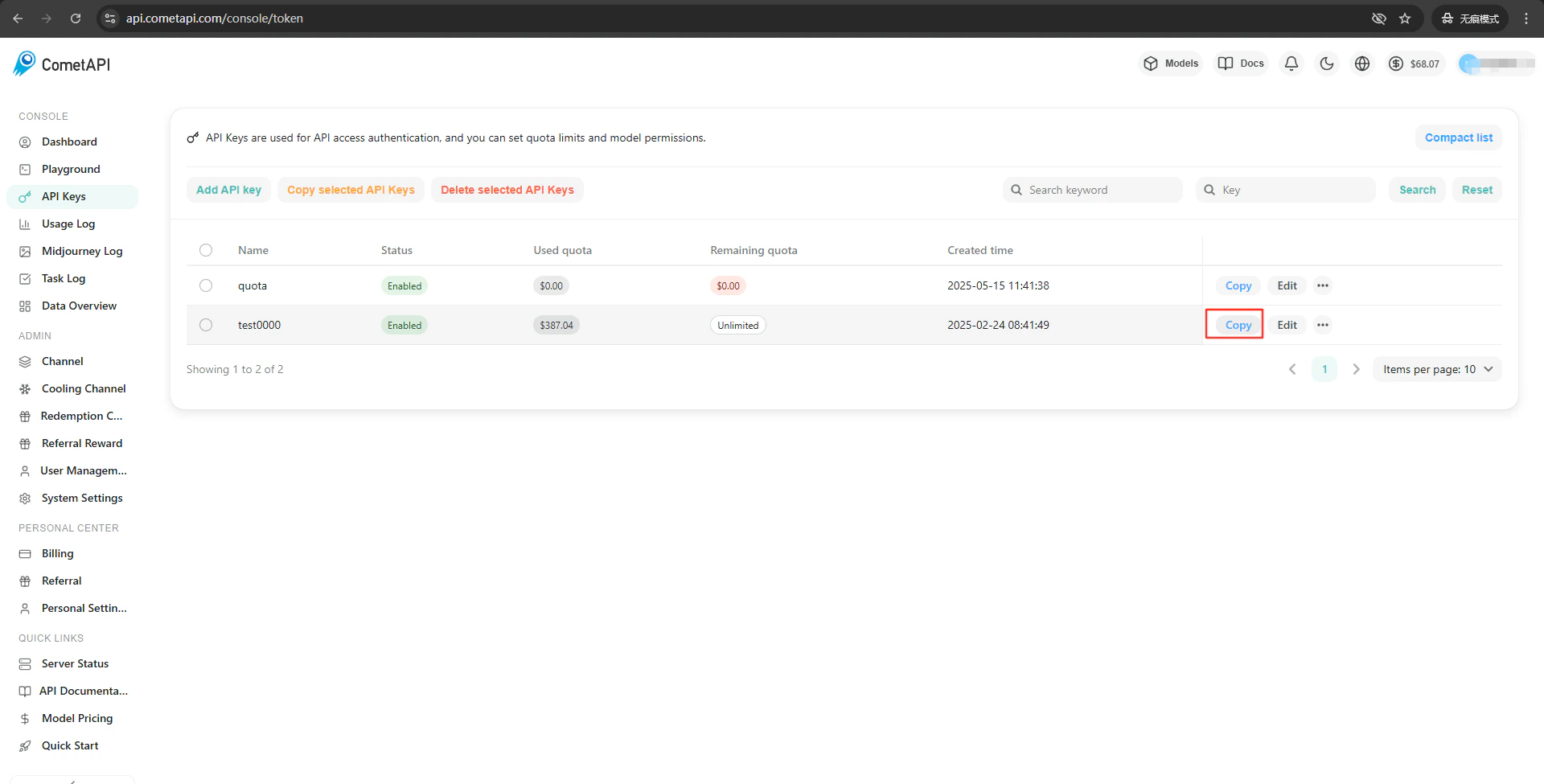
2
번역 엔진 구성하기
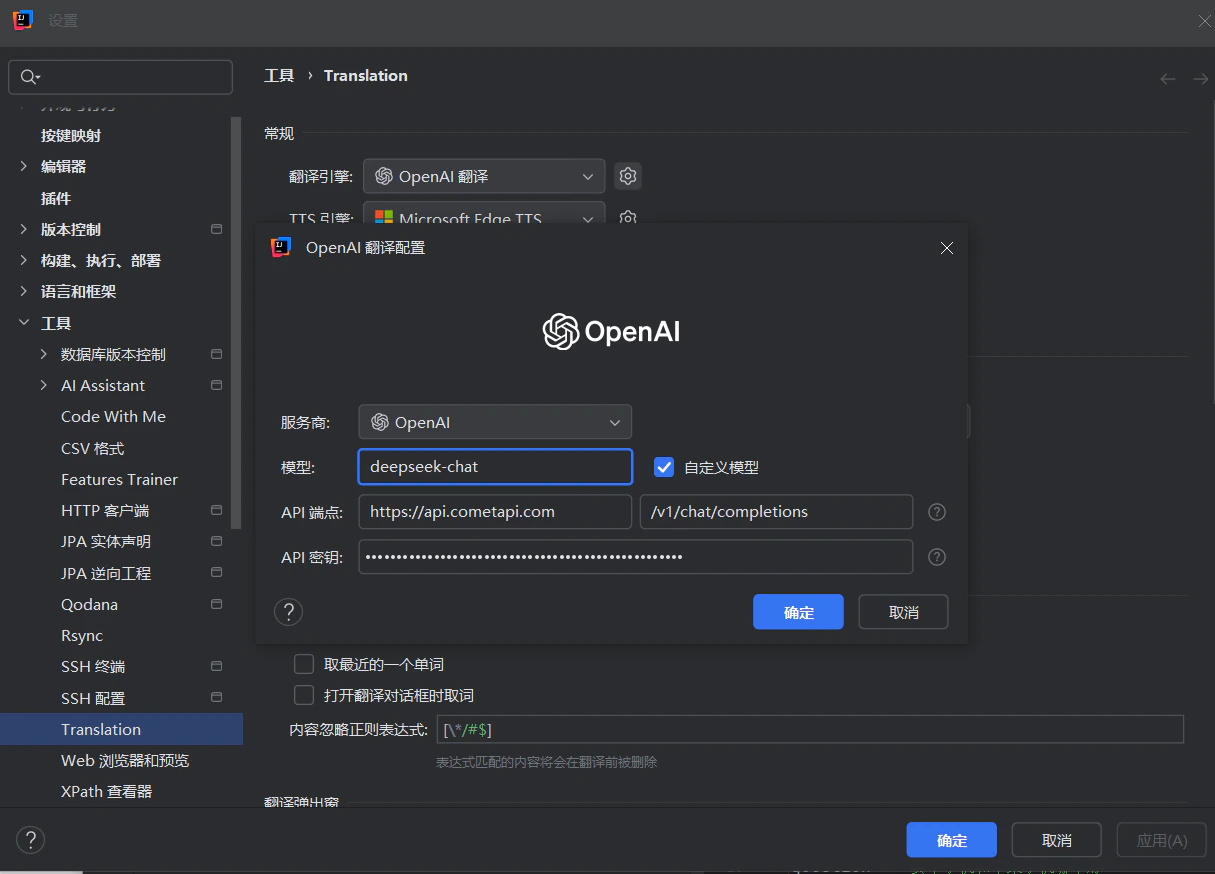
IDE 툴바에서 Translation Plugin 아이콘을 클릭한 다음 → Settings → Translation으로 이동합니다. 엔진으로 OpenAI Translation을 선택합니다. 오른쪽 설정 패널의 API Endpoint 필드에 

https://api.cometapi.com을 입력합니다(두 번째 필드는 기본값으로 /v1/chat/completions가 설정됨). API Key에 CometAPI 키를 붙여넣고 Confirm을 클릭합니다.3
통합 테스트하기
플러그인 설정에서 Test Service를 클릭합니다. 검증이 성공하면 설정이 정상적으로 작동하고 있음을 의미합니다.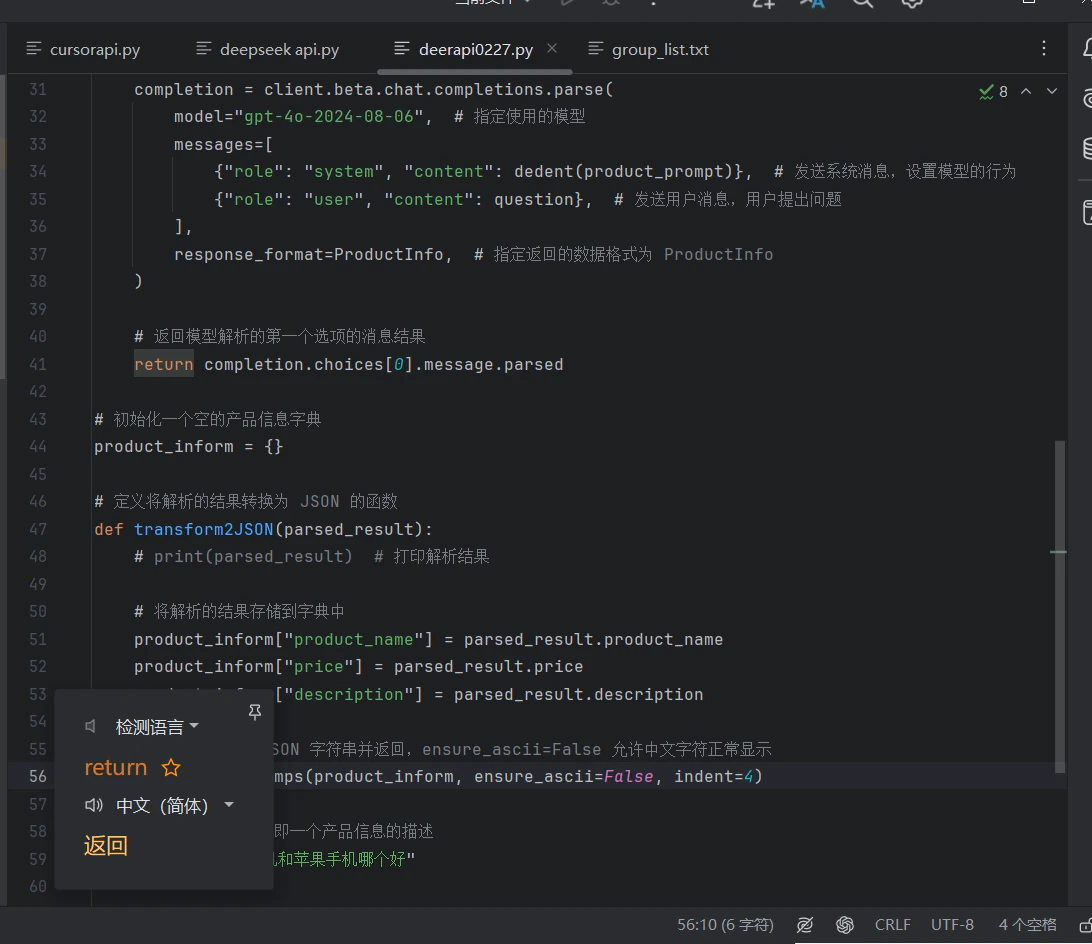
사용자 지정 모델을 추가하려면 플러그인의 모델 구성 필드에 현재 model ID를 입력하세요.