Coze 是一个 AI 智能体和工作流构建平台。你可以通过两种方式将 CometAPI 连接到 Coze:使用原生的 CometAPI 插件(最简单),或使用通用的 HTTP Request 节点 以获得最大的灵活性。
前提条件
- 一个带有有效 API key 的 CometAPI 账户——在此获取
- 一个 Coze 账户——在此注册
将 CometAPI 添加到 Coze 工作流
方法 1:CometAPI 插件(推荐)
方法 2:HTTP Request 节点
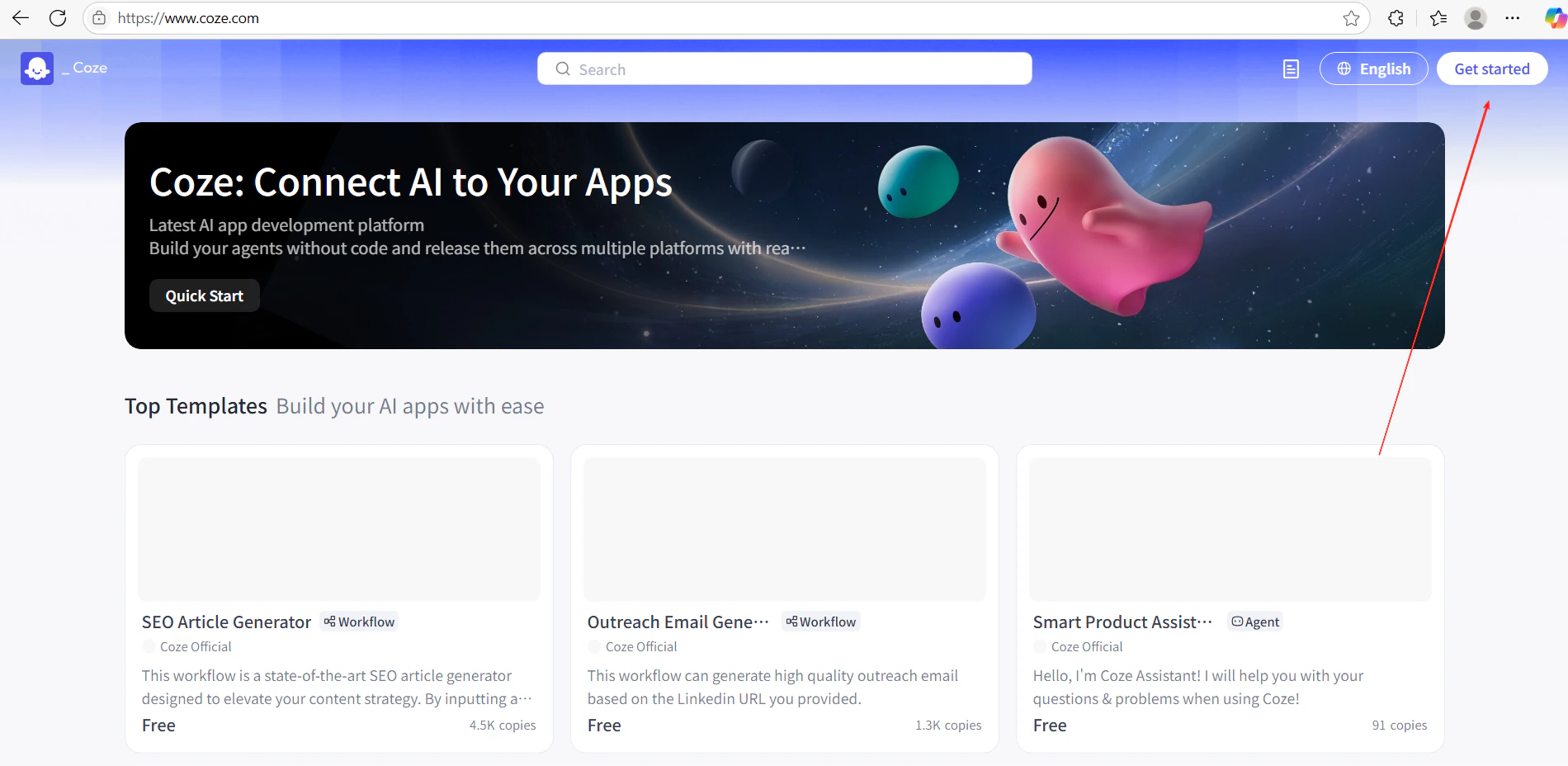
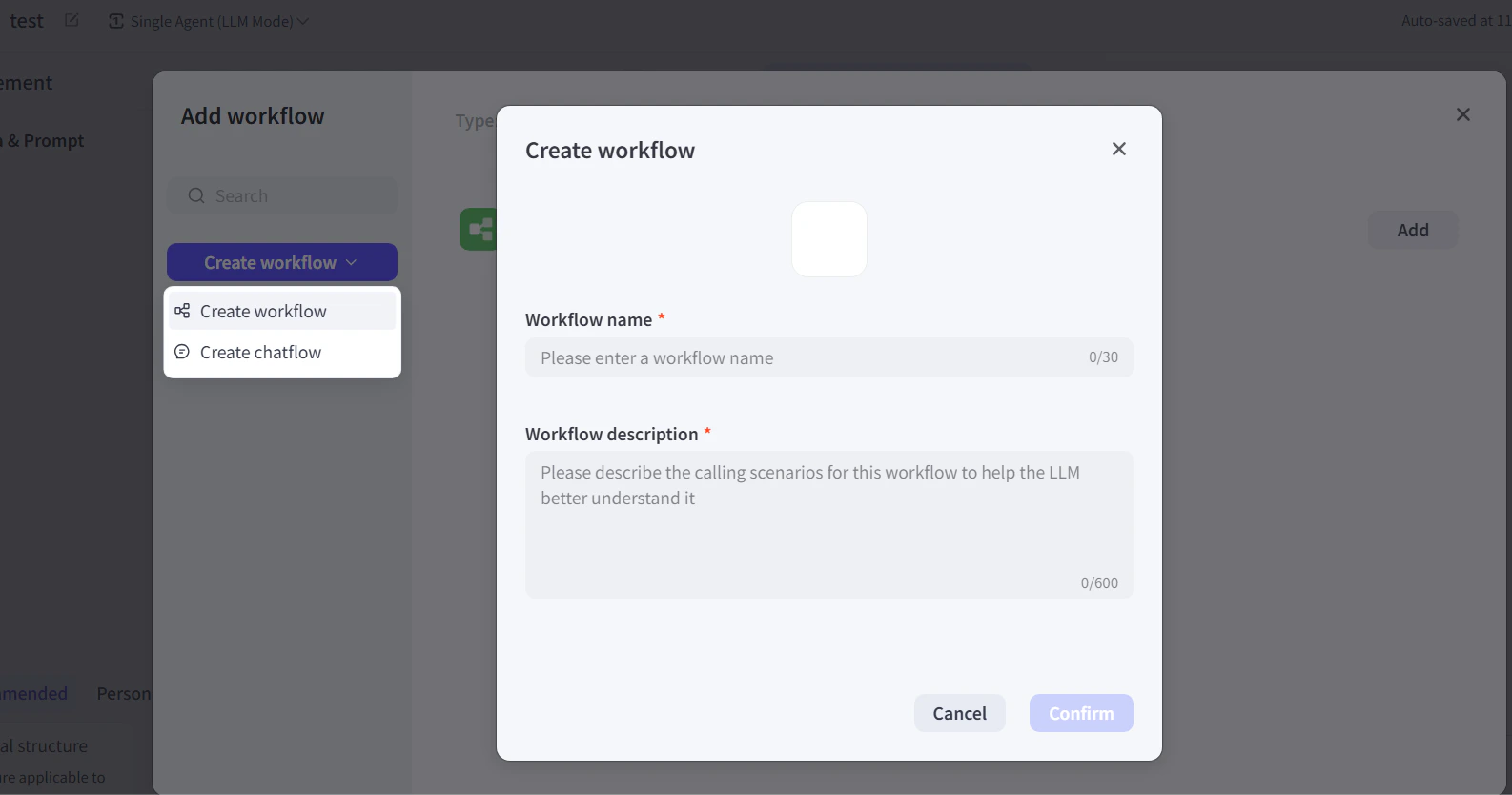
- 在 Coze 中,点击 Get Started 并创建一个新的工作流。
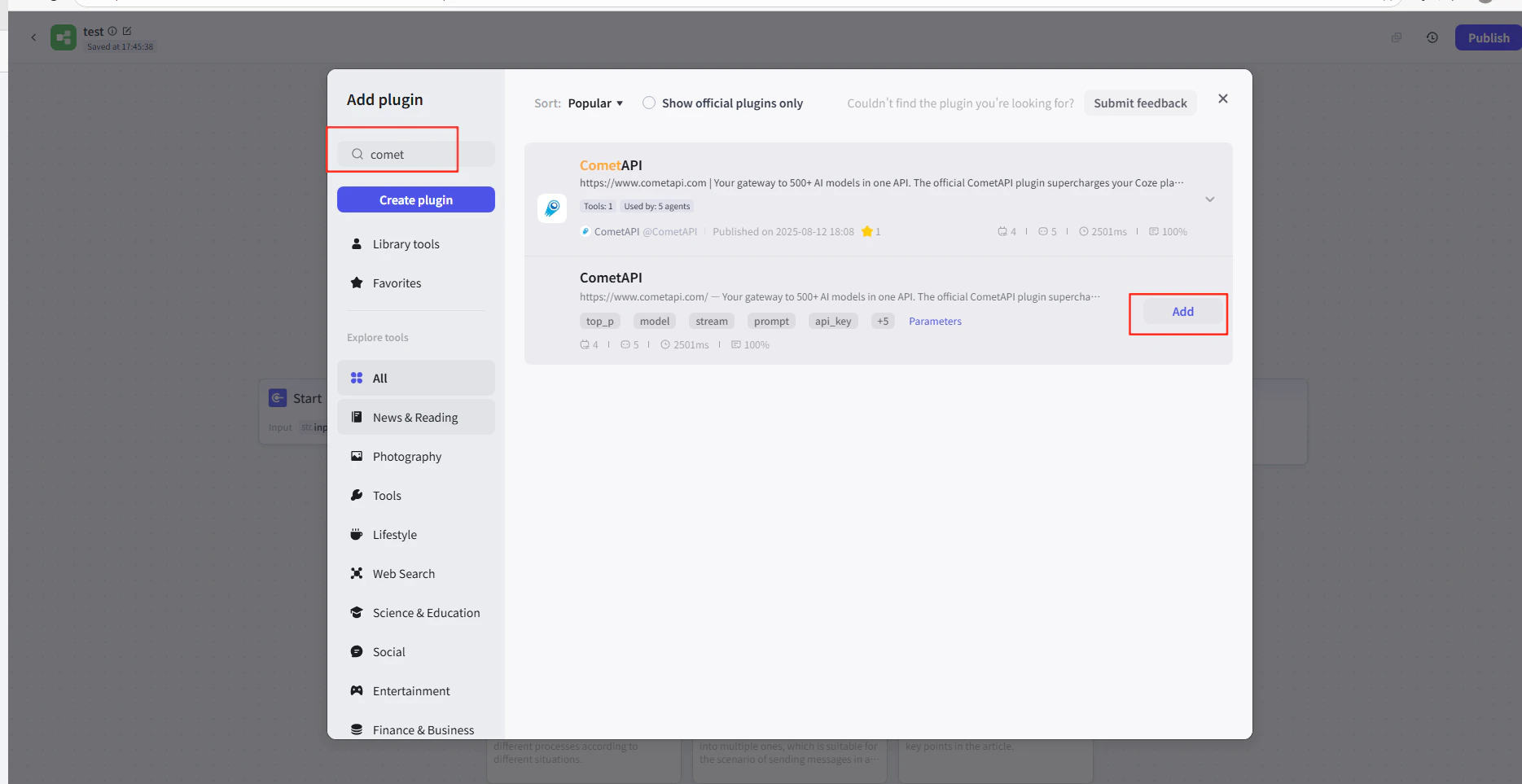
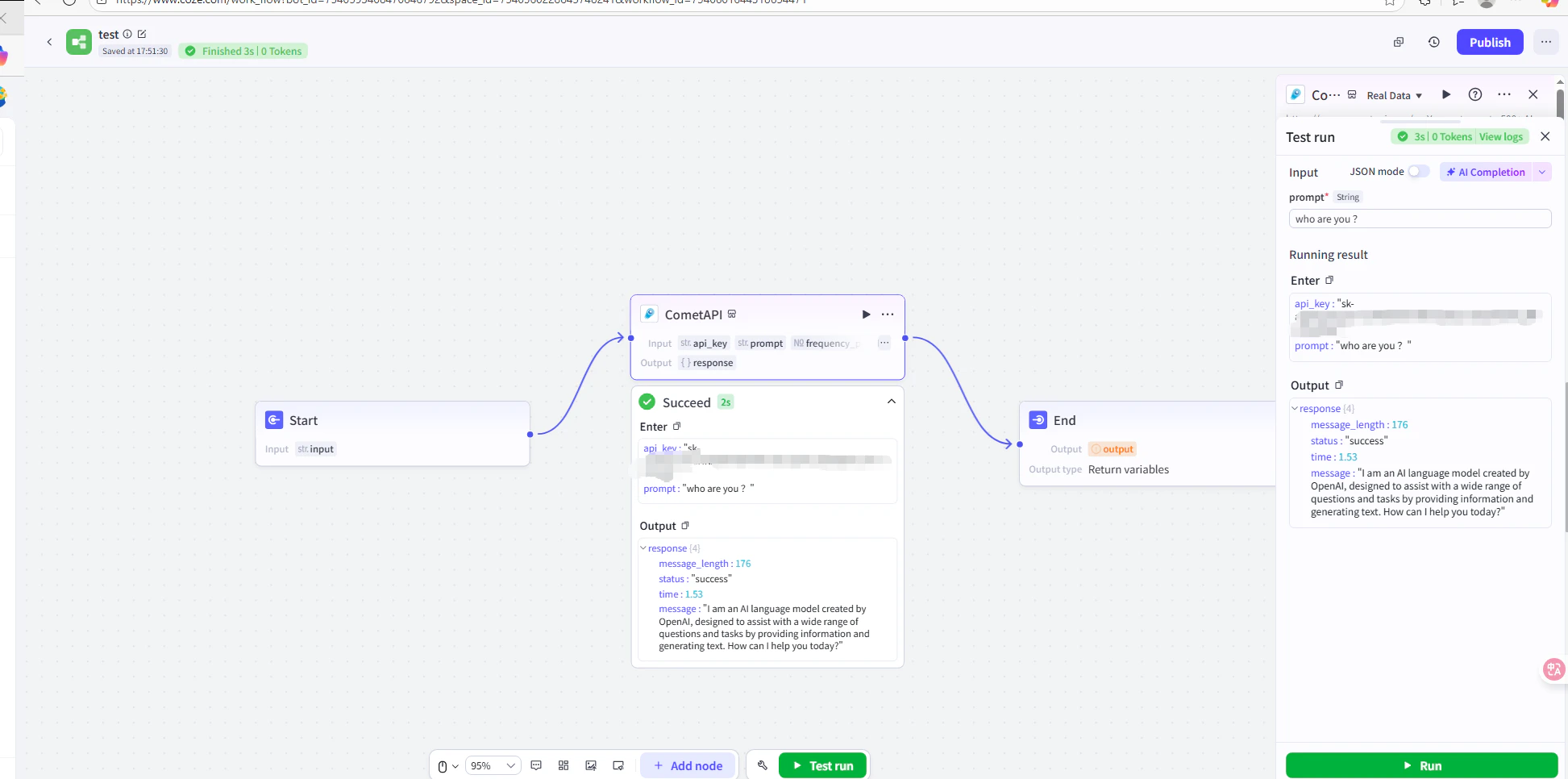
- 在工作流编辑器中,点击 Add Node → Plugins 并搜索 CometAPI。
- 将 CometAPI 插件节点添加到你的工作流中。
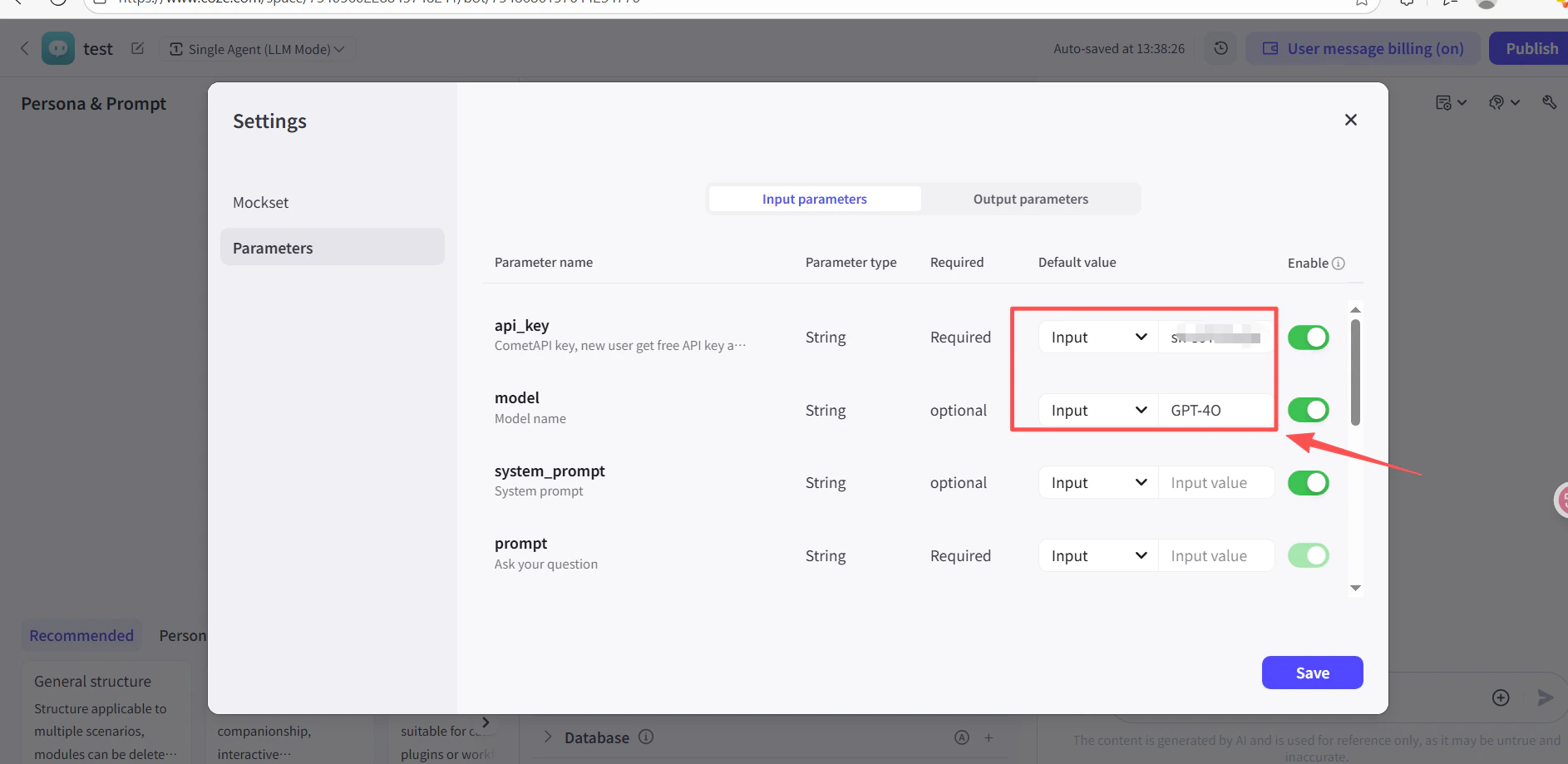
- 在插件节点的 API Key 字段中,粘贴你的 CometAPI API key。
- 点击 Test 验证连接,然后点击 Publish。
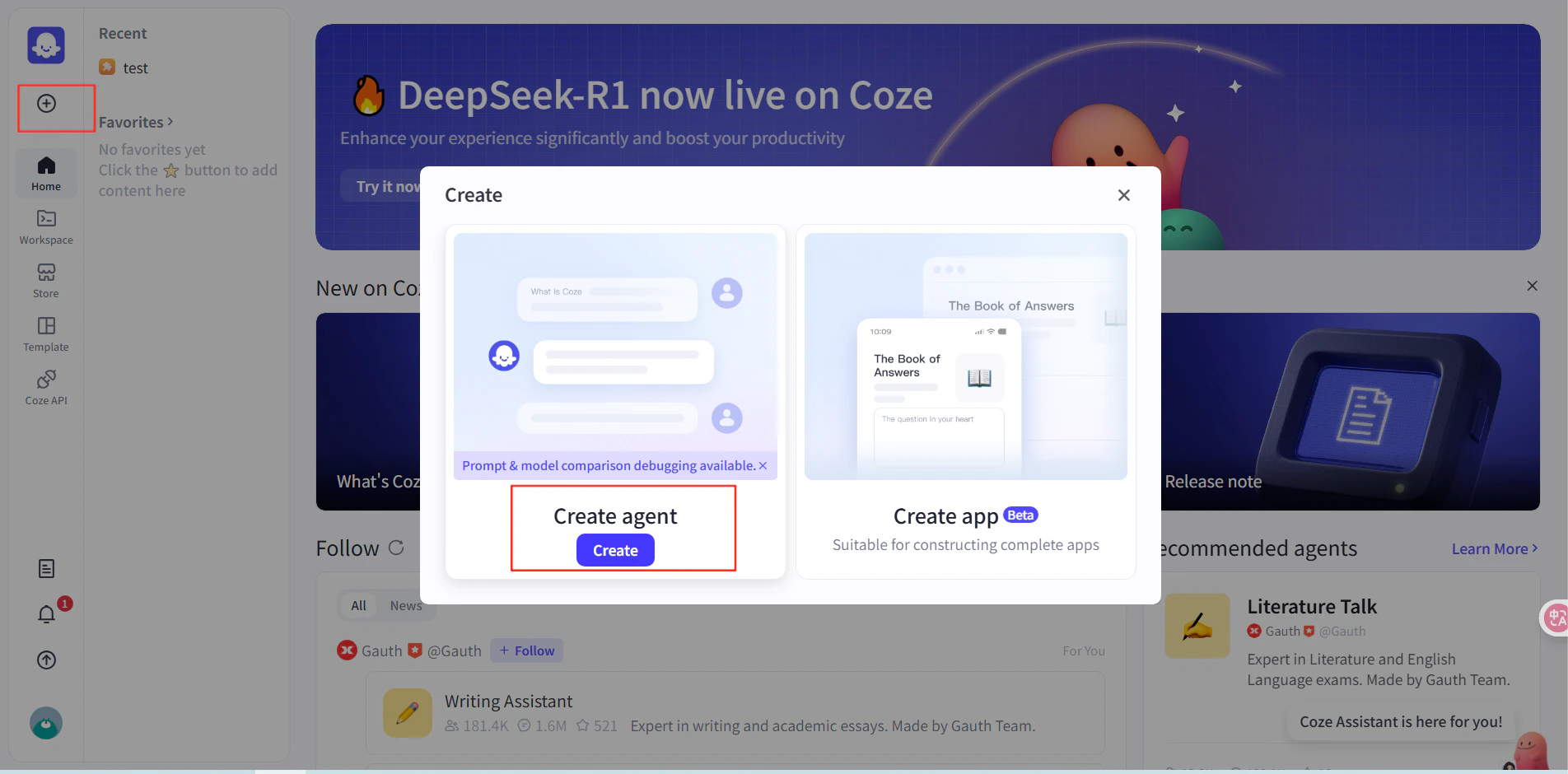
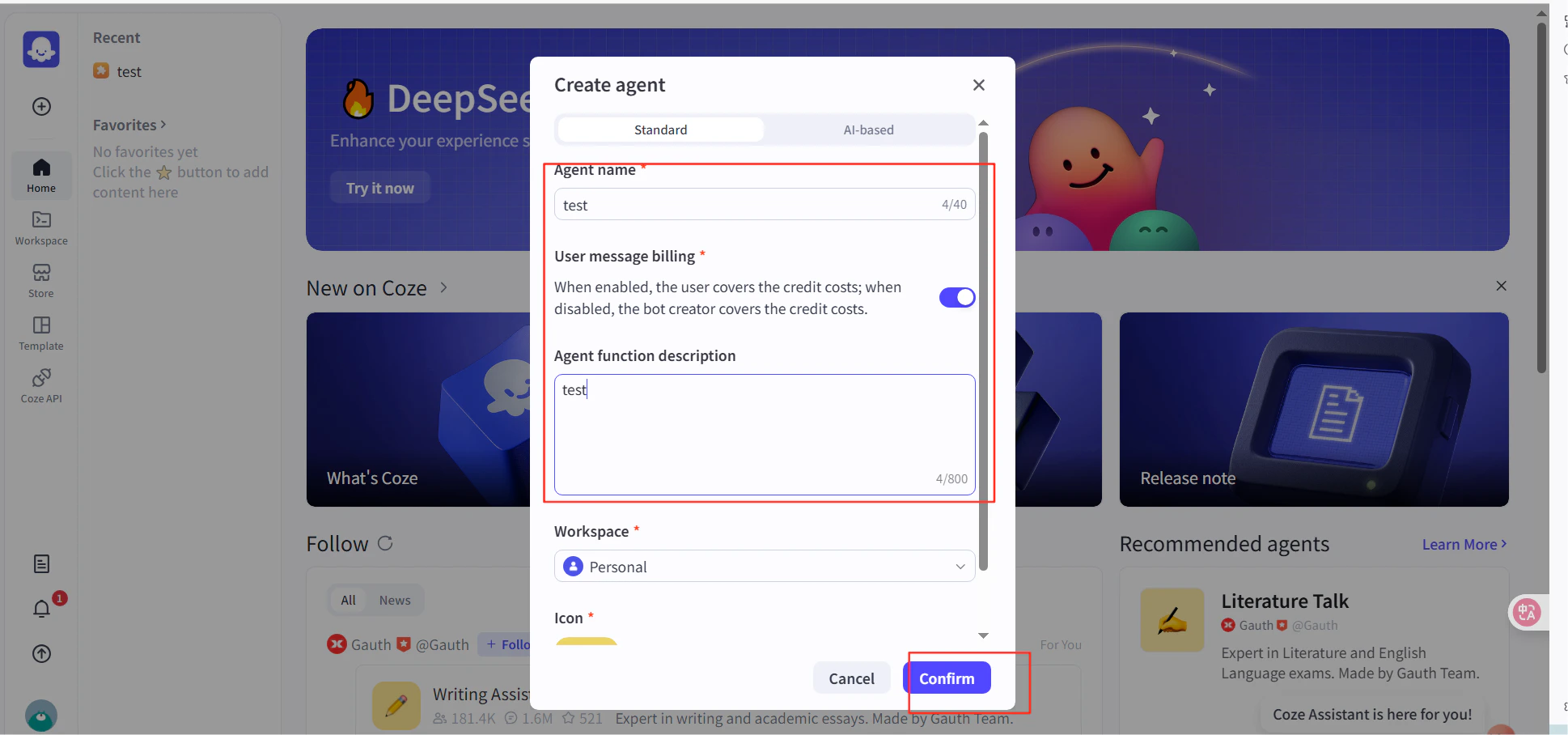
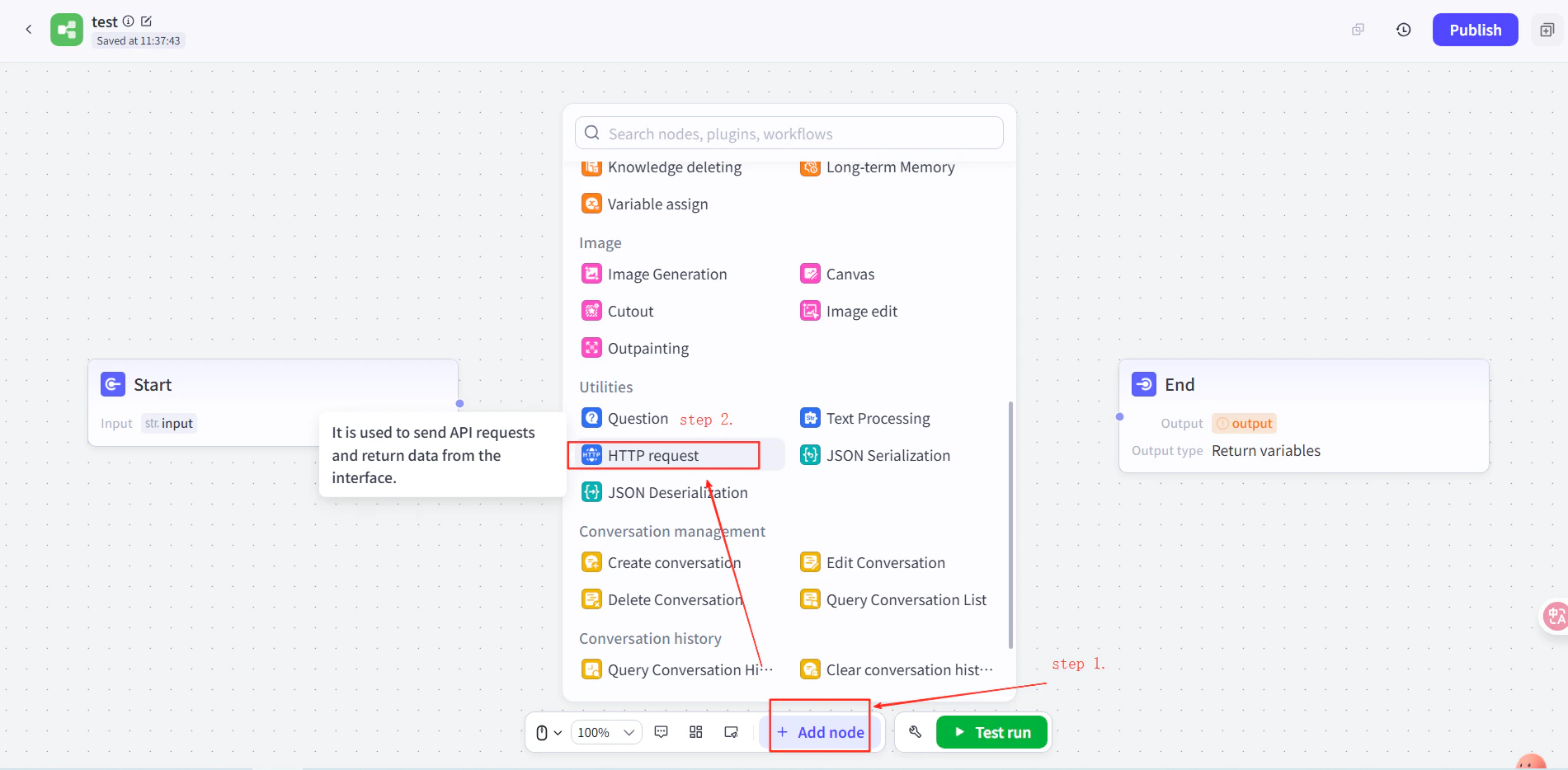
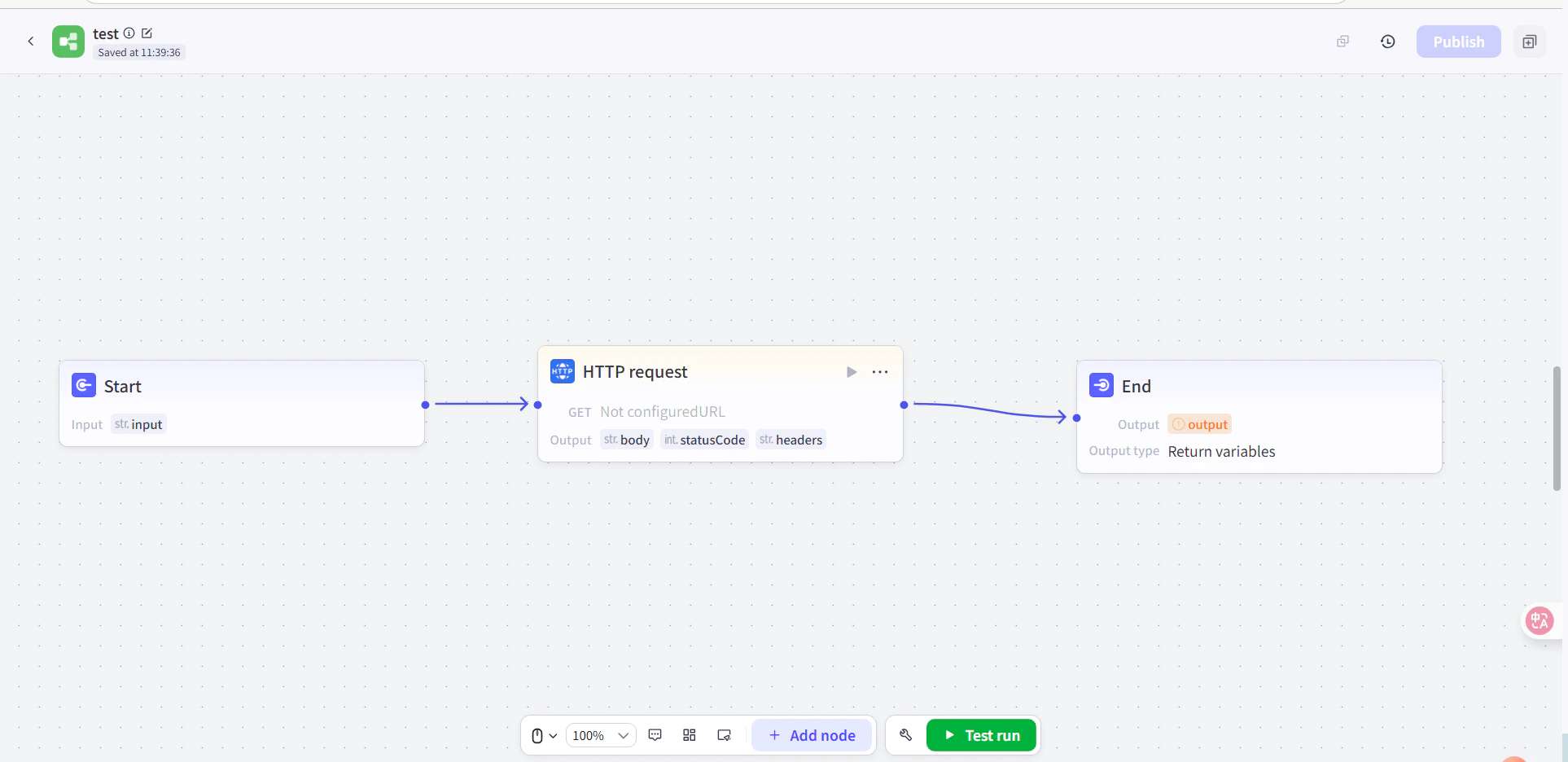
- 在 Coze 中创建一个 agent,然后在该 agent 的工作流里,在 Start 和 End 节点之间添加一个 HTTP Request 节点。
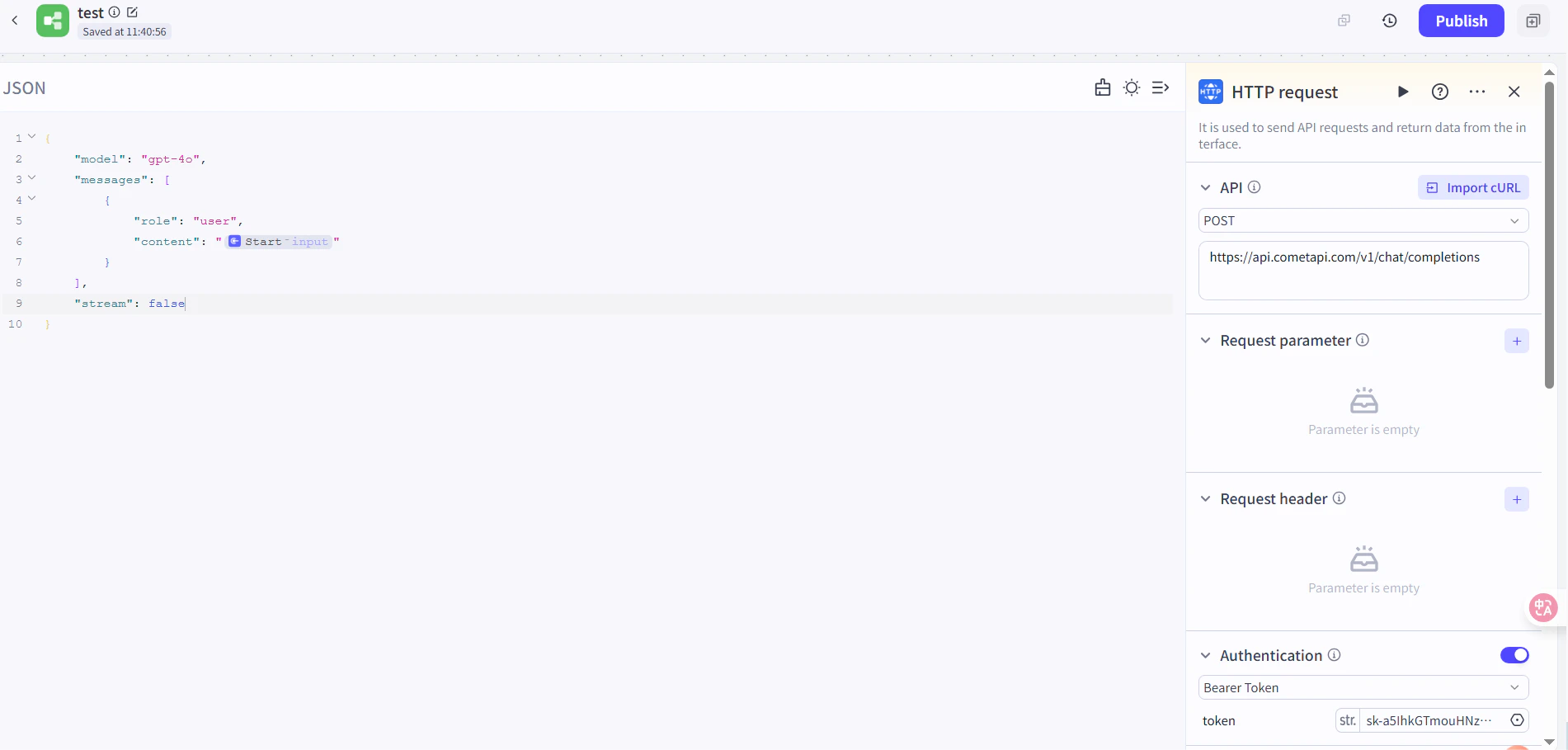
- 设置以下内容:
- Method:
POST
- URL:
https://api.cometapi.com/v1/chat/completions
- Authentication Token:粘贴你的 CometAPI API key,然后点击 Confirm
- 设置请求体:
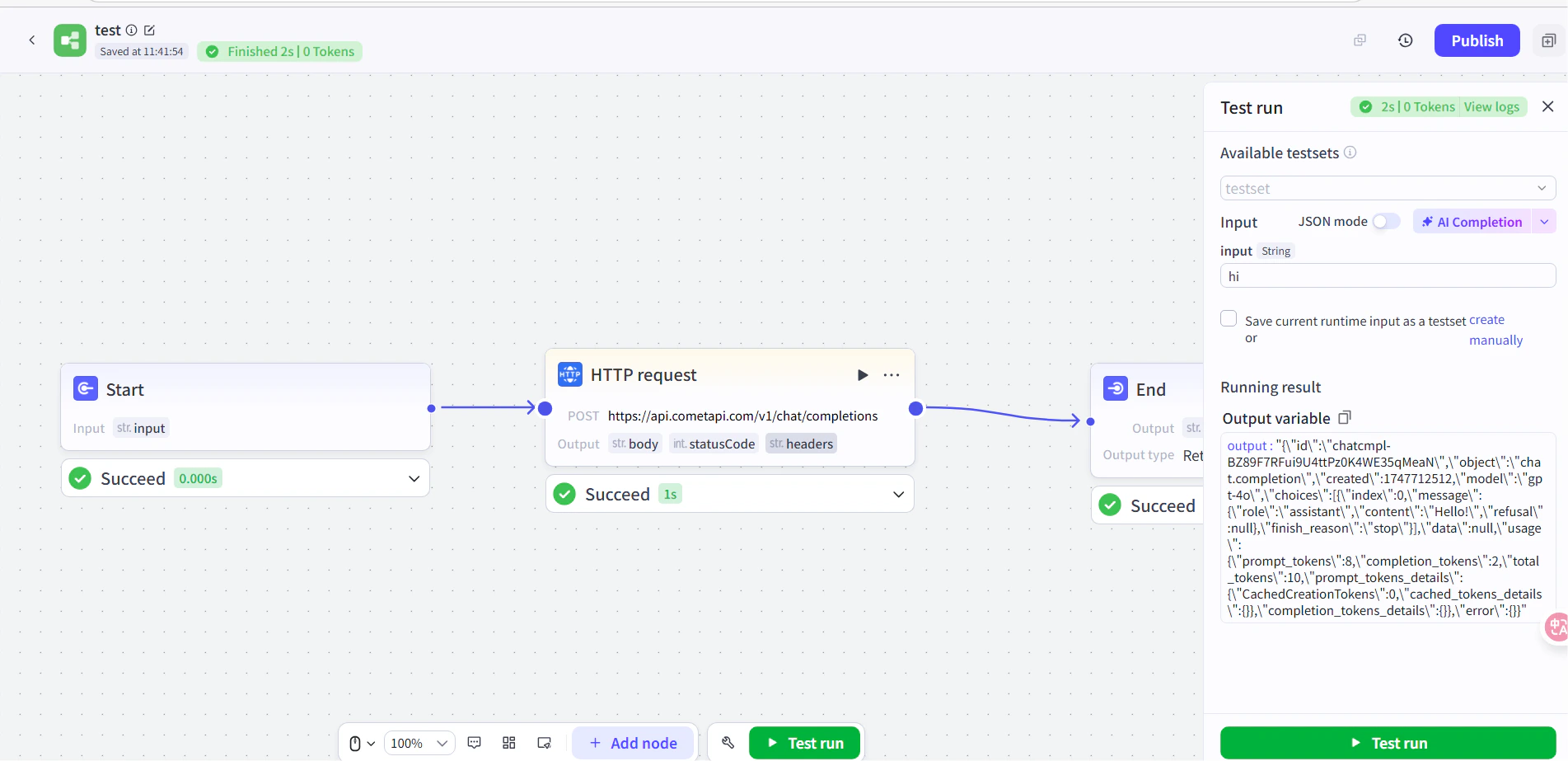
- 在 End 节点中,将输出设置为 HTTP 请求的响应体。将
your-model-id 替换为来自 CometAPI Models 页面 的当前 model ID。
测试并发布
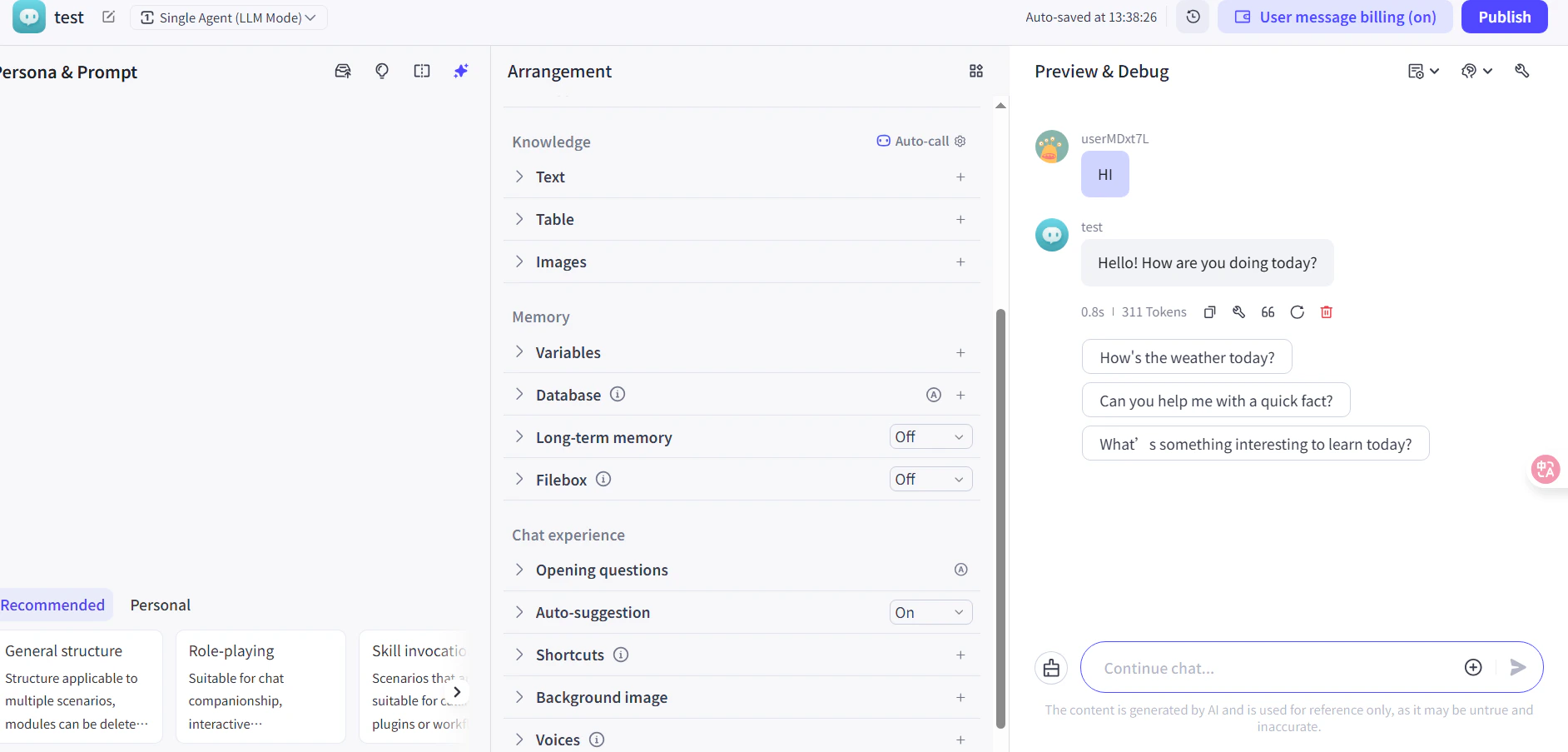
在工作流中运行一条测试消息(例如询问当前时间)。如果 AI 成功回复,则表示集成工作正常。发布该工作流以使其上线。如果调用失败,请检查你的 API key 和端点 URL,或联系 CometAPI 支持。 对大多数用户来说,推荐使用插件方式——它会自动处理身份验证和响应解析。当你需要完全控制请求头,或想调用非聊天端点时,请使用 HTTP Request 节点。