前提条件
- IntelliJ IDEA 或其他 JetBrains IDE
-
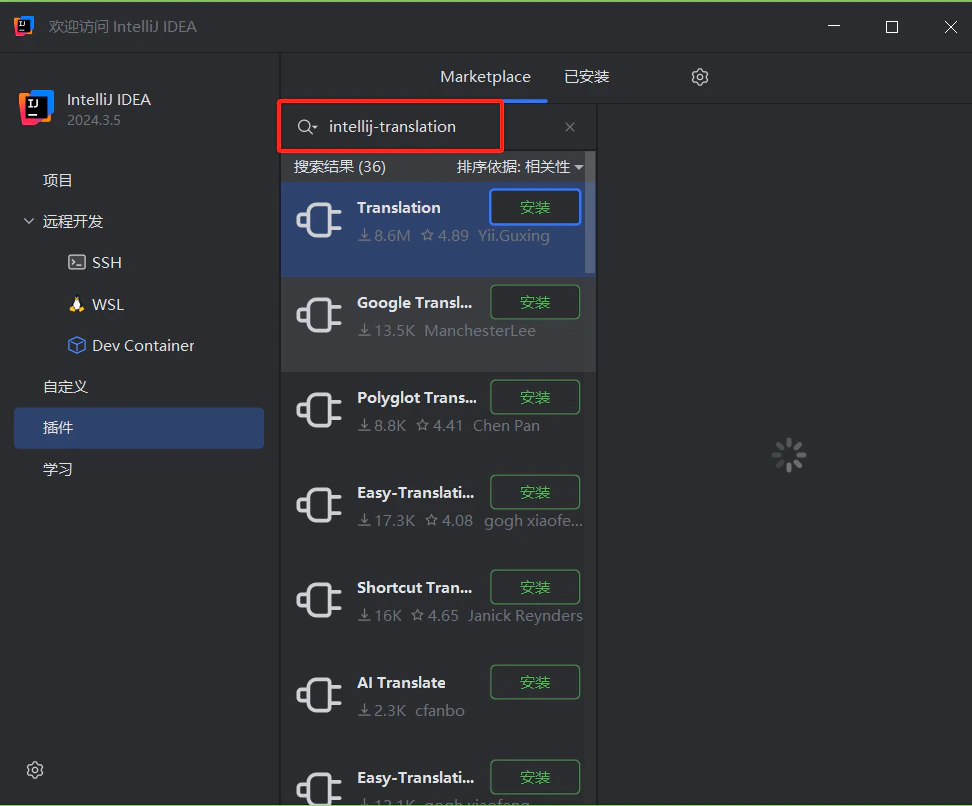
已安装 Translation Plugin——在 JetBrains Marketplace 中搜索 Translation
- 拥有一个已启用 API key 的 CometAPI 账户
设置
1
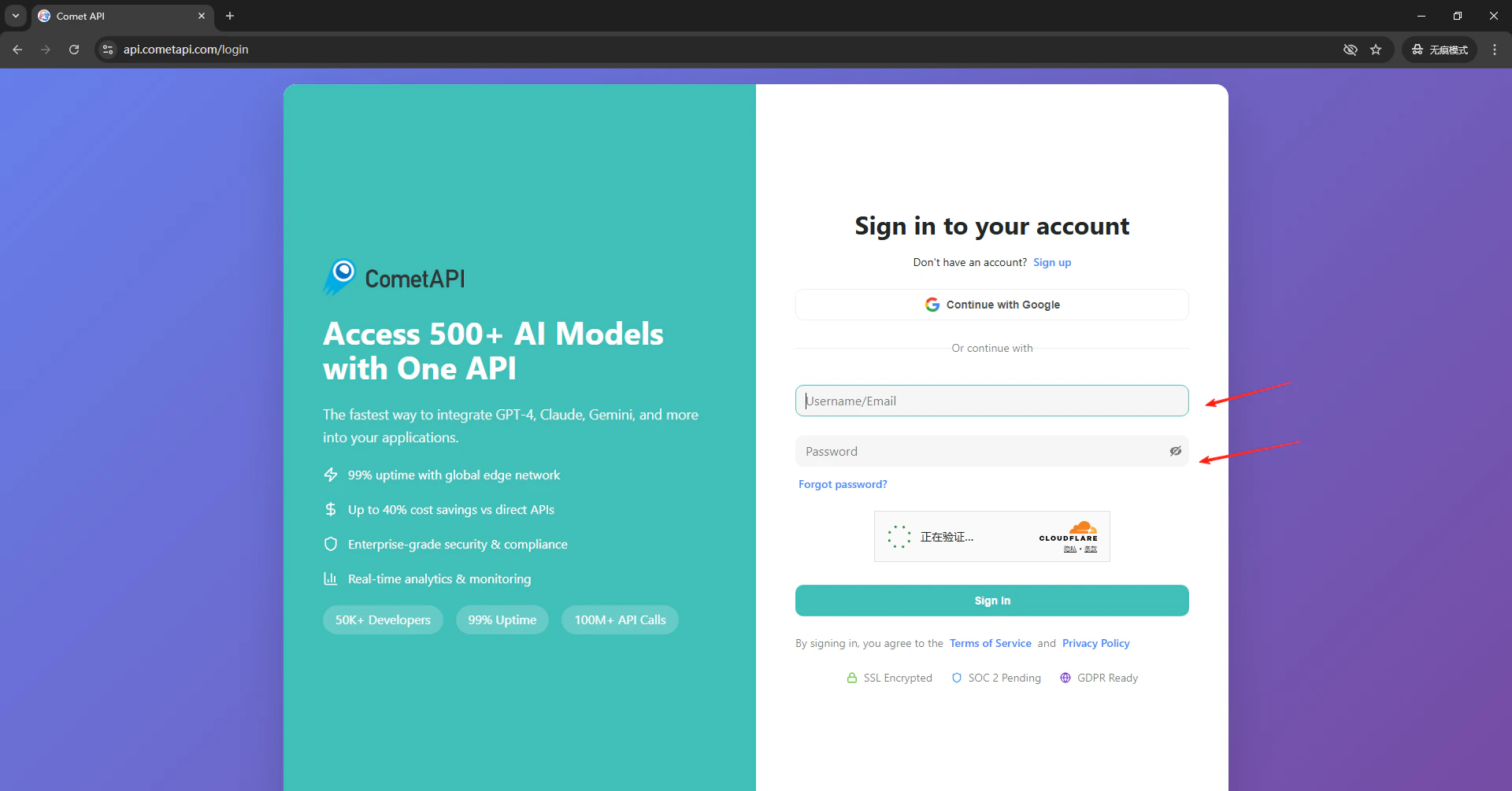
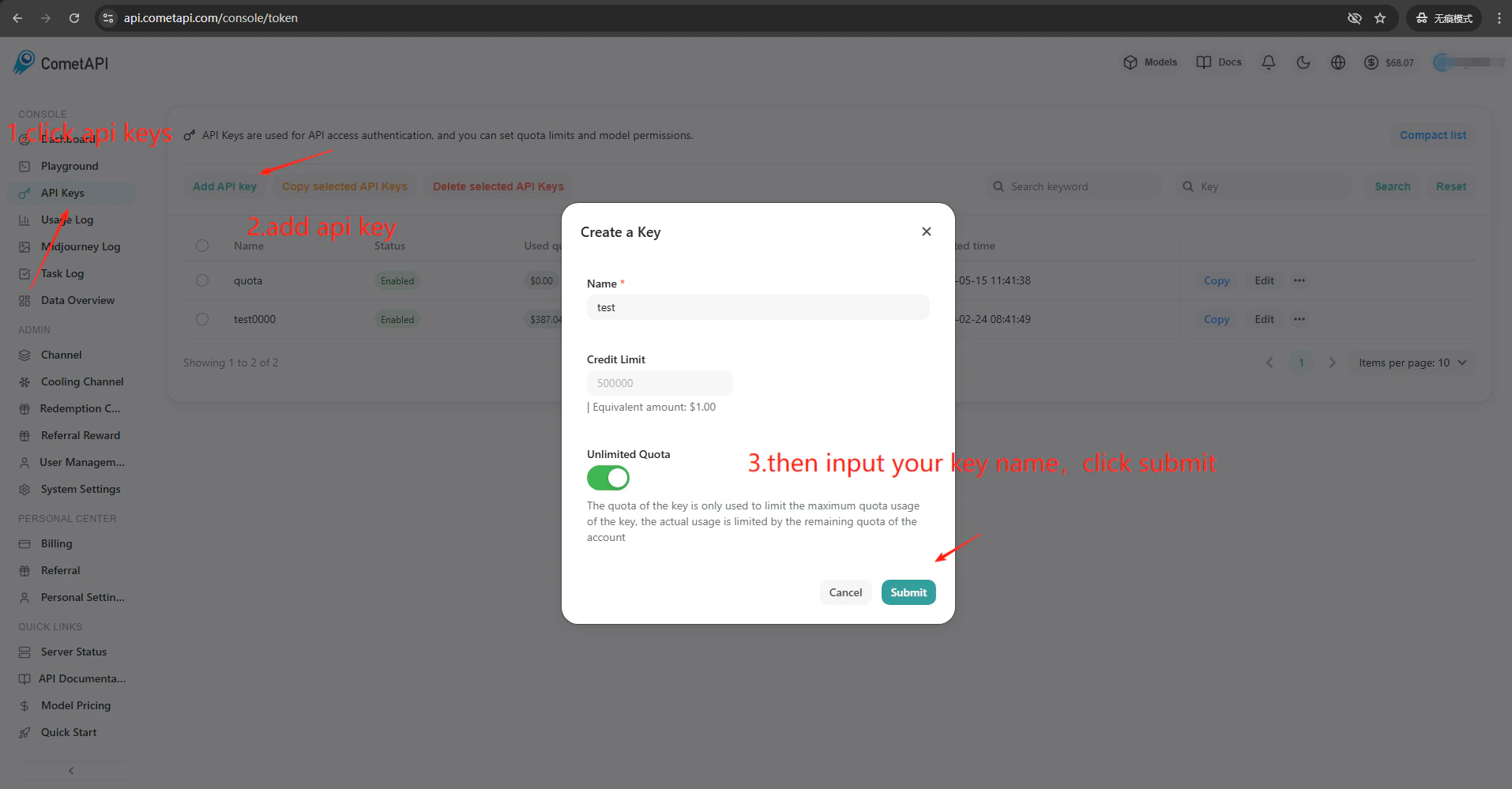
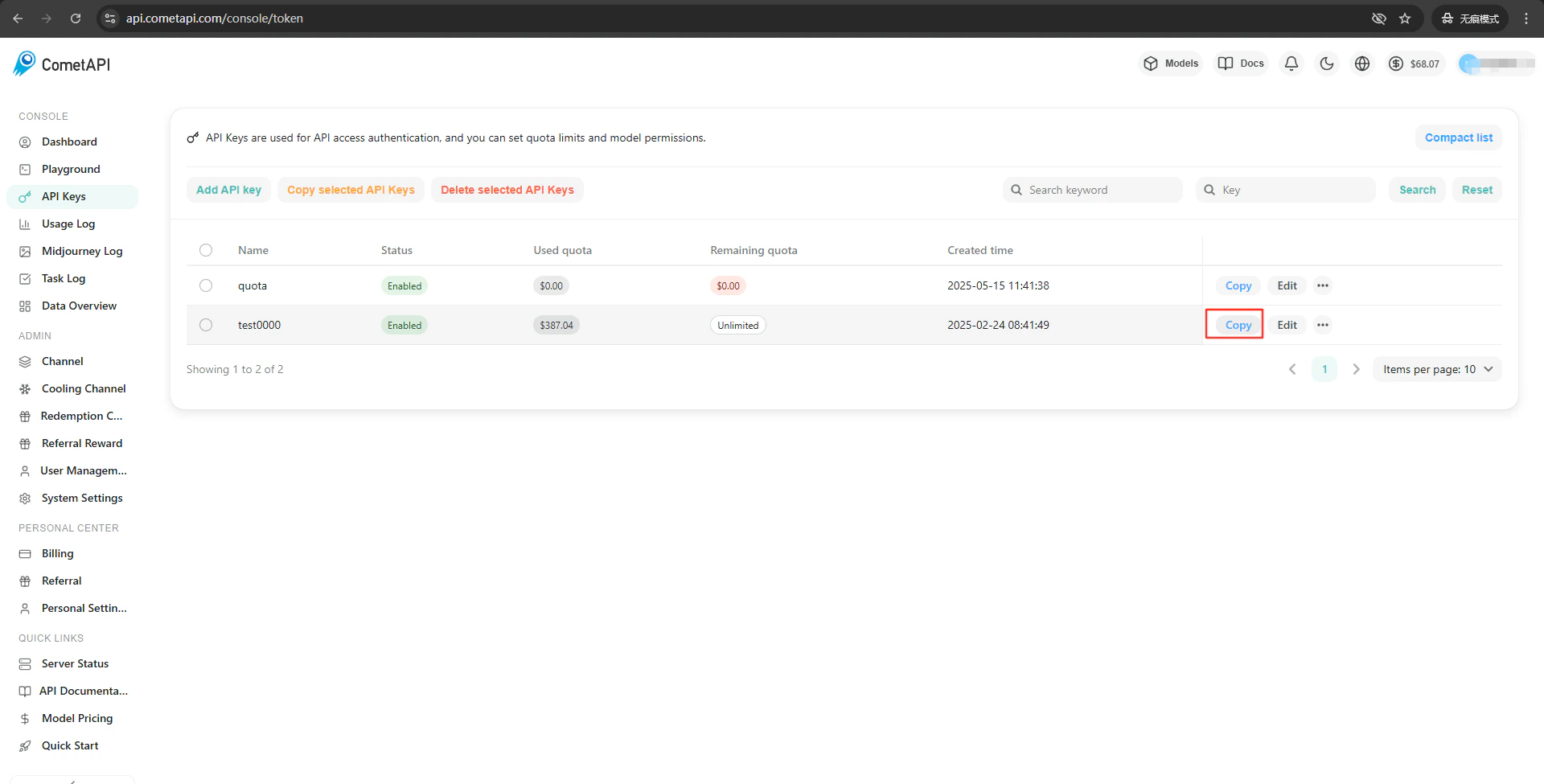
获取你的 CometAPI API key
2
配置翻译引擎
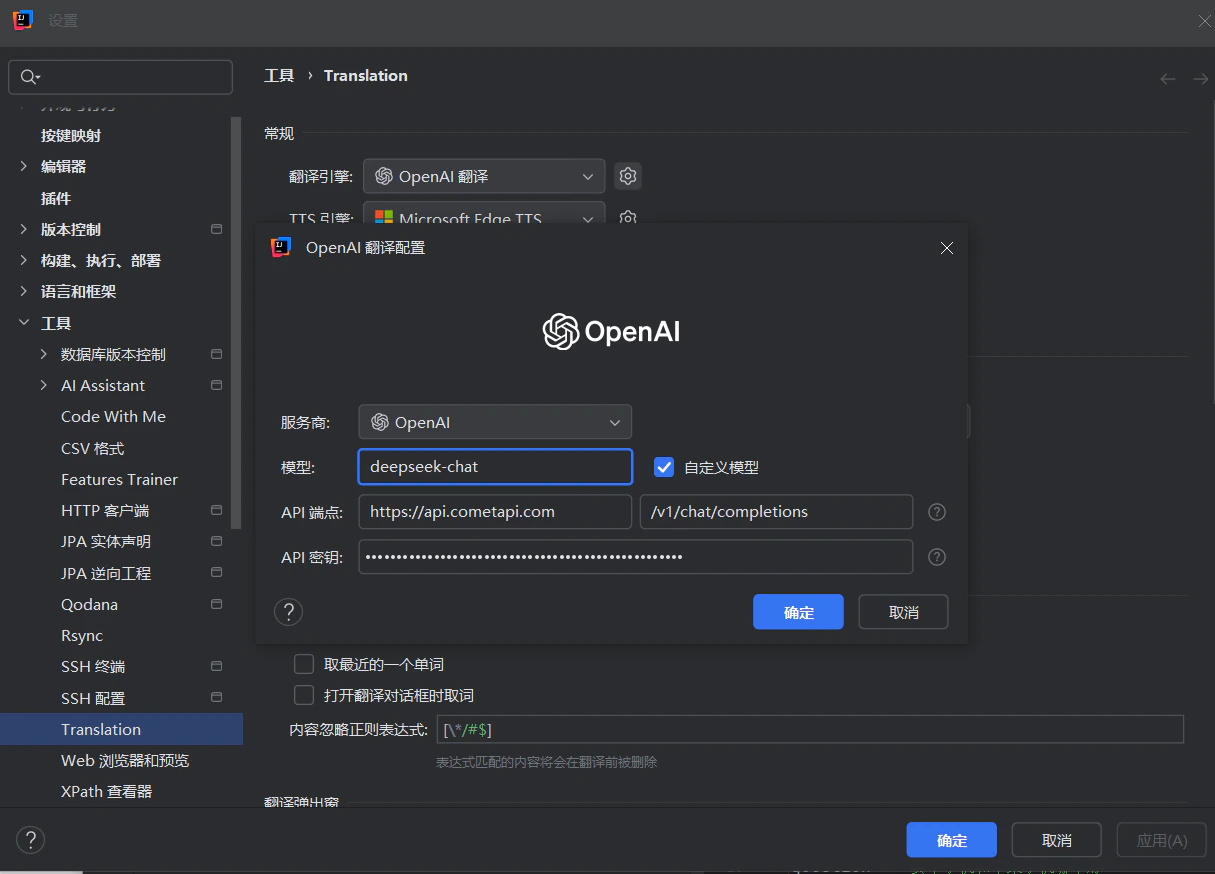
点击 IDE 工具栏中的 Translation Plugin 图标 → Settings → Translation。选择 OpenAI Translation 作为引擎。在右侧的设置面板中,在 API Endpoint 字段输入 

https://api.cometapi.com(第二个字段默认是 /v1/chat/completions)。将你的 CometAPI key 粘贴到 API Key 中,然后点击 Confirm。3
测试集成
在插件设置中点击 Test Service。验证成功即表示设置正常工作。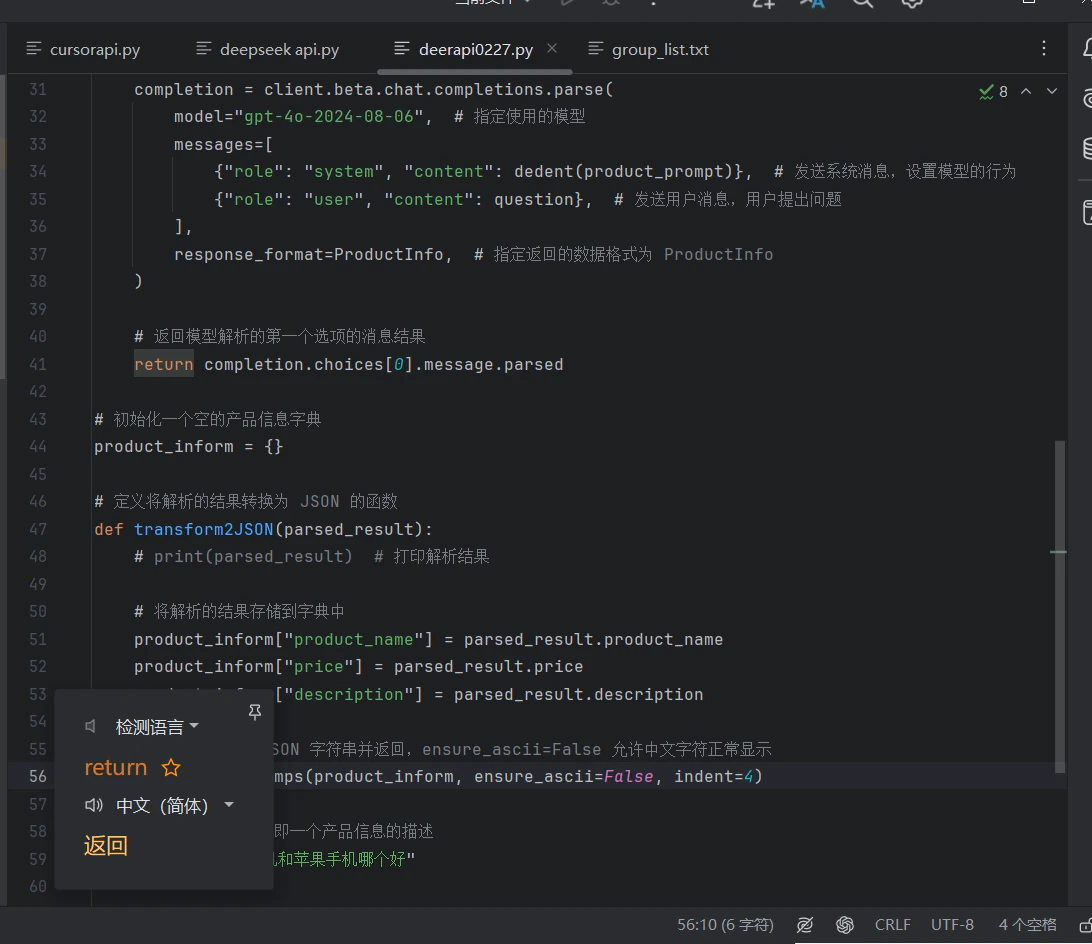
如需添加自定义模型,请在插件的模型配置字段中输入当前 model ID。