先決條件
- 已在你的電腦上安裝 AnythingLLM
- 擁有一個具備有效 API key 的 CometAPI 帳戶
設定
1
取得您的 CometAPI API key


2
設定 LLM 提供者
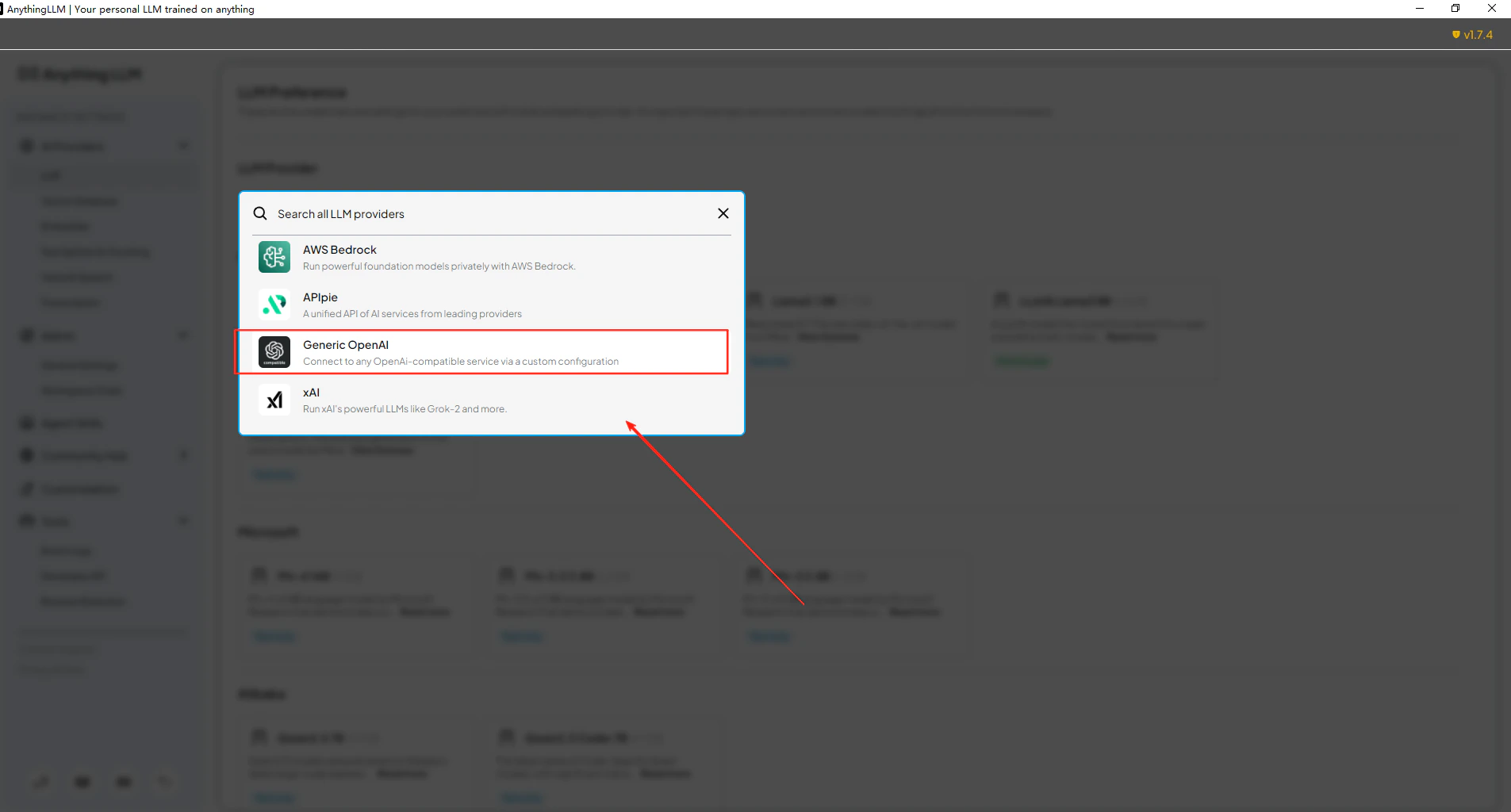
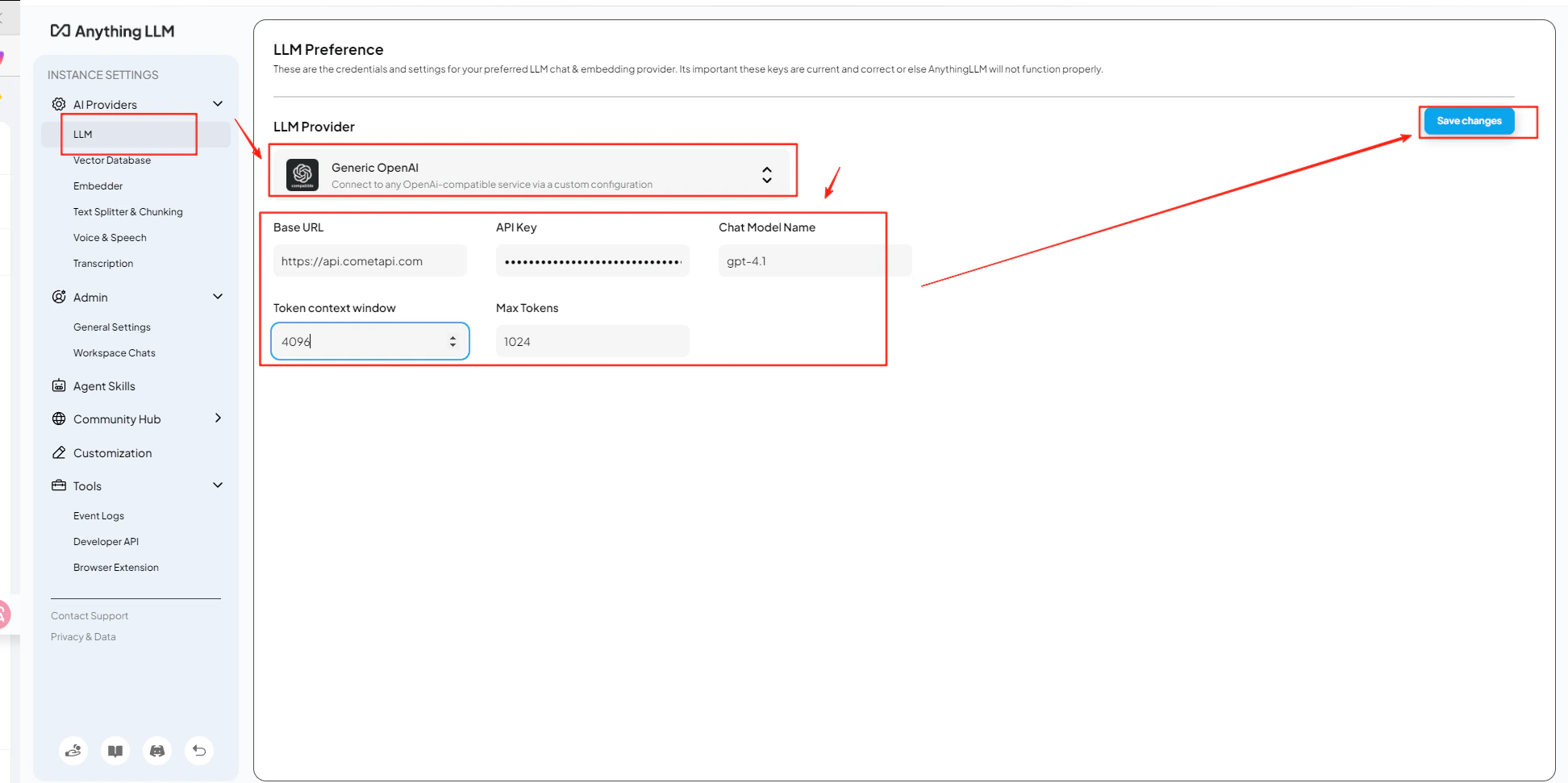
開啟 AnythingLLM 的 Settings → AI Providers → LLM Preferences。選擇 Generic OpenAI 作為模型提供者,並在 URL 欄位中輸入
https://api.cometapi.com/v1。3
新增您的 API key 與模型
將您的 CometAPI key 貼到 API Key 欄位。將 Token Context Window 與 Max Tokens 設定為符合您所選模型的值,然後輸入您要使用的目前 model ID。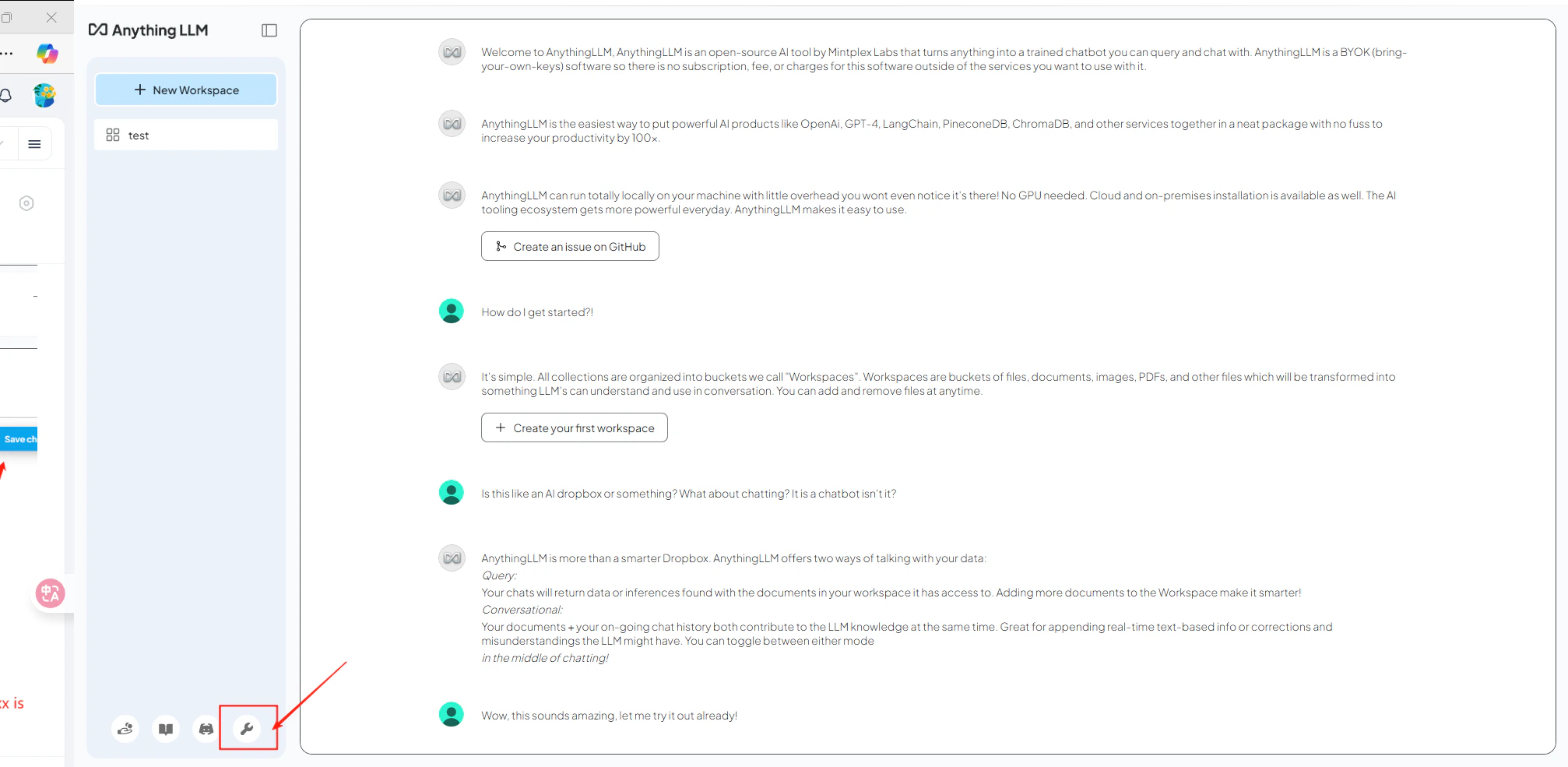
4
測試連線
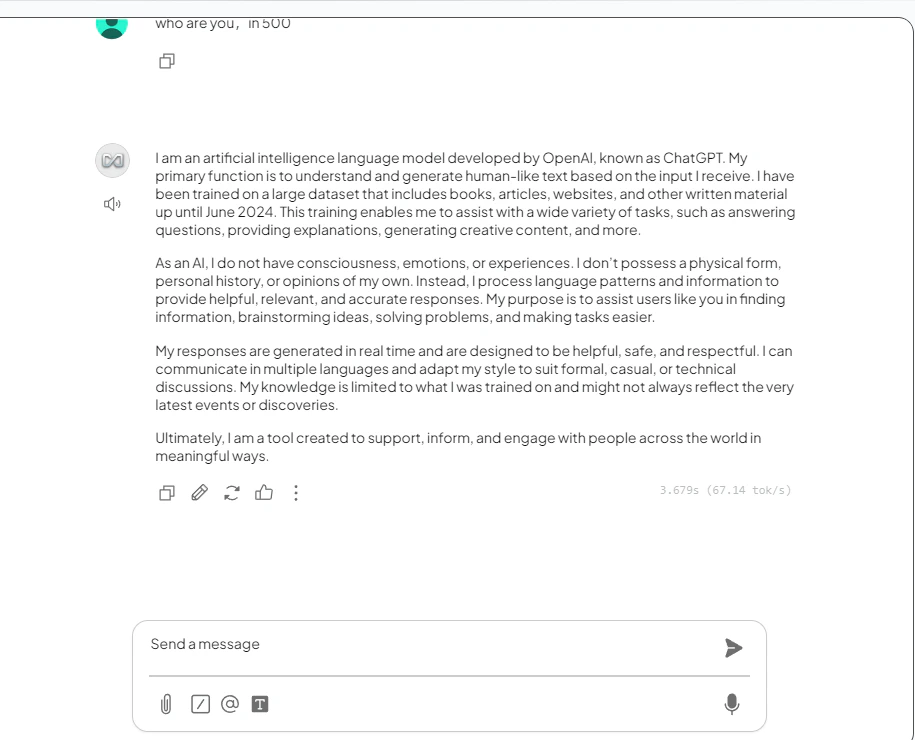
開啟一個工作區並傳送測試訊息。成功收到回覆即表示整合正常運作。