跳轉到主要內容
Zapier 可將 CometAPI 連接到數千個應用程式,讓您無需撰寫程式碼即可自動化 AI 驅動的工作流程。

先決條件

1

取得您的 CometAPI API key

登入 CometAPI 主控台。點擊 Add API Key 並複製您的 sk-xxxxx key。
顯示 Add API Key 按鈕的 CometAPI 儀表板
含 base URL 的 CometAPI API key 詳細資訊
2

將 CometAPI 新增為 Zap 步驟

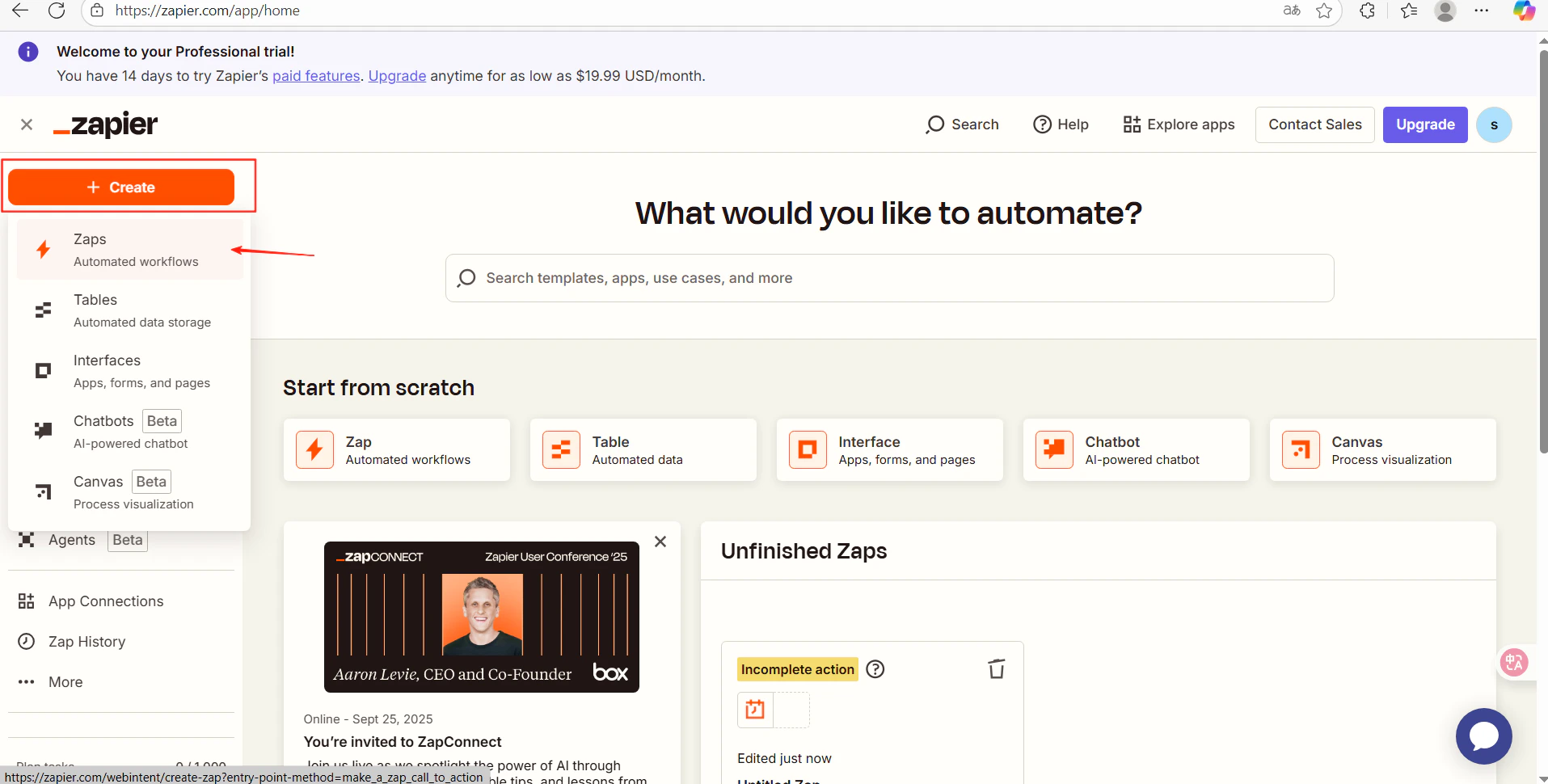
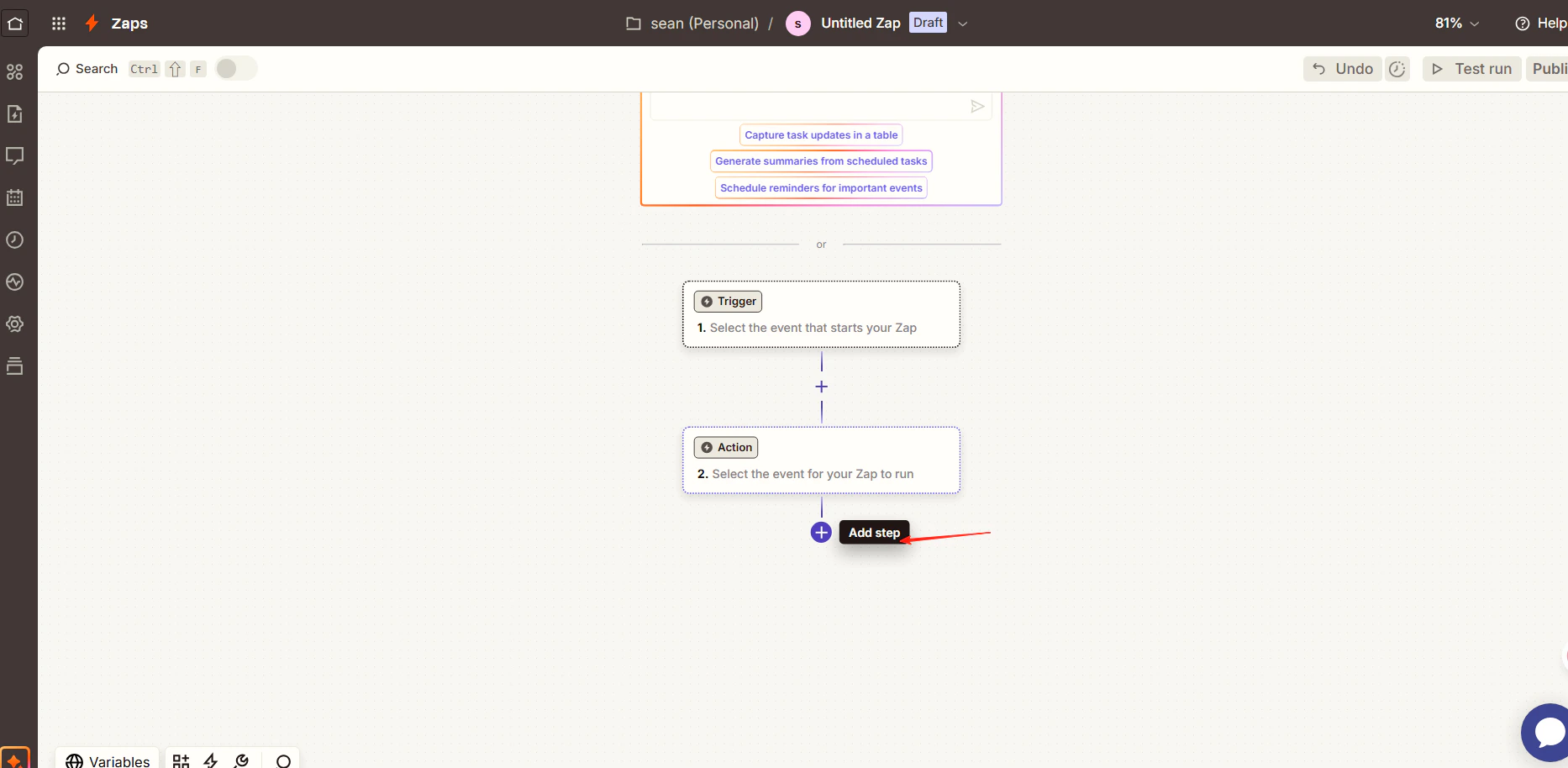
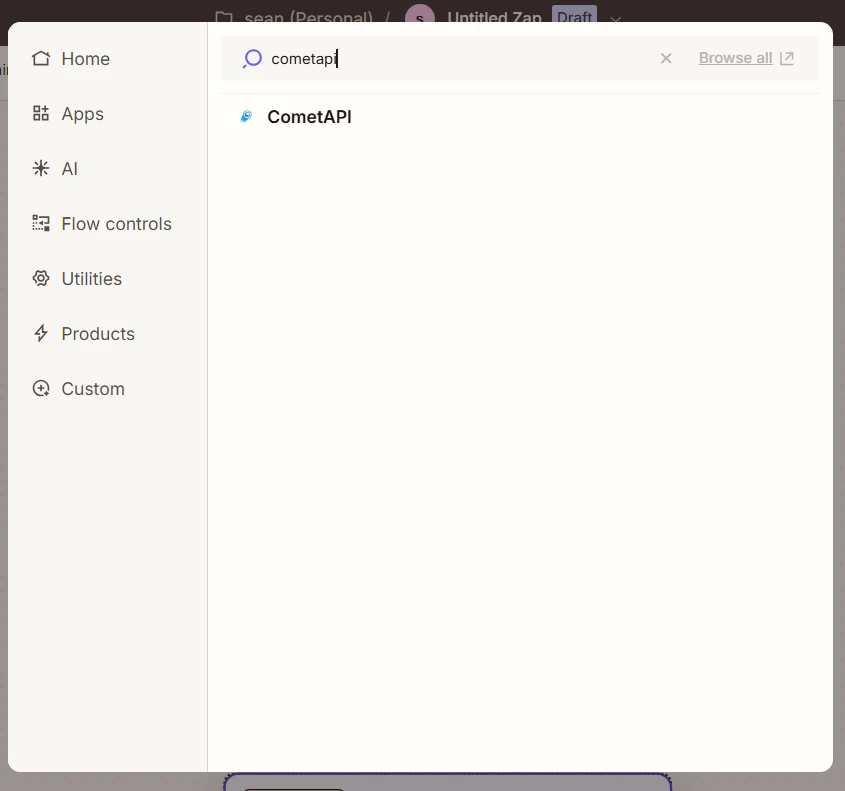
在 Zapier 中,建立一個新的 Zap。在工作流程編輯器中,點擊 Add Step 並搜尋 CometAPI
帶有 Add Step 按鈕的 Zapier 工作流程編輯器
顯示 CometAPI app 的 Zapier 搜尋結果
CometAPI 動作選擇畫面
3

設定動作並連接您的帳戶

  • Action Event:選擇 Generate AI Response
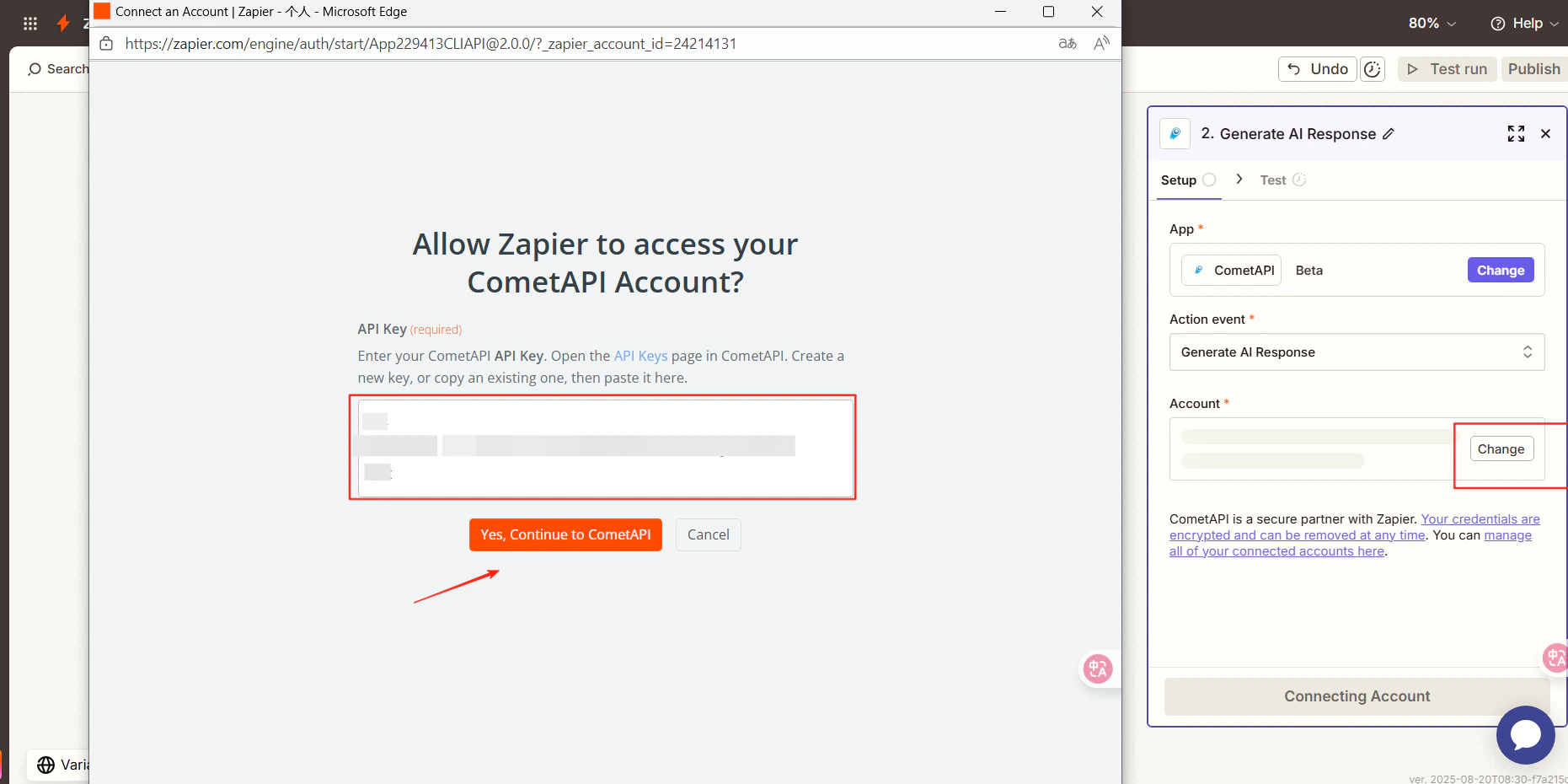
  • Account:點擊 Connect a new account 並貼上您的 sk-xxxxx key
帶有 API key 欄位的 Zapier 帳戶連接對話框
4

選擇模型並測試

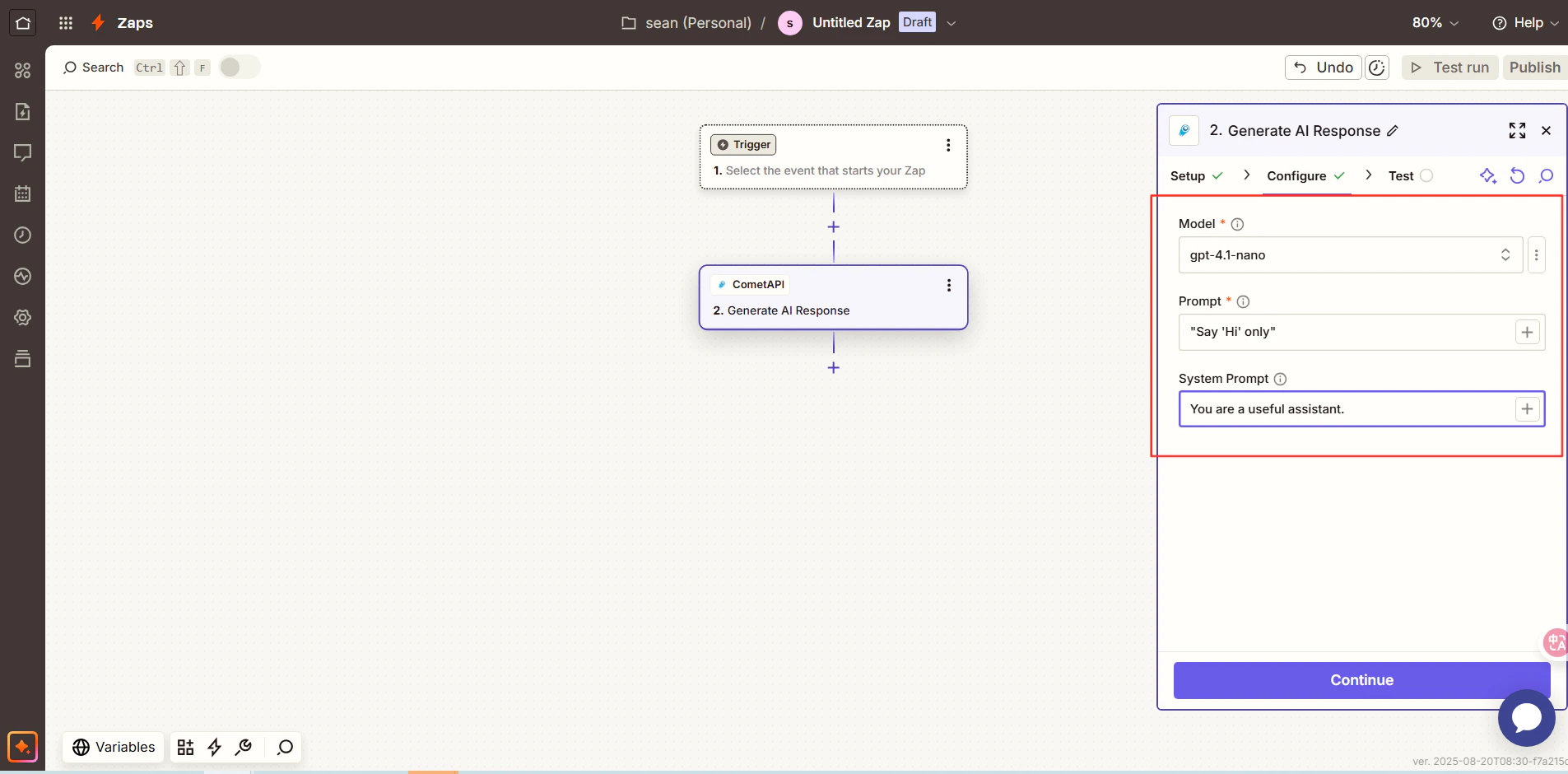
點擊 Continue,選擇您想使用的目前模型,然後再次點擊 Continue 並執行 Test Step
Zapier 模型選擇步驟
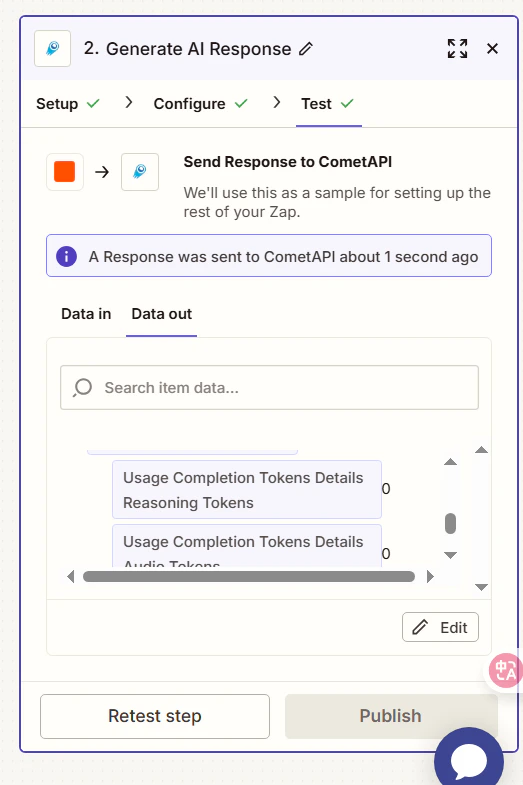
顯示成功 AI 回應的 Zapier 測試結果
測試成功即表示整合完成。點擊 Publish 以啟用您的 Zap。如果呼叫失敗,請再次確認您的 API key,或聯絡 CometAPI 支援團隊
CometAPI 會以原生 Zapier app 的形式出現,因此不需要自訂 HTTP 動作。您可以將它與 Gmail、Google Sheets、Slack 及其他數千種 Zapier 整合串接使用。