先決條件
- IntelliJ IDEA 或其他 JetBrains IDE
-
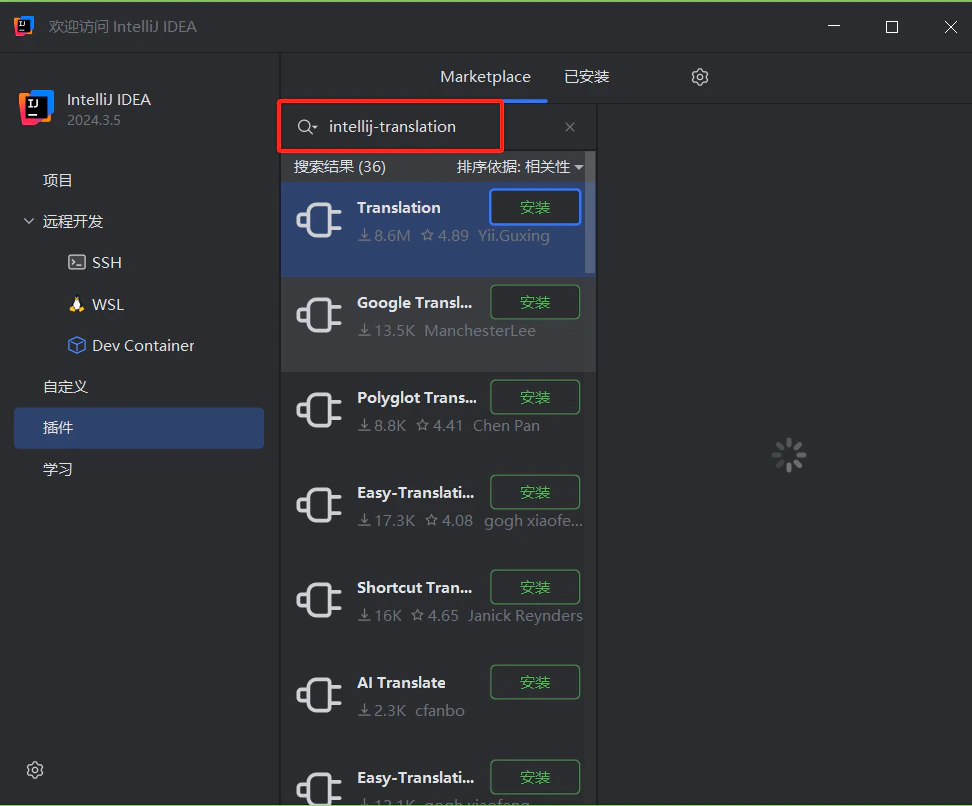
已安裝 Translation Plugin——在 JetBrains Marketplace 中搜尋 Translation
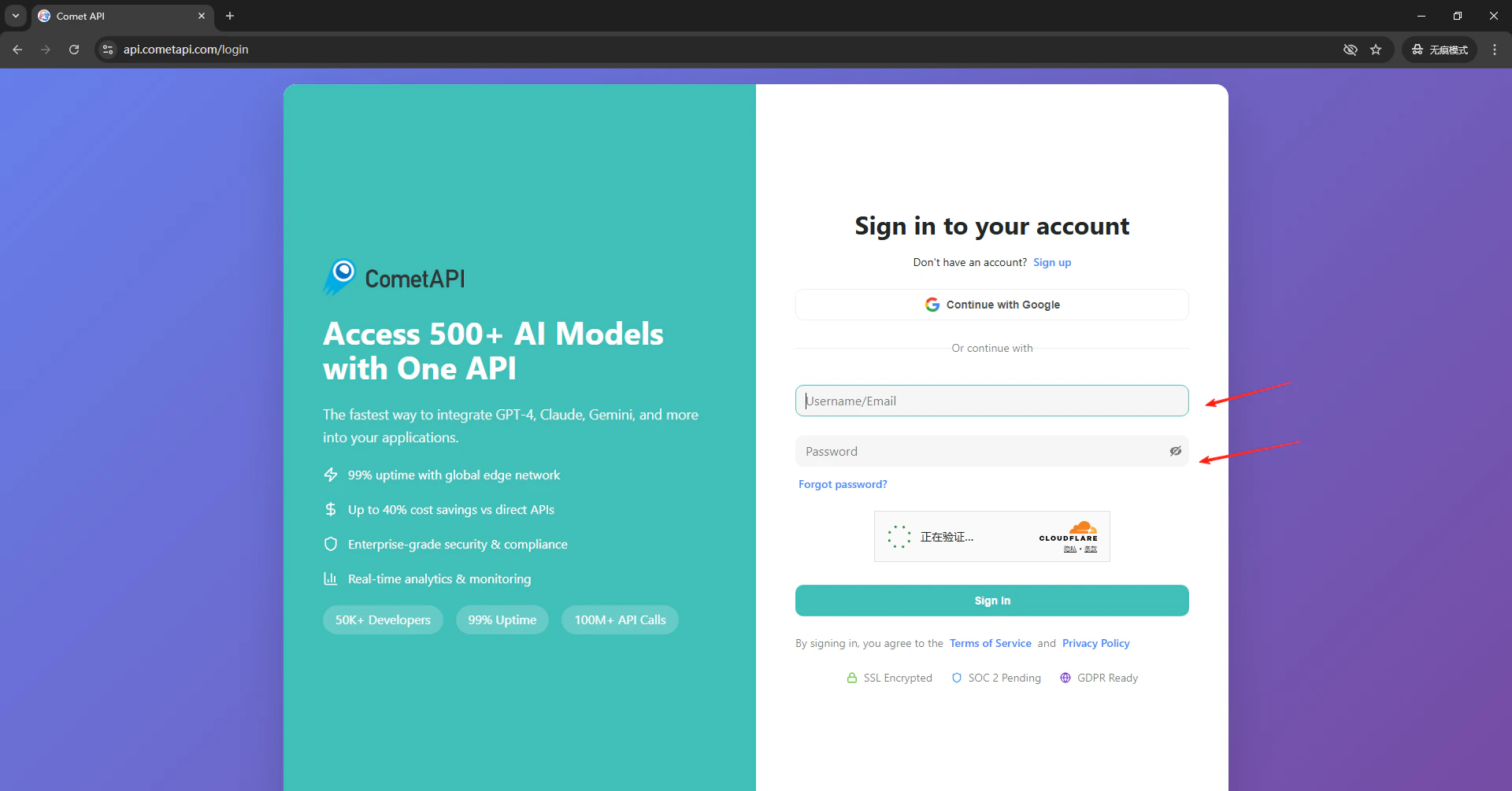
- 擁有有效 API key 的 CometAPI 帳號
設定
1
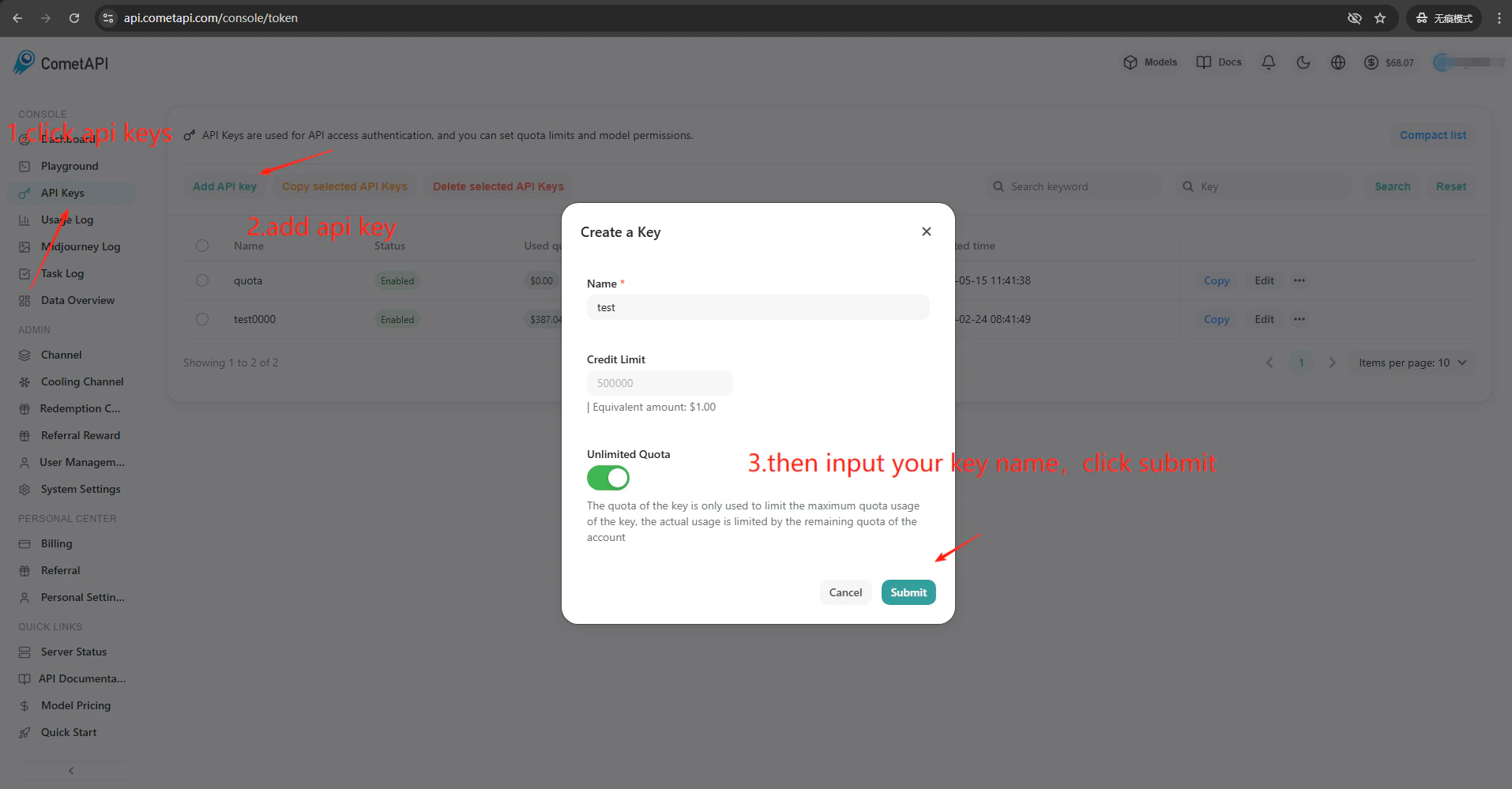
取得您的 CometAPI API key
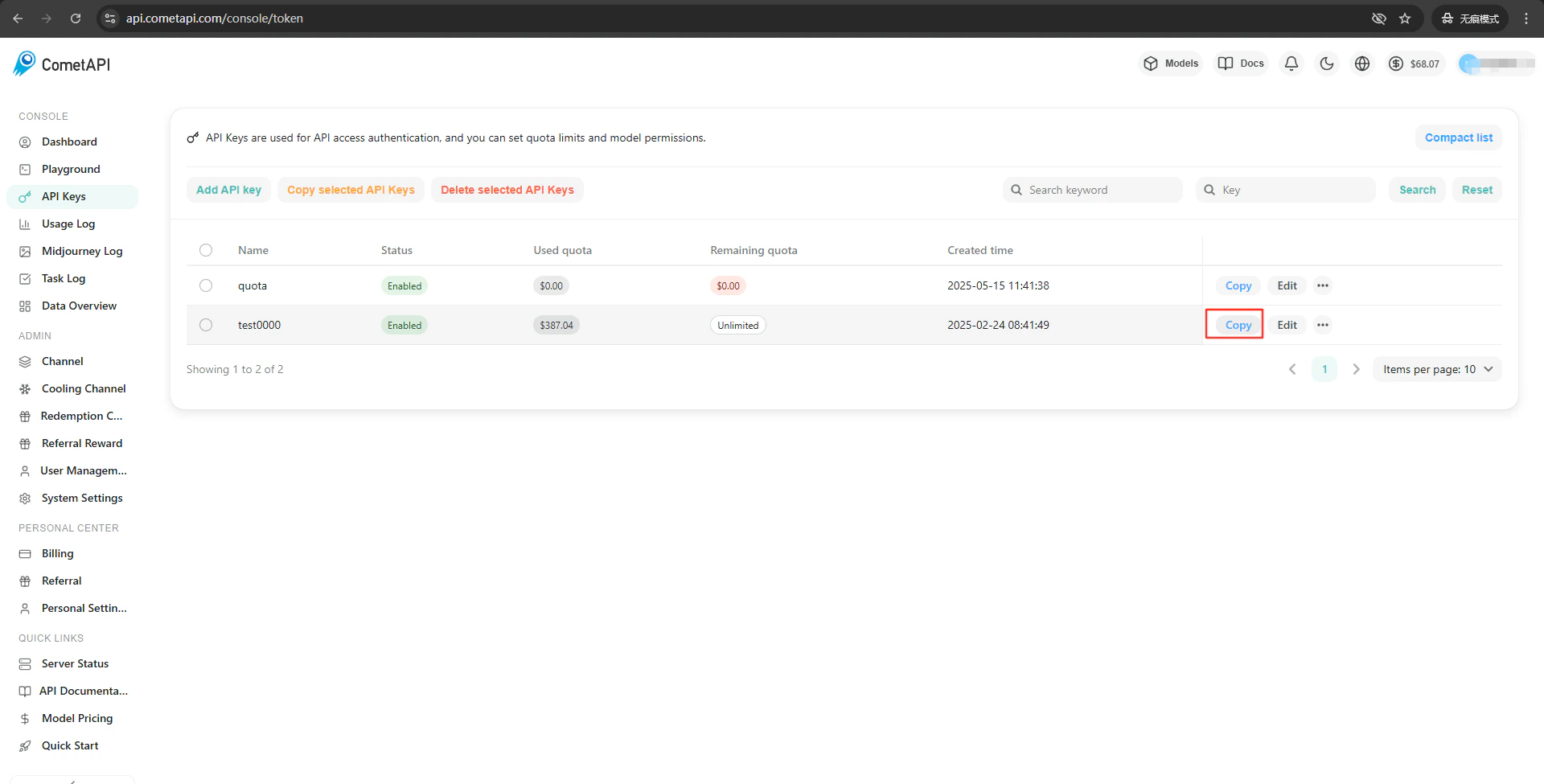
2
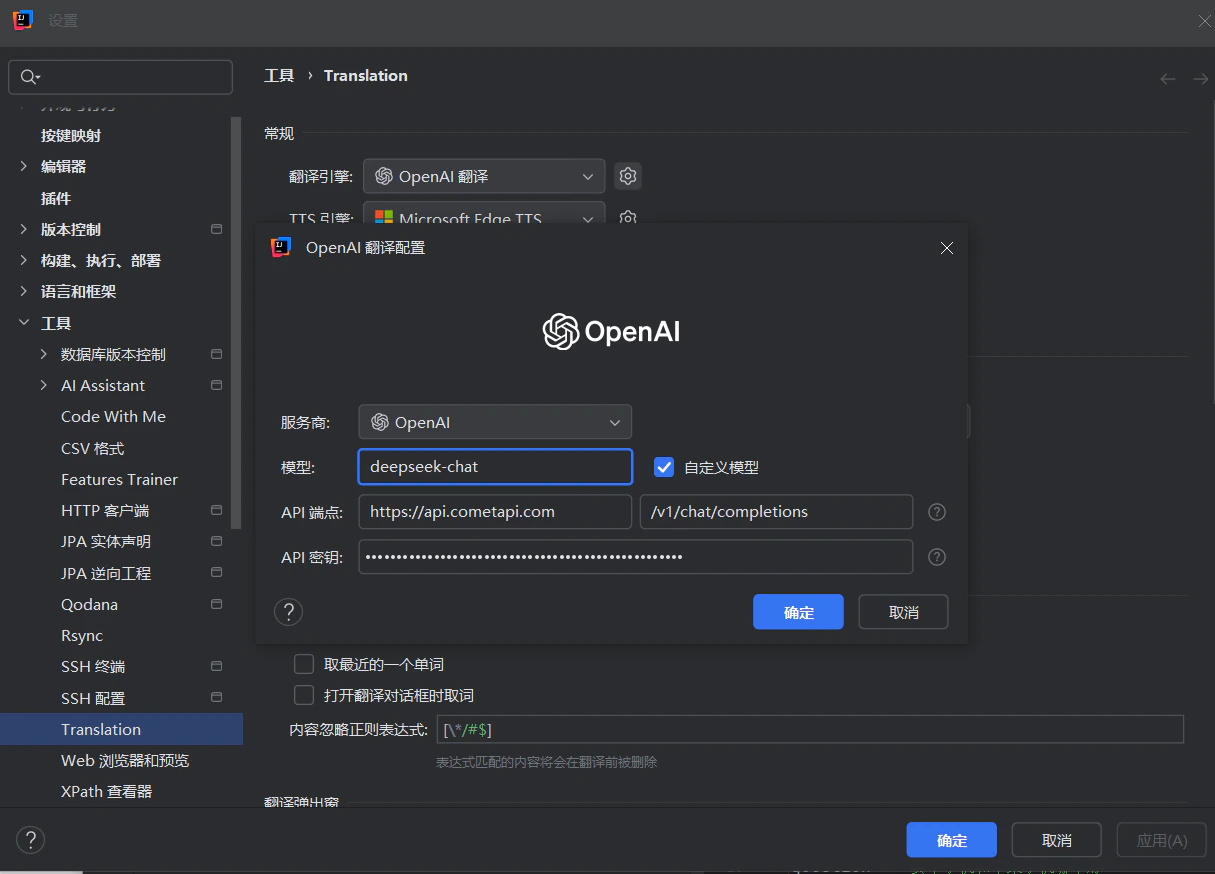
設定翻譯引擎
點擊 IDE 工具列中的 Translation Plugin 圖示 → Settings → Translation。選擇 OpenAI Translation 作為引擎。在右側的設定面板中,於 API Endpoint 欄位輸入 

https://api.cometapi.com(第二個欄位預設為 /v1/chat/completions)。將您的 CometAPI 金鑰貼到 API Key,然後點擊 Confirm。3
測試整合
在外掛設定中點擊 Test Service。驗證成功即表示設定已正常運作。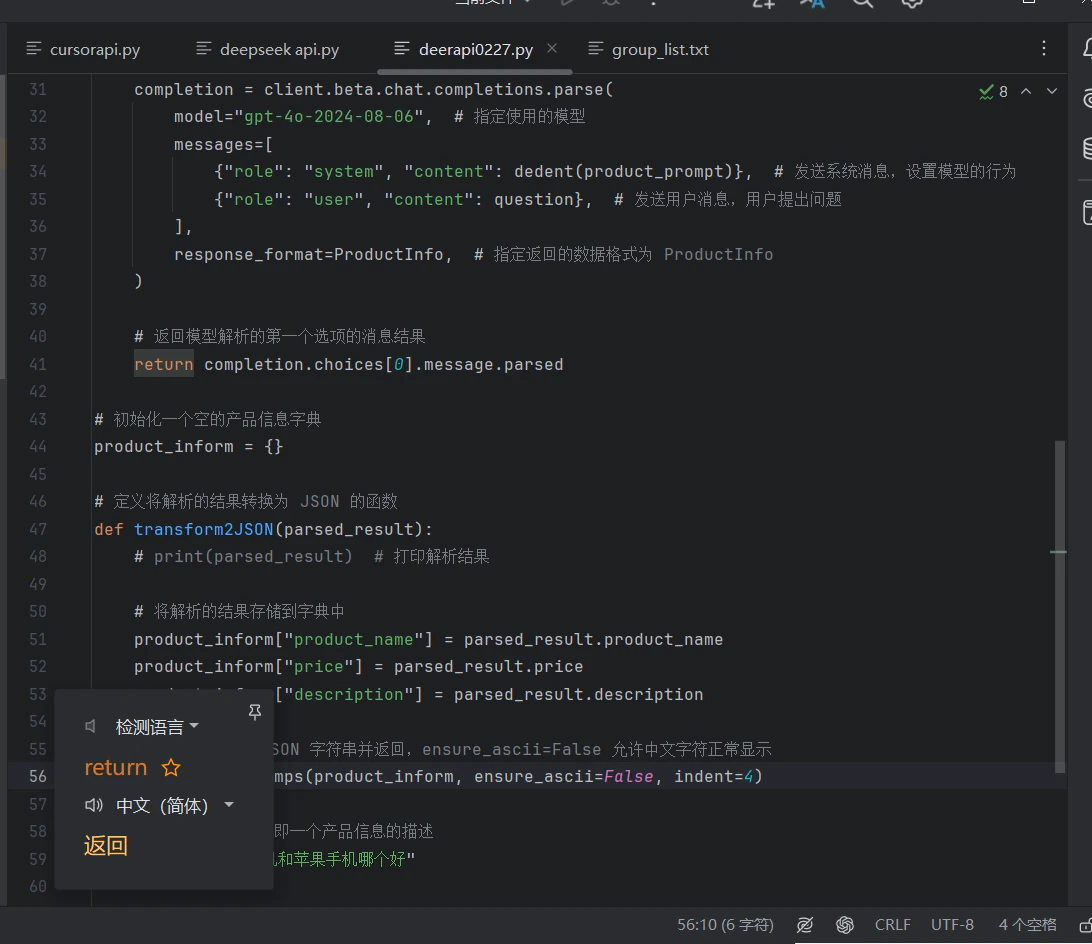
若要新增自訂模型,請在外掛的模型設定欄位中輸入目前的 model ID。