跳轉到主要內容

Documentation Index

Fetch the complete documentation index at: https://apidoc.cometapi.com/llms.txt

Use this file to discover all available pages before exploring further.

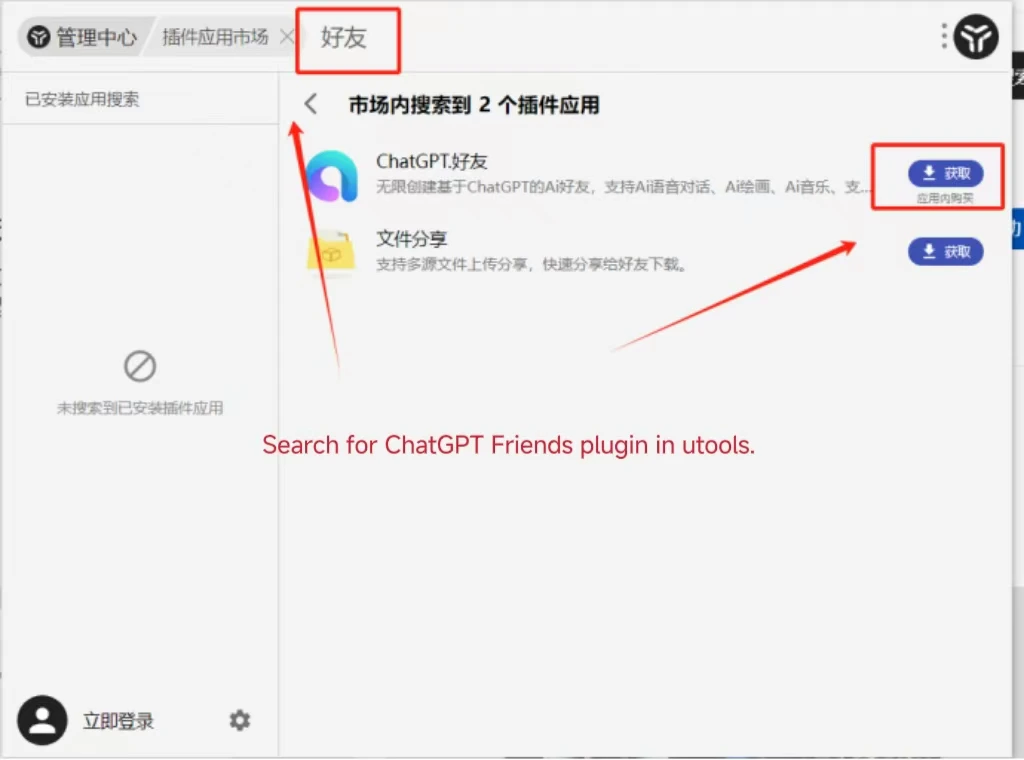
uTools ChatGPT Friend 是一個 uTools 外掛,能將 AI 聊天帶到你的桌面快速啟動列。將它連接到 CometAPI,然後從模型頁面選擇你想要的 model。

先決條件

1

取得你的 CometAPI API key

登入 CometAPI 主控台。點擊 Add API Key 並複製你的 CometAPI API key。
顯示 Add API Key 按鈕的 CometAPI 儀表板
包含 base URL 的 CometAPI API key 詳細資訊
2

設定 ChatGPT Friend

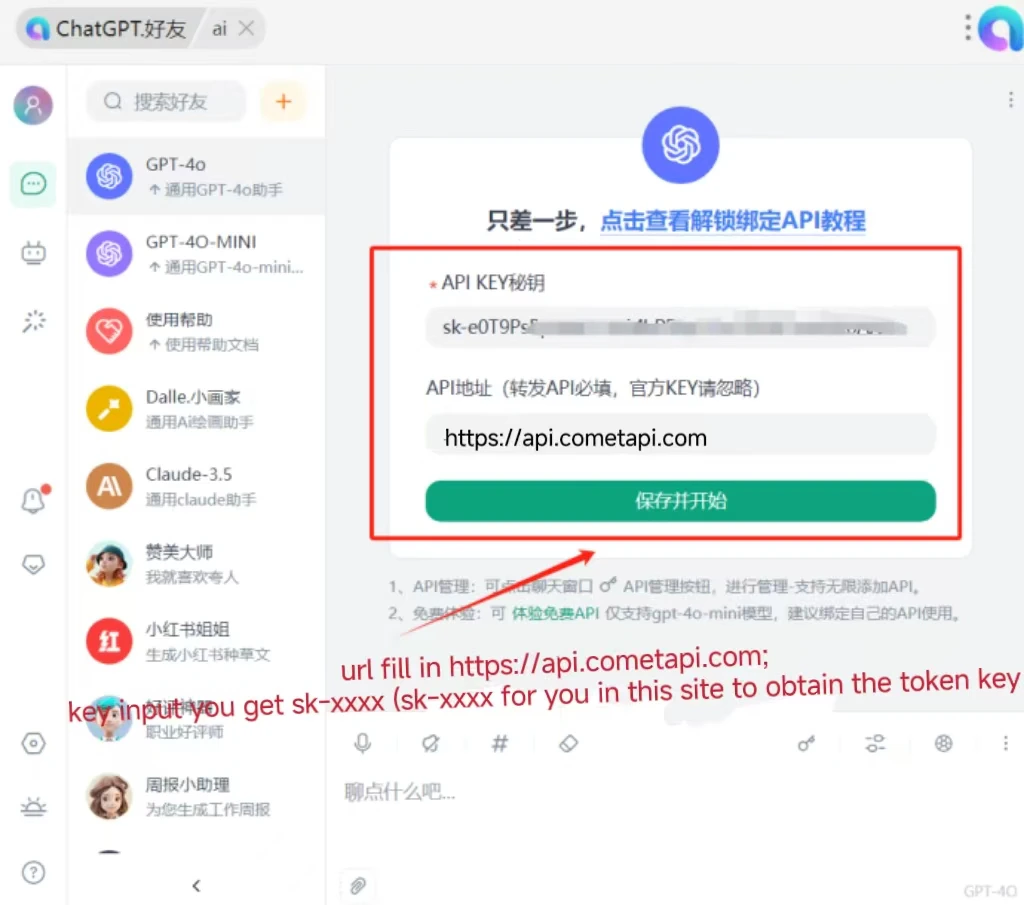
在 uTools 中開啟 ChatGPT Friend 外掛。在設定中:
  • Interface Address: https://api.cometapi.com
  • API Key: 貼上你的 CometAPI API key
點擊 Save
已填入 interface address 和 API key 的 ChatGPT Friend 設定
3

測試連線

在聊天輸入框中輸入訊息並送出。成功收到回覆即表示整合運作正常。
ChatGPT Friend 顯示成功的 AI 回應
如果呼叫失敗,請確認你的 API key 和 interface address,或聯絡 CometAPI 支援