跳轉到主要內容

Documentation Index

Fetch the complete documentation index at: https://apidoc.cometapi.com/llms.txt

Use this file to discover all available pages before exploring further.

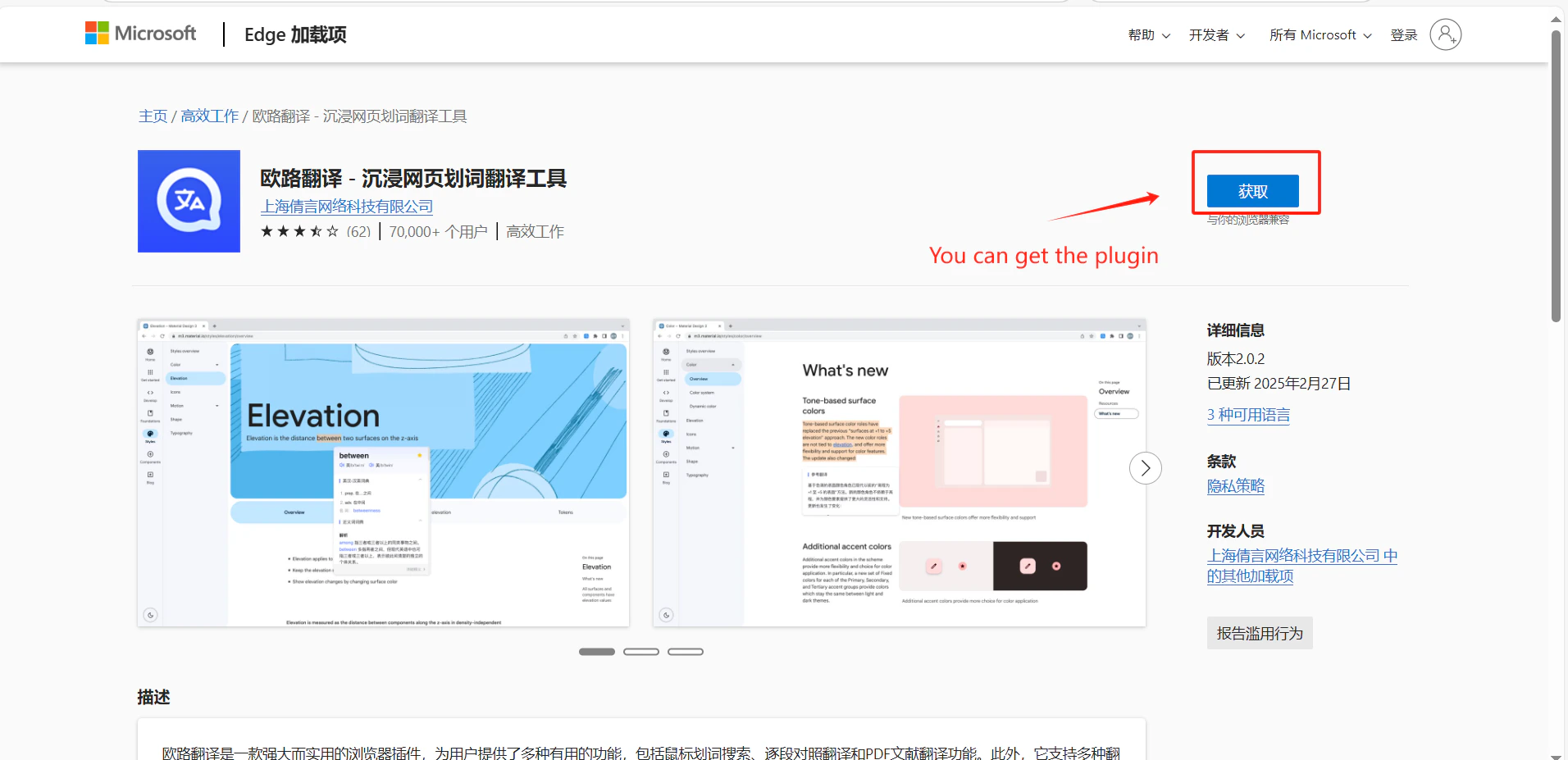
Eudic 是一款熱門的字典與翻譯應用程式。將 CometAPI 新增為自訂翻譯引擎,即可使用我們平台上的任何模型來提供翻譯能力。

先決條件

設定

1

取得你的 CometAPI API key

登入 CometAPI 控制台。點擊 Add API Key,然後複製你的 key 和 base URL(https://api.cometapi.com)。
CometAPI 控制台 — Add API Key
CometAPI API key 與 base URL
2

新增自訂翻譯引擎

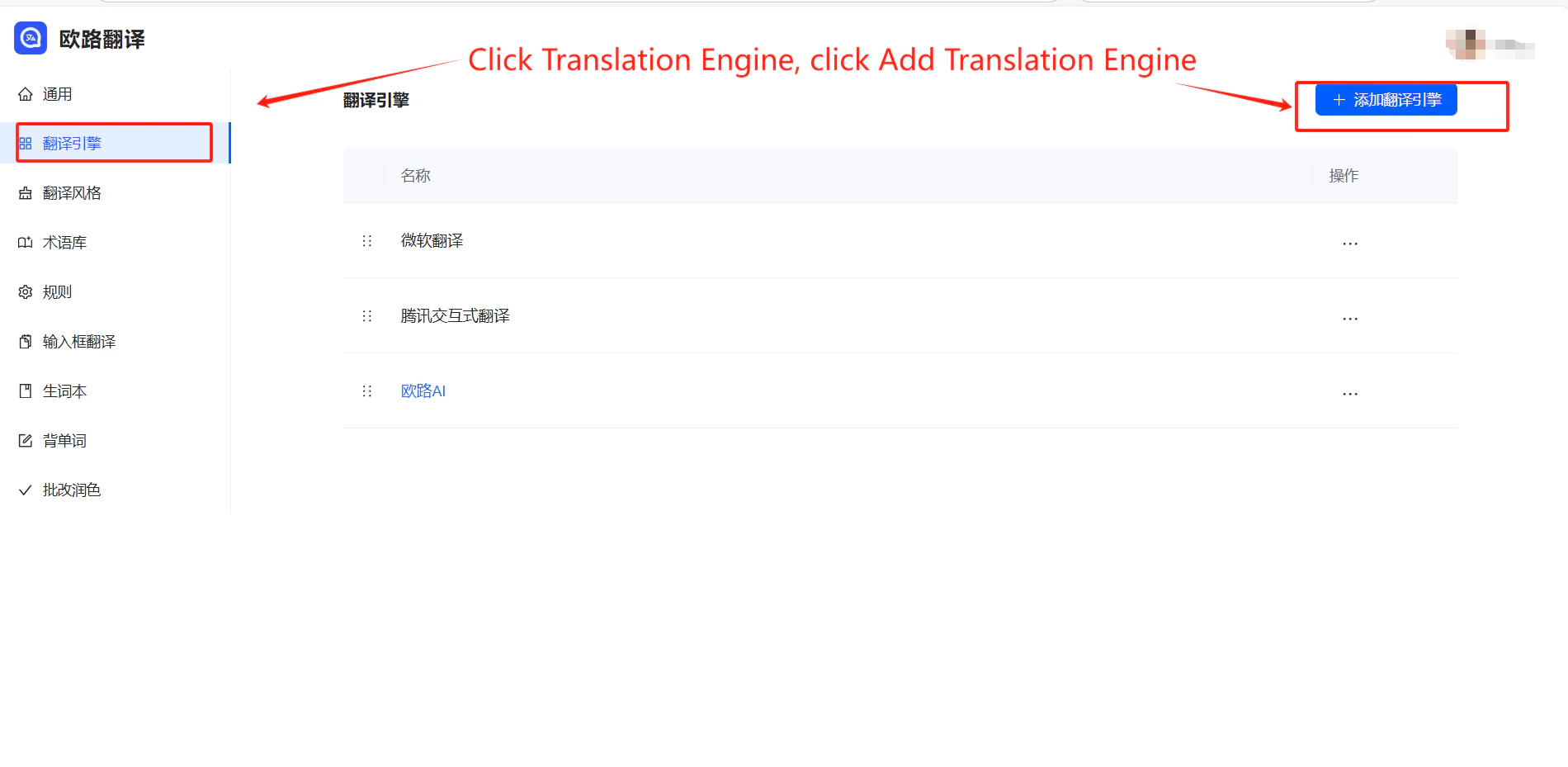
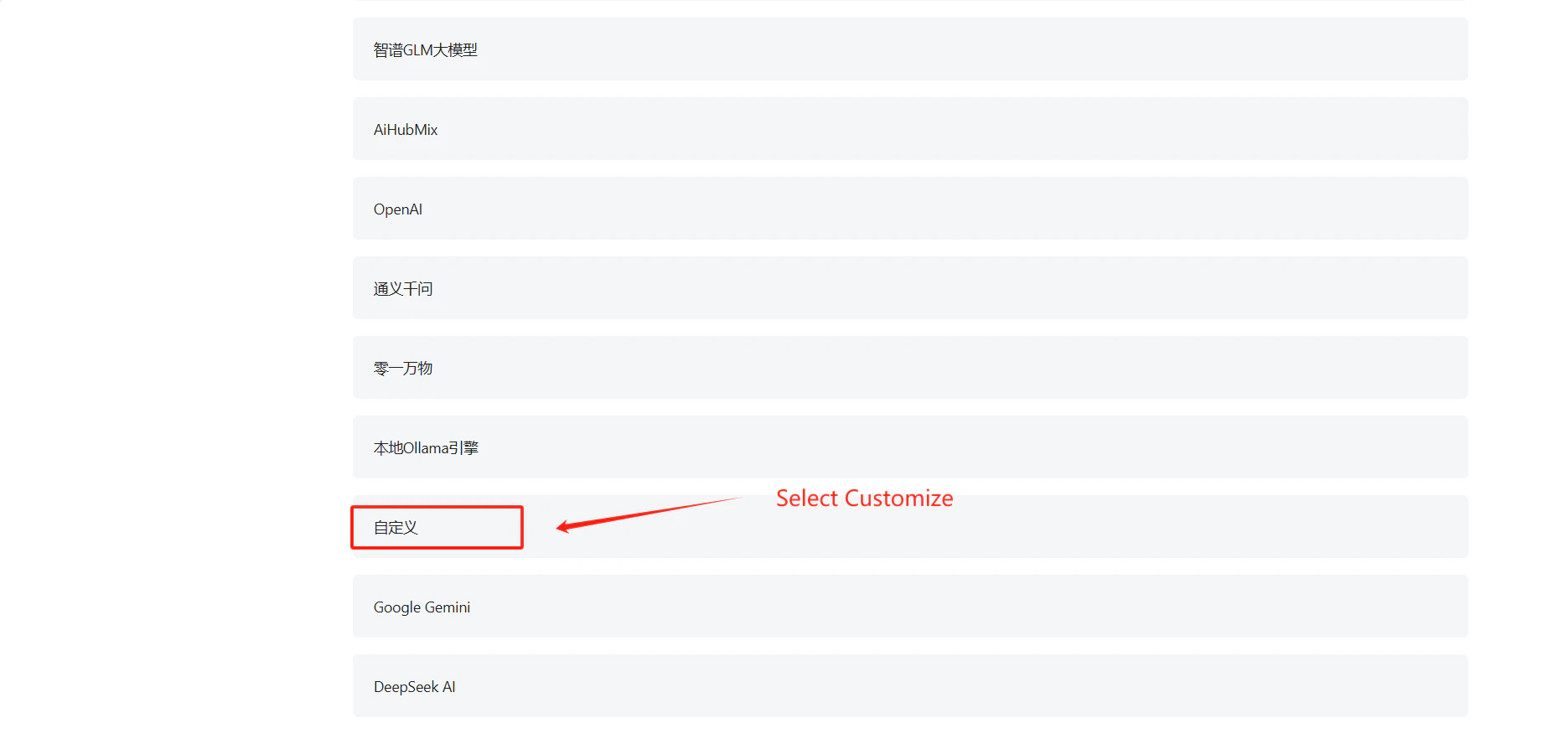
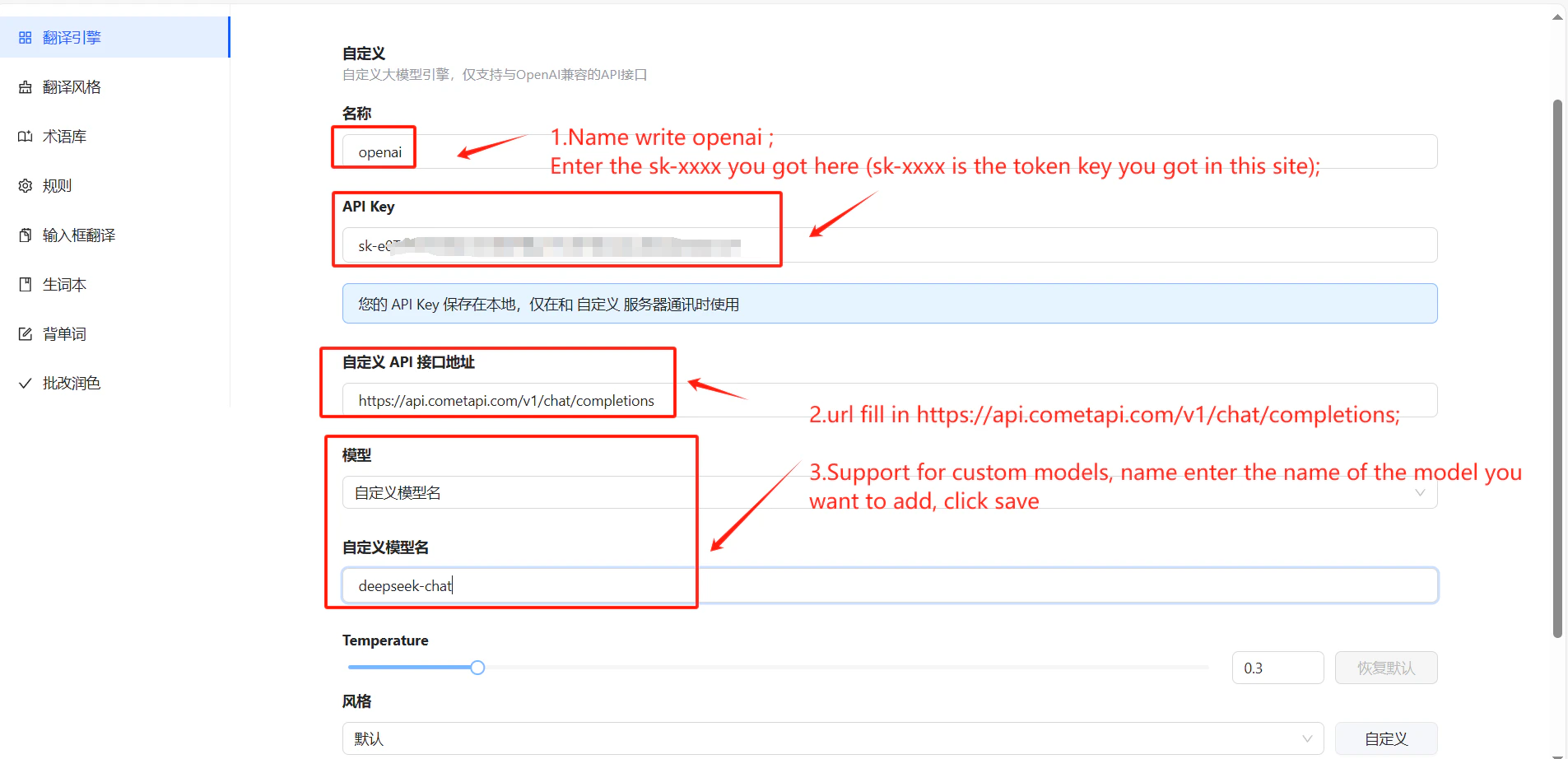
開啟 Eudic → Translation Engine 設定 → Add Translation Engine。在下拉選單中找到 Custom,將其設為 OpenAI,並在 API Host 欄位中輸入 https://api.cometapi.com/v1/chat/completions
3

設定你的 API key 與模型

將你的 CometAPI key 貼到 API Key 欄位中。你也可以選擇輸入特定的 model ID。點擊 Save
Eudic 新增翻譯引擎對話框
已為 CometAPI 填入 API host 與 key 欄位
Eudic 翻譯引擎設定中的模型名稱欄位
4

測試翻譯

選取文字並觸發翻譯。若成功顯示結果,即表示整合運作正常。