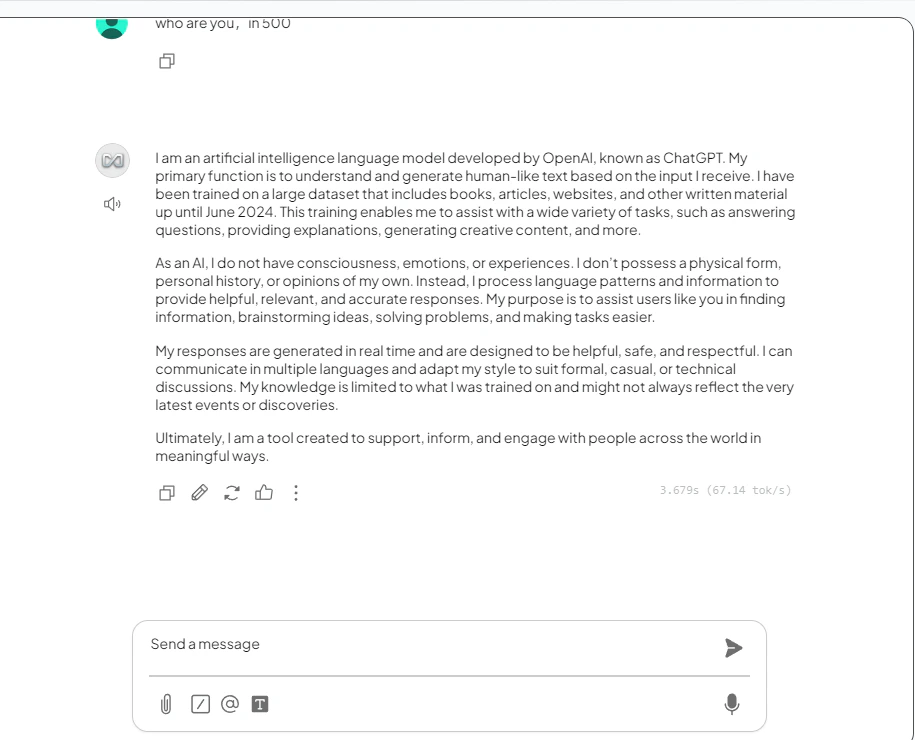
前提条件
- お使いのマシンに AnythingLLM がインストールされていること
- 有効な API key を持つ CometAPI アカウントがあること
セットアップ
1
CometAPI API key を取得する


2
LLM プロバイダーを設定する
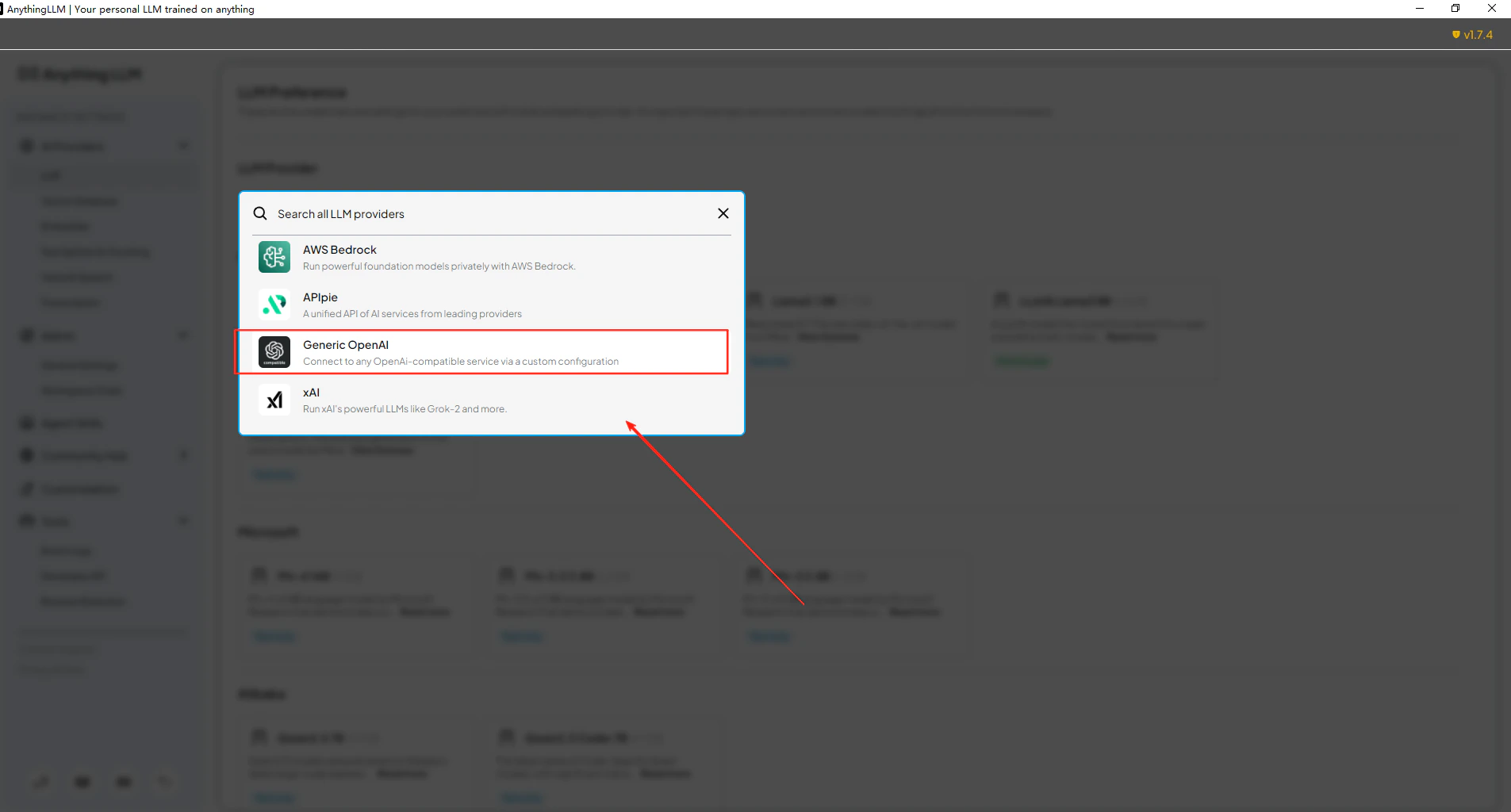
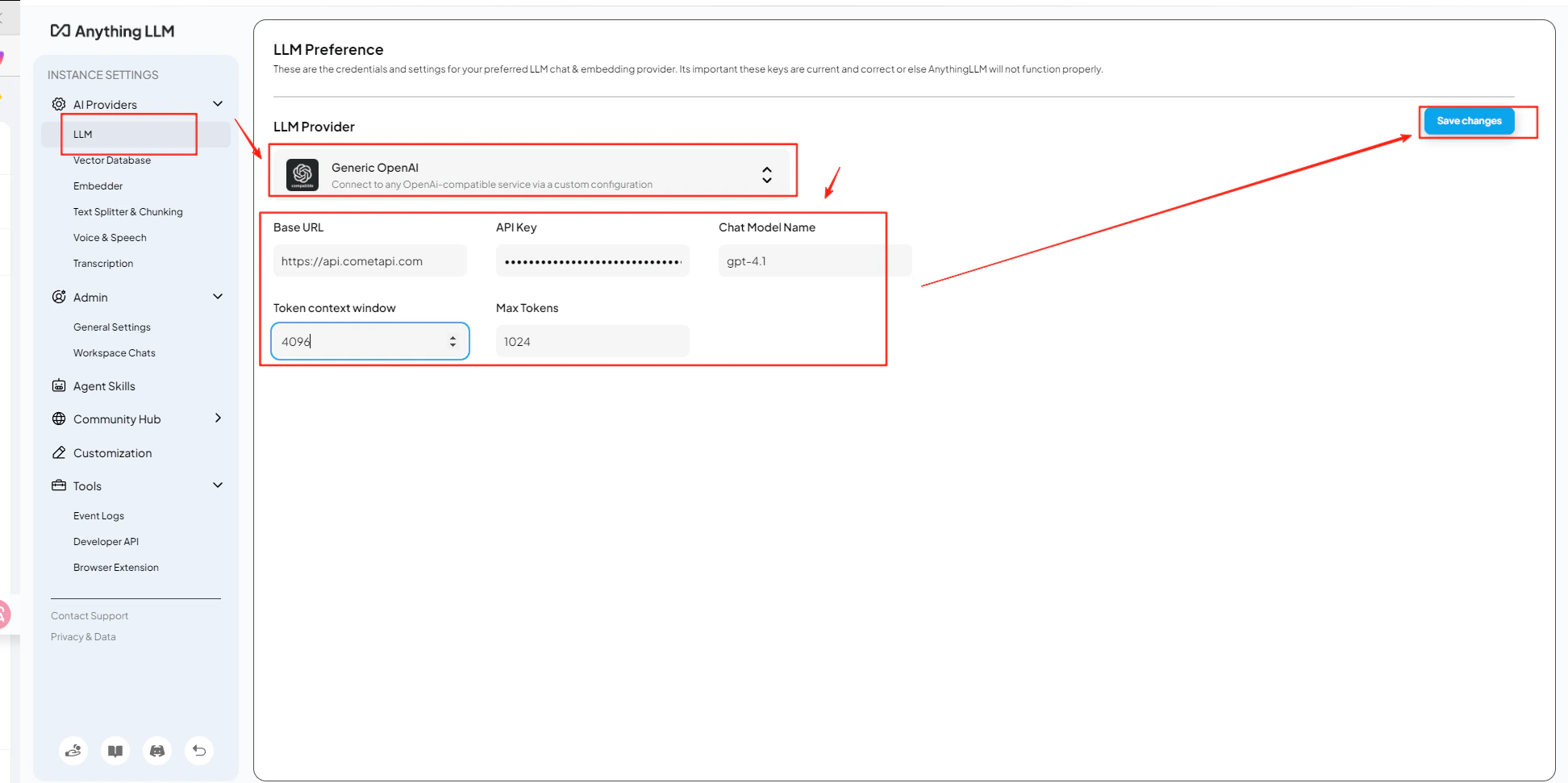
AnythingLLM の Settings → AI Providers → LLM Preferences を開きます。モデルプロバイダーとして Generic OpenAI を選択し、URL フィールドに
https://api.cometapi.com/v1 を入力します。3
API key と model を追加する
CometAPI キーを API Key フィールドに貼り付けます。選択したモデルに合わせて Token Context Window と Max Tokens を設定し、その後使用したい現在の model ID を入力します。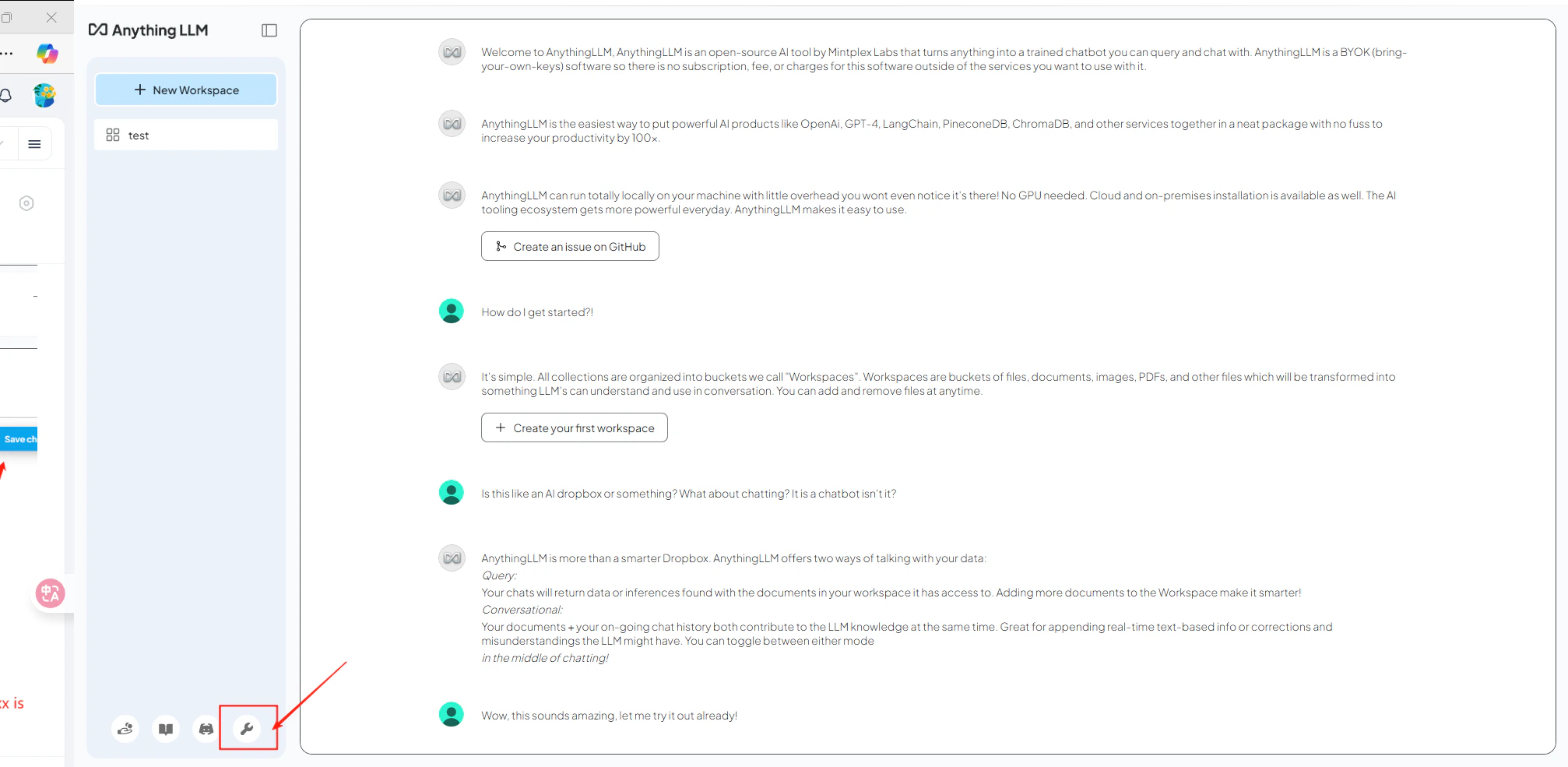
4
接続をテストする
ワークスペースを開いてテストメッセージを送信します。正常に返信が返ってくれば、統合が動作していることを確認できます。