メインコンテンツへスキップ

Documentation Index

Fetch the complete documentation index at: https://apidoc.cometapi.com/llms.txt

Use this file to discover all available pages before exploring further.

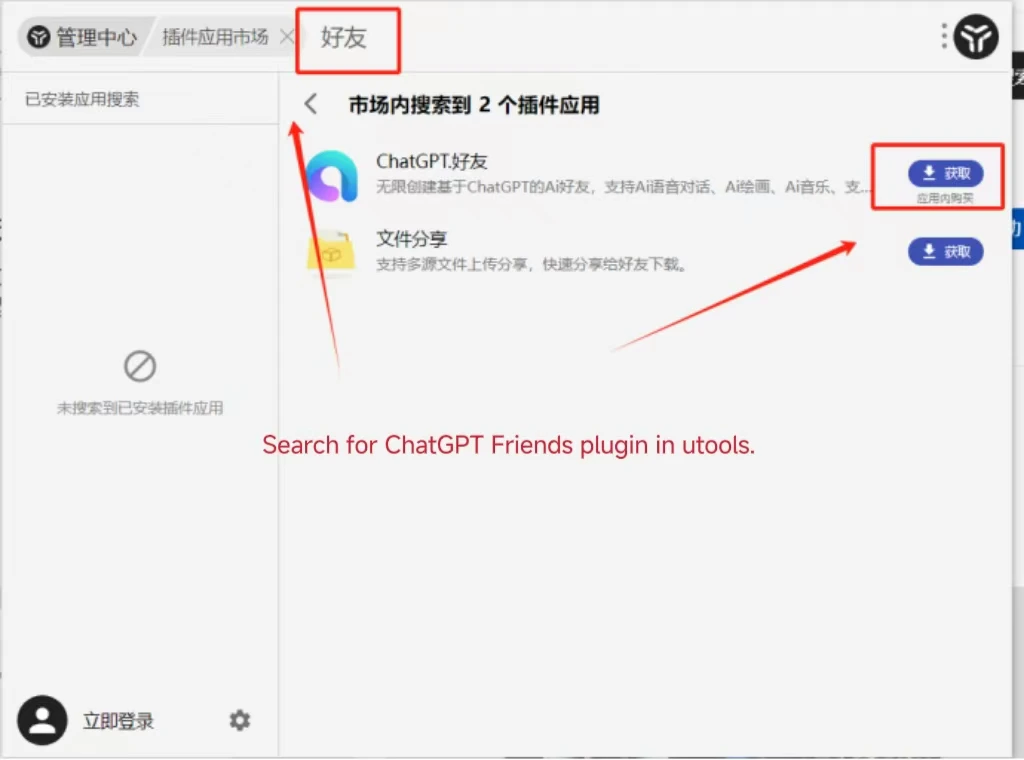
uTools ChatGPT Friend は、デスクトップのクイック起動バーに AI チャットをもたらす uTools プラグインです。CometAPI に接続したら、Models page から使用したいモデルを選択します。

前提条件

1

CometAPI の API key を取得

CometAPI console にログインします。Add API Key をクリックし、CometAPI API key をコピーします。
Add API Key ボタンが表示された CometAPI ダッシュボード
base URL を含む CometAPI API key の詳細
2

ChatGPT Friend を設定

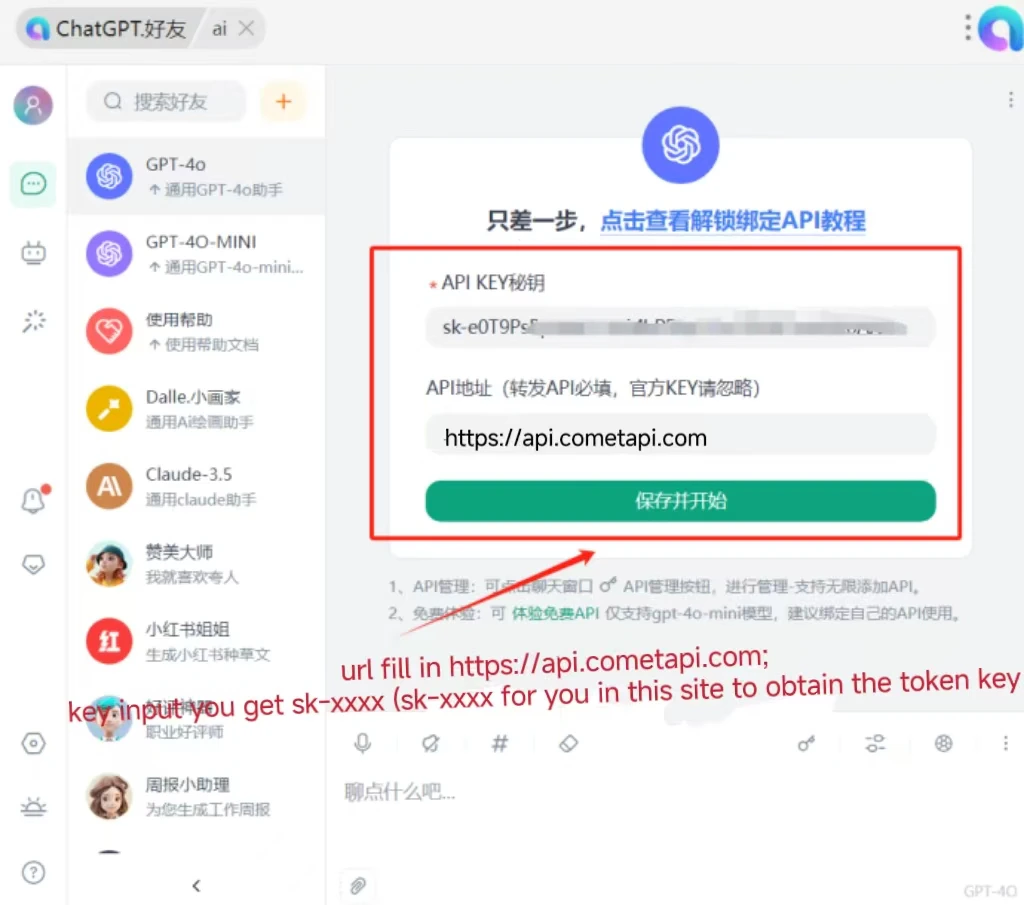
uTools で ChatGPT Friend プラグインを開きます。設定で次を入力します。
  • Interface Address: https://api.cometapi.com
  • API Key: CometAPI API key を貼り付けます
Save をクリックします。
Interface Address と API Key が入力された ChatGPT Friend の設定画面
3

接続をテスト

チャット入力欄にメッセージを入力して送信します。正常に返信が返ってくれば、連携は動作しています。
AI の正常な応答を表示する ChatGPT Friend
呼び出しに失敗する場合は、API key と interface address を確認するか、CometAPI support にお問い合わせください。