Prerequisites
- AnythingLLM installed on your machine
- A CometAPI account with an active API key
Setup
1
Get your CometAPI API key
Log in to the CometAPI dashboard. Click Add API Key and copy your key and base URL (

https://api.cometapi.com).2
Configure the LLM provider
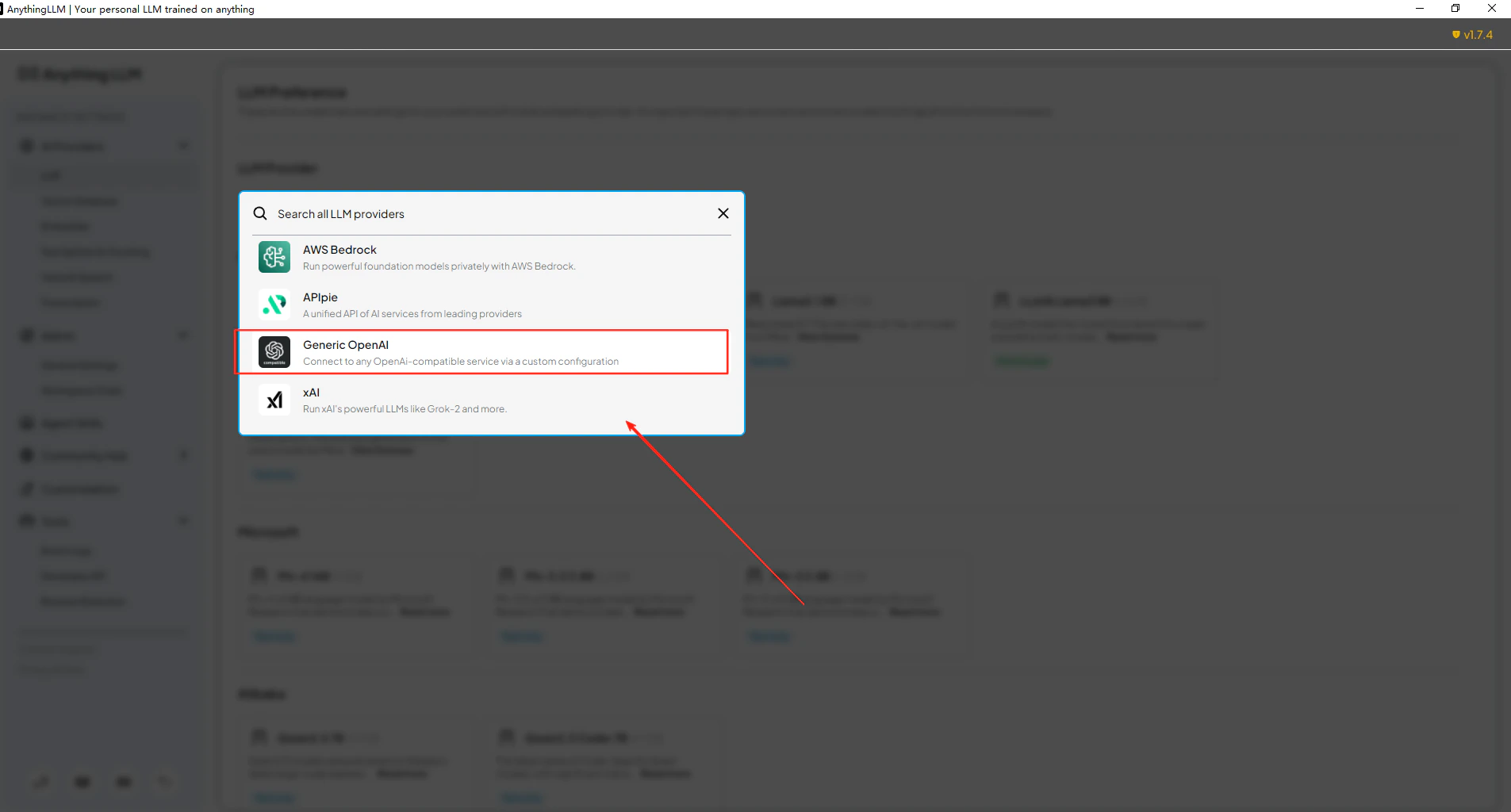
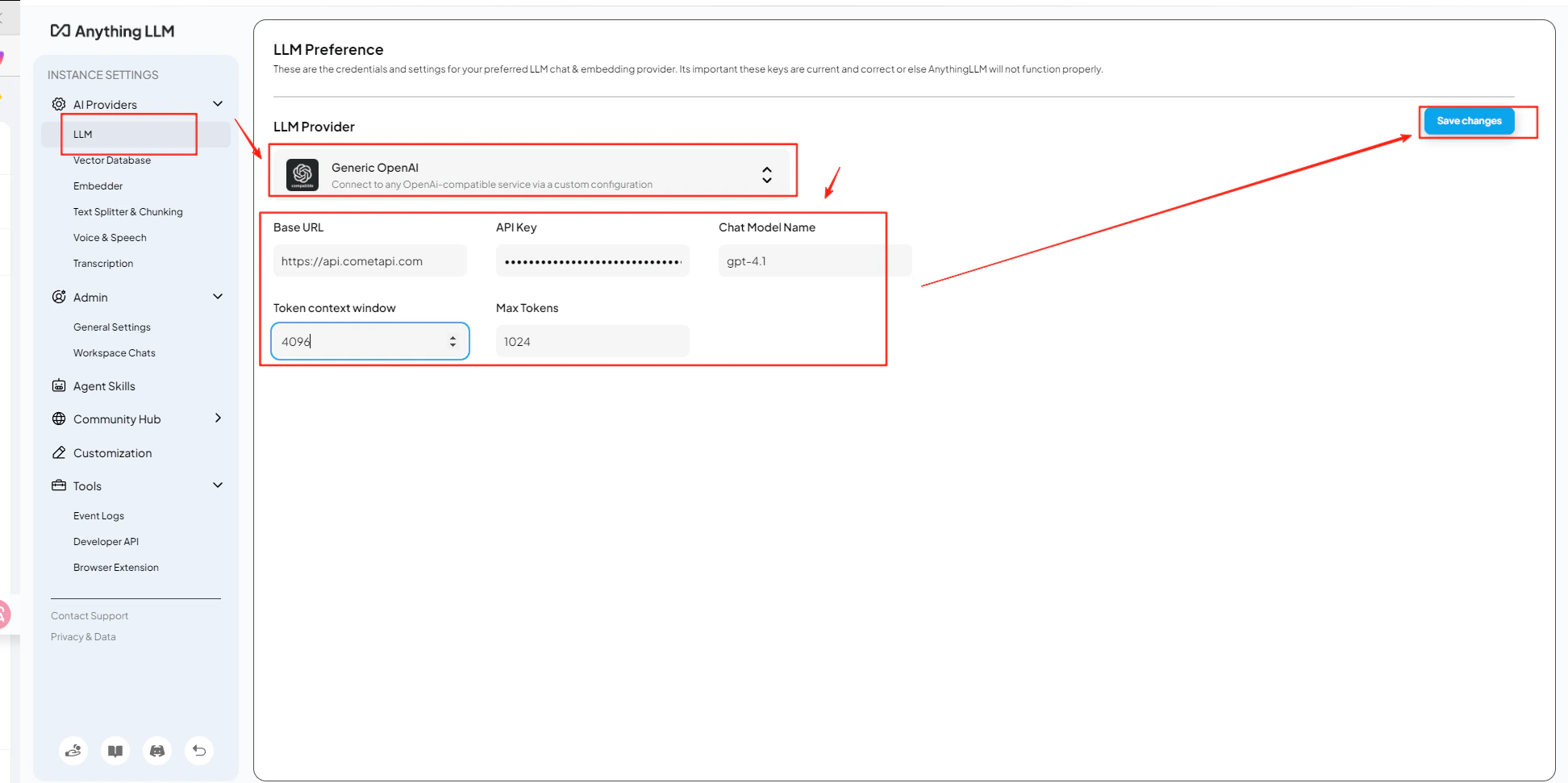
Open AnythingLLM Settings → AI Providers → LLM Preferences. Select Generic OpenAI as the model provider and enter
https://api.cometapi.com/v1 in the URL field.3
Add your API key and model
Paste your CometAPI key into the API Key field. Set Token Context Window and Max Tokens to match your chosen model, then enter the current model ID you want to use.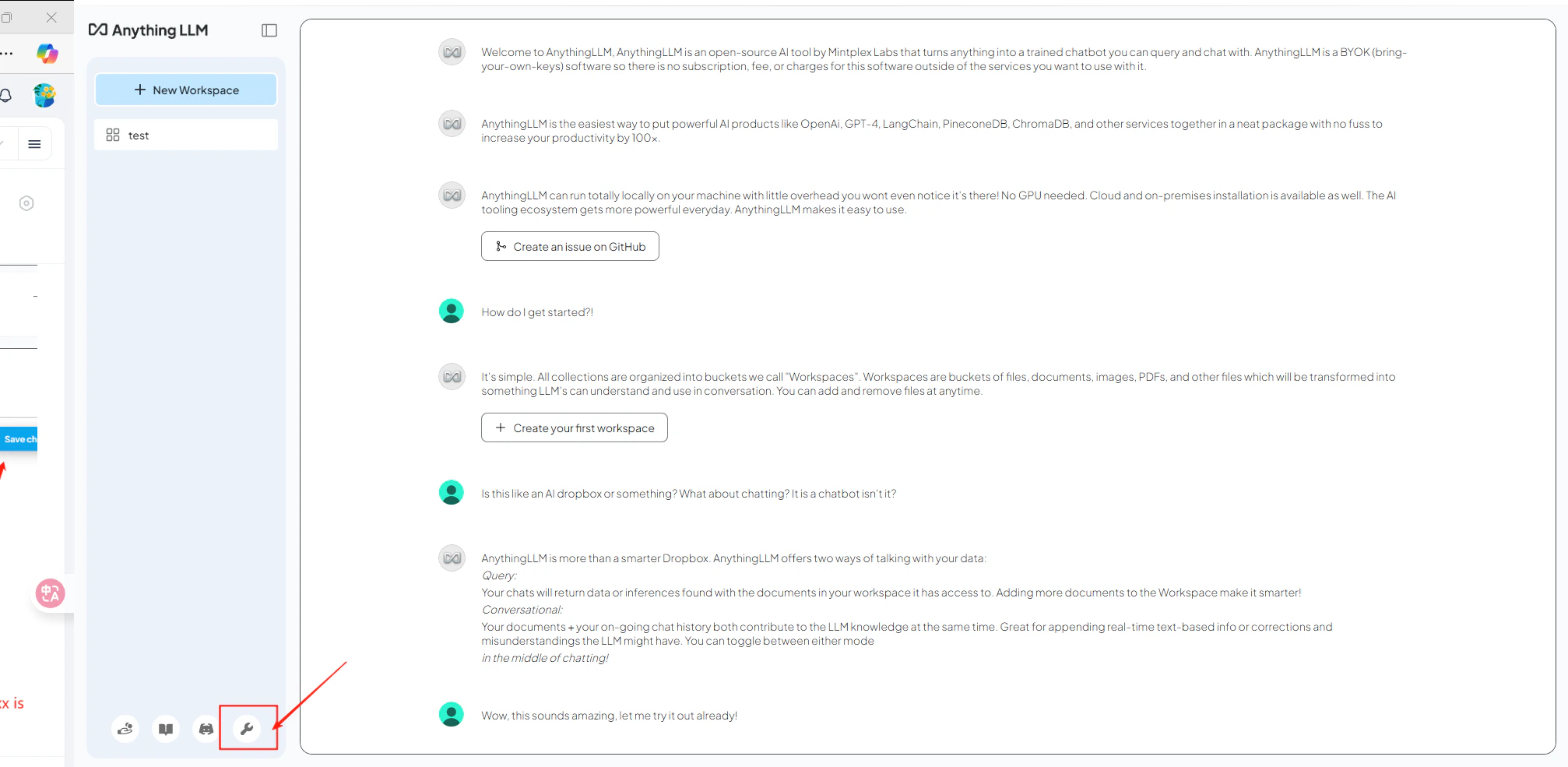
4
Test the connection
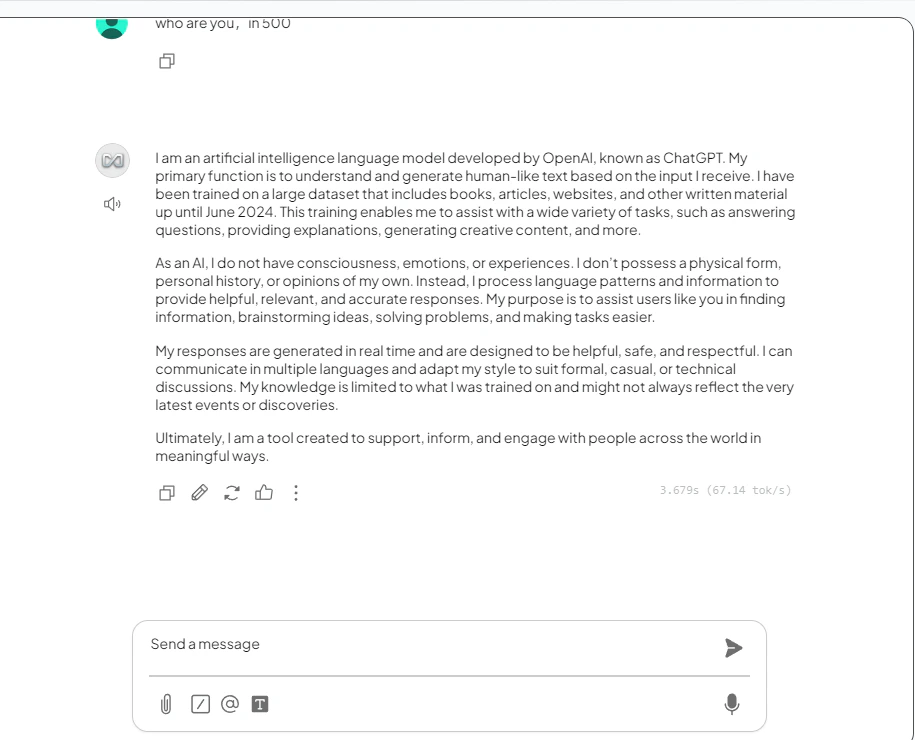
Open a workspace and send a test message. A successful reply confirms the integration is working.