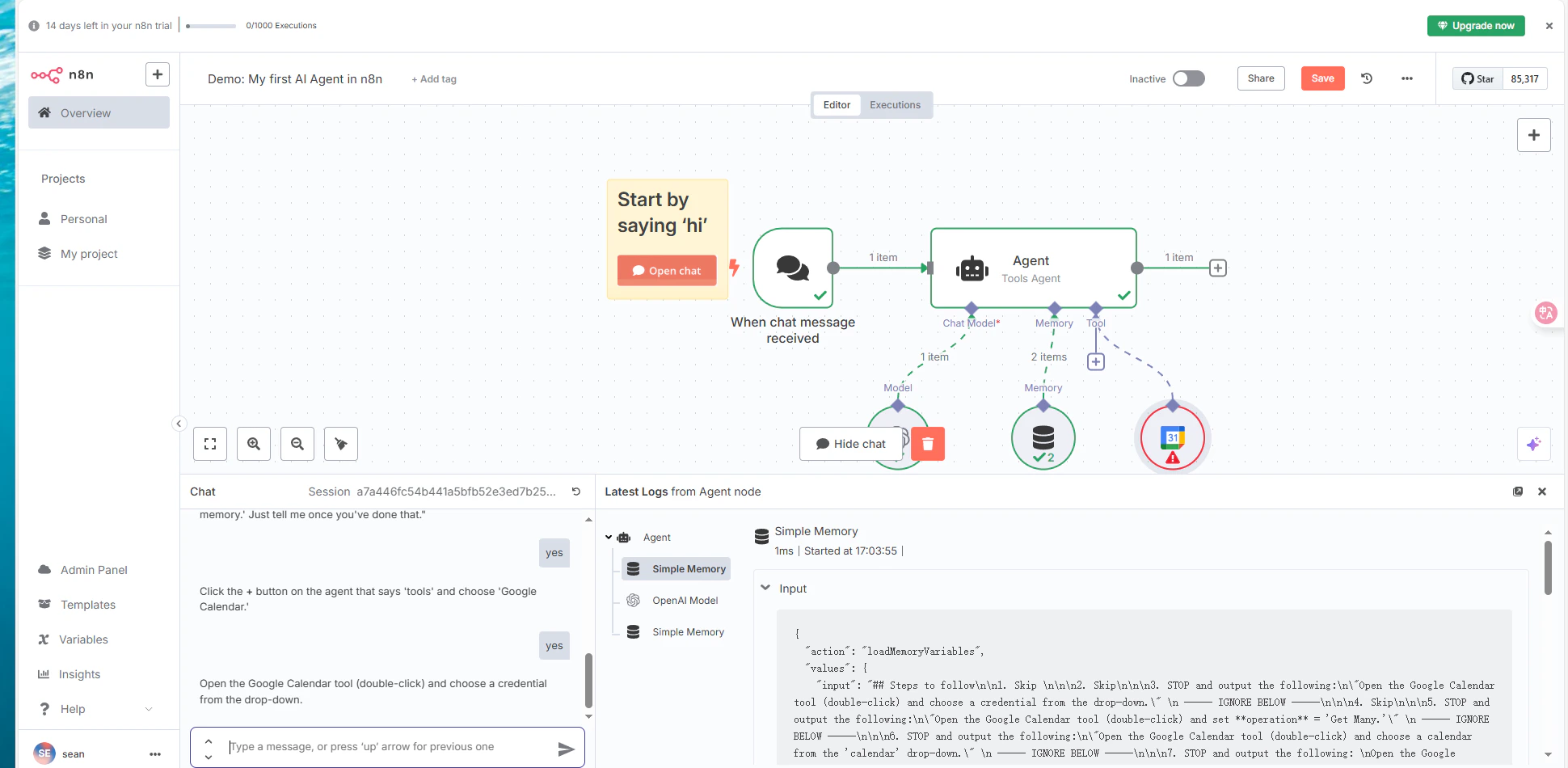
Prerequisites
For local/self-hosted n8n with the CometAPI community node, see the n8n Local Deployment guide.
Setup
1
Get your CometAPI API key
Log in to the CometAPI dashboard. Click Add API Key and copy your key and base URL (

https://api.cometapi.com).2
Create an OpenAI credential
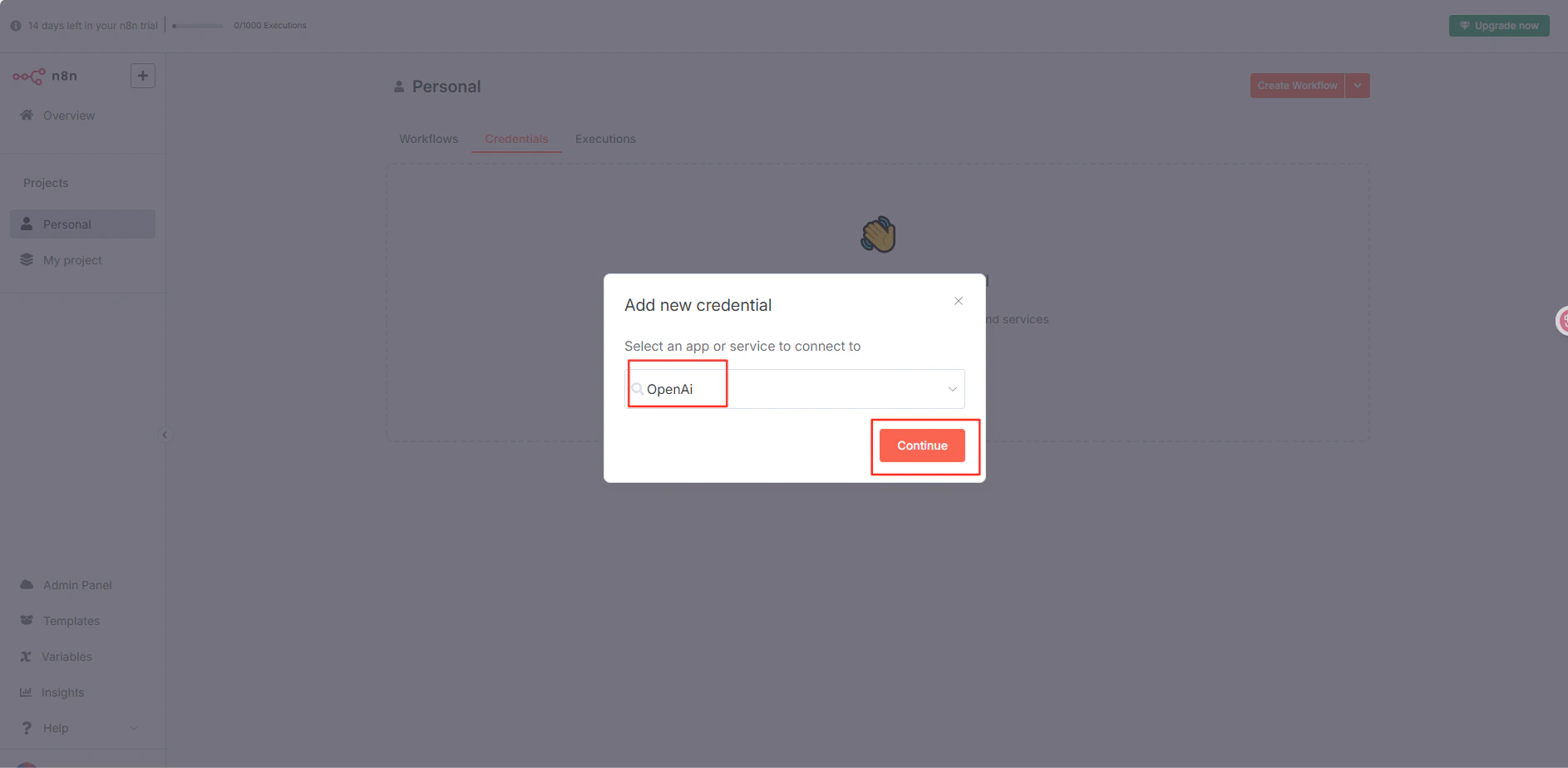
In n8n, navigate to your project → Credentials → Create Credential → OpenAI API. Paste your CometAPI key into API Key, enter 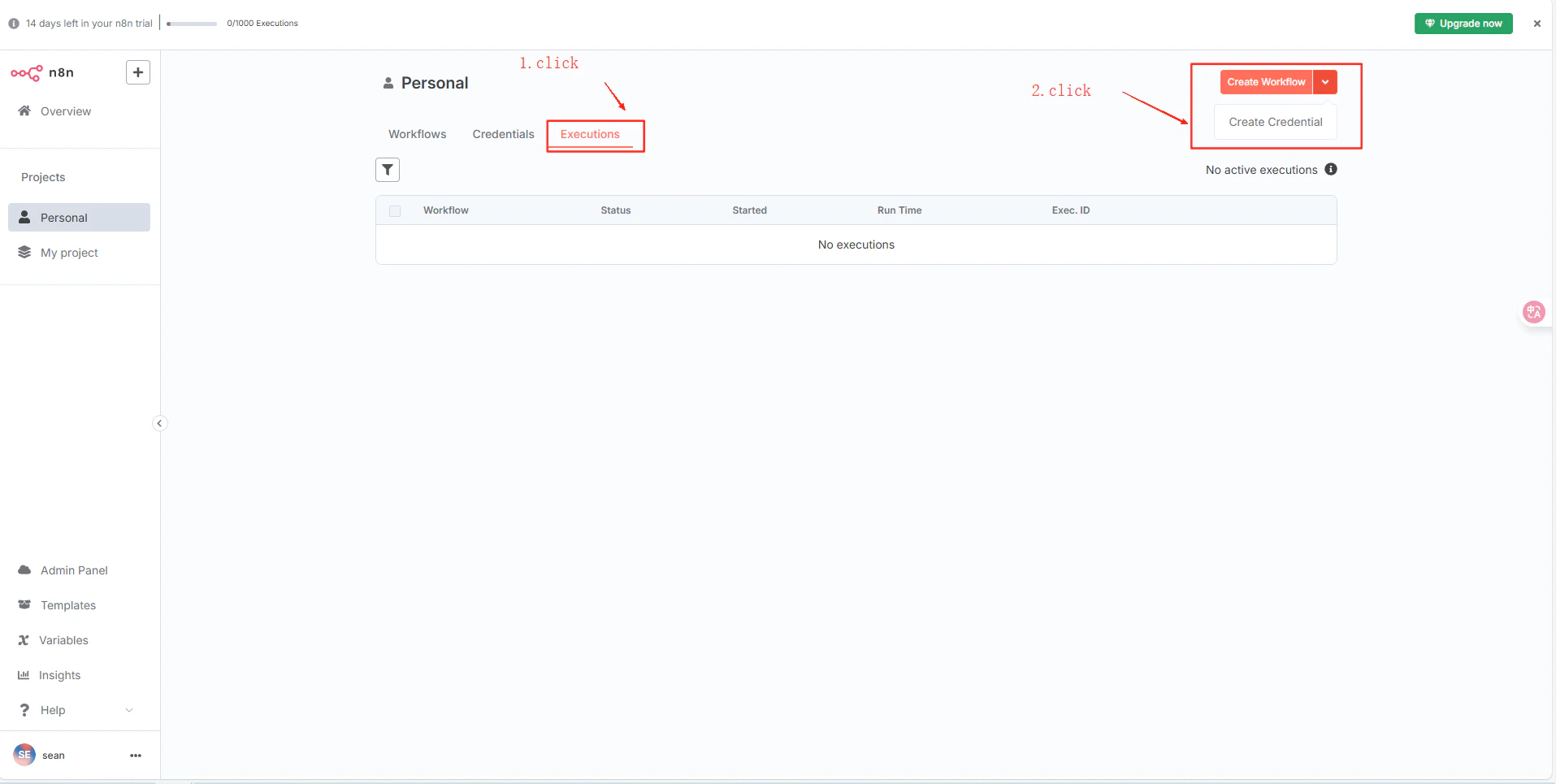
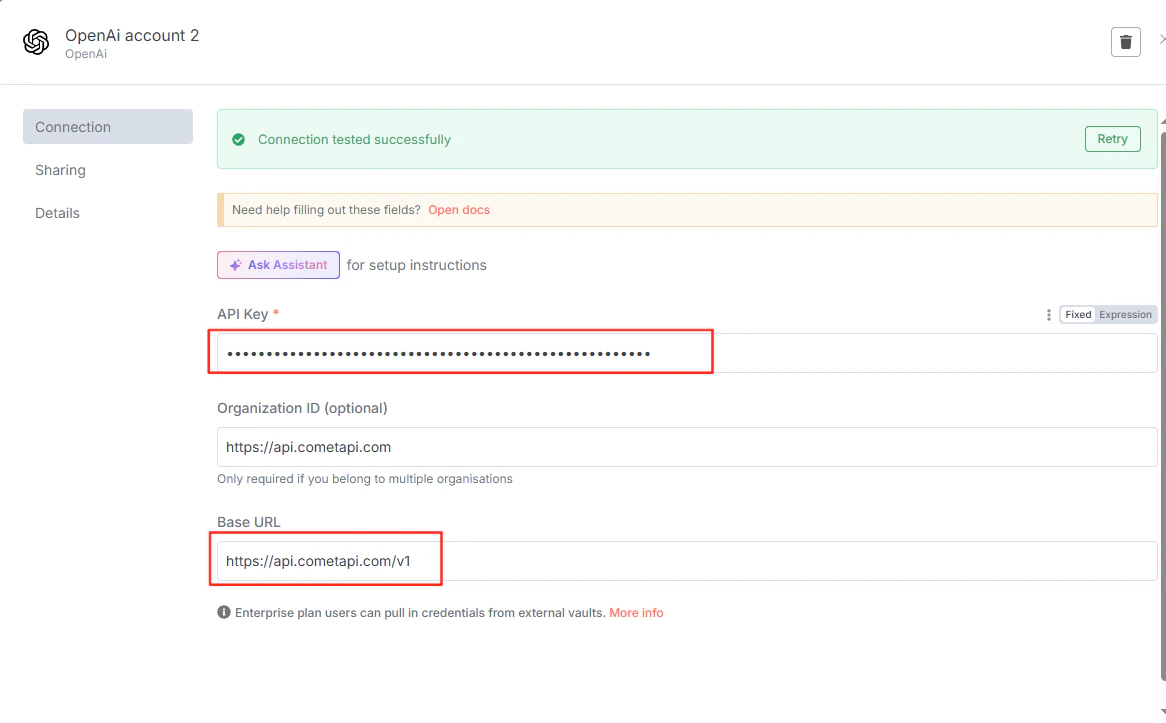
https://api.cometapi.com/v1 in the Base URL field, and click Save.3
Test the connection
Create a workflow with an OpenAI node using the saved credential and execute it. A successful response confirms the setup is working.