Zapier connects CometAPI to thousands of apps — automate AI-powered workflows without writing code.

Prerequisites

1

Get your CometAPI API key

Log in to the CometAPI console. Click Add API Key and copy your sk-xxxxx key.
CometAPI dashboard showing the Add API Key button
CometAPI API key details with base URL
2

Add CometAPI as a Zap step

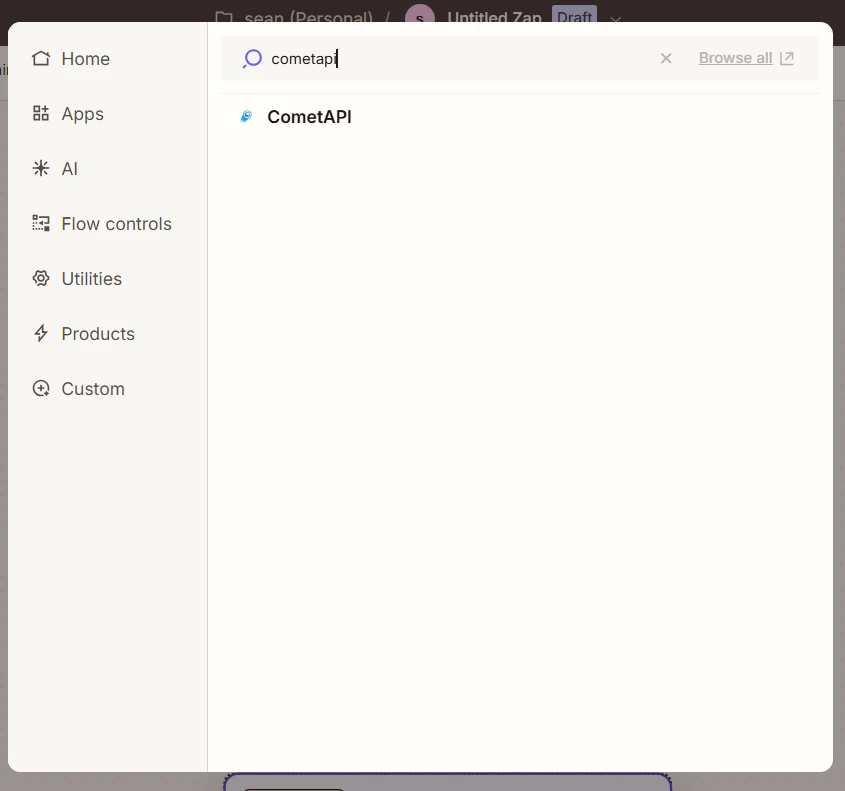
In Zapier, create a new Zap. In the workflow editor, click Add Step and search for CometAPI.
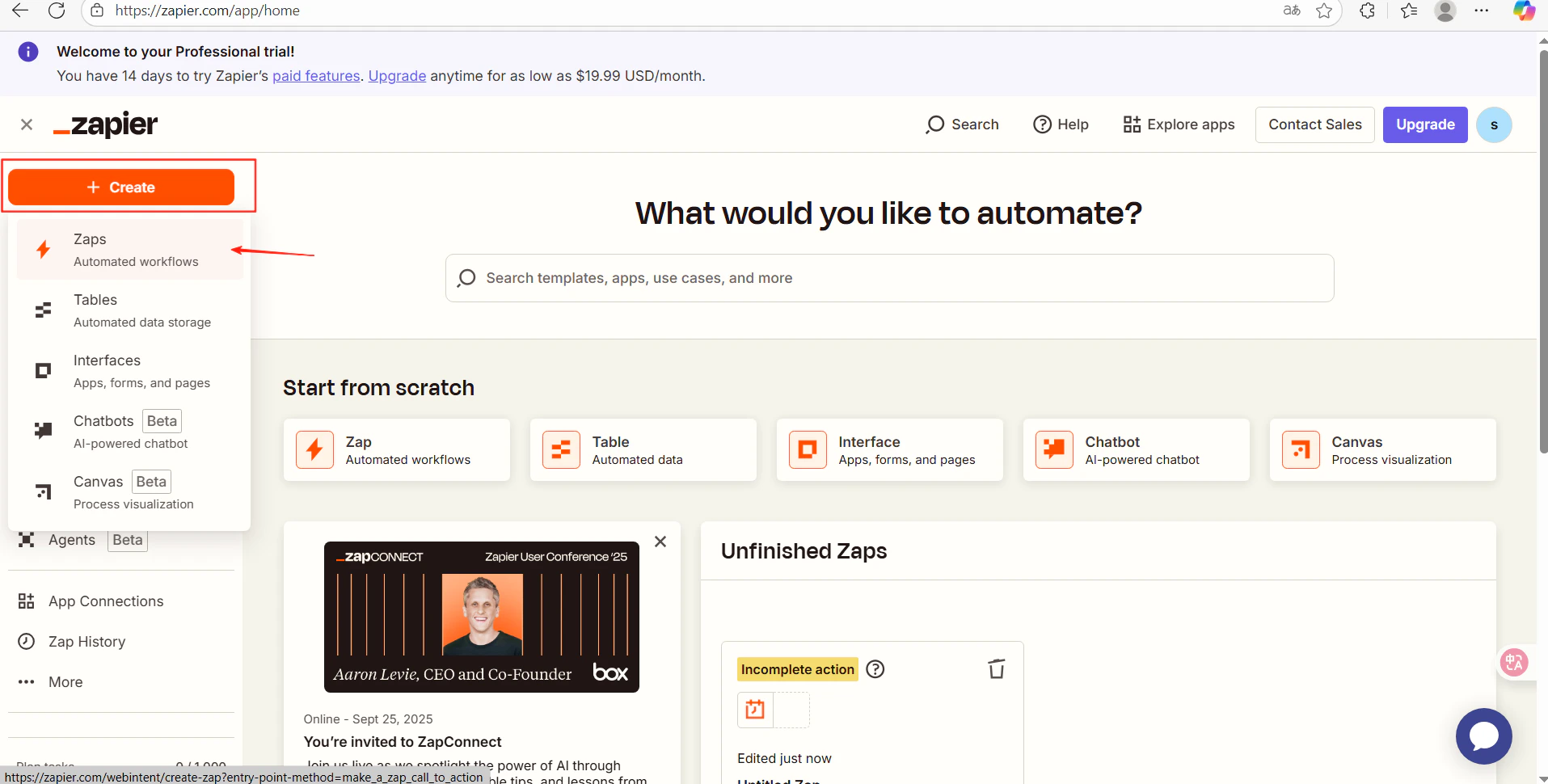
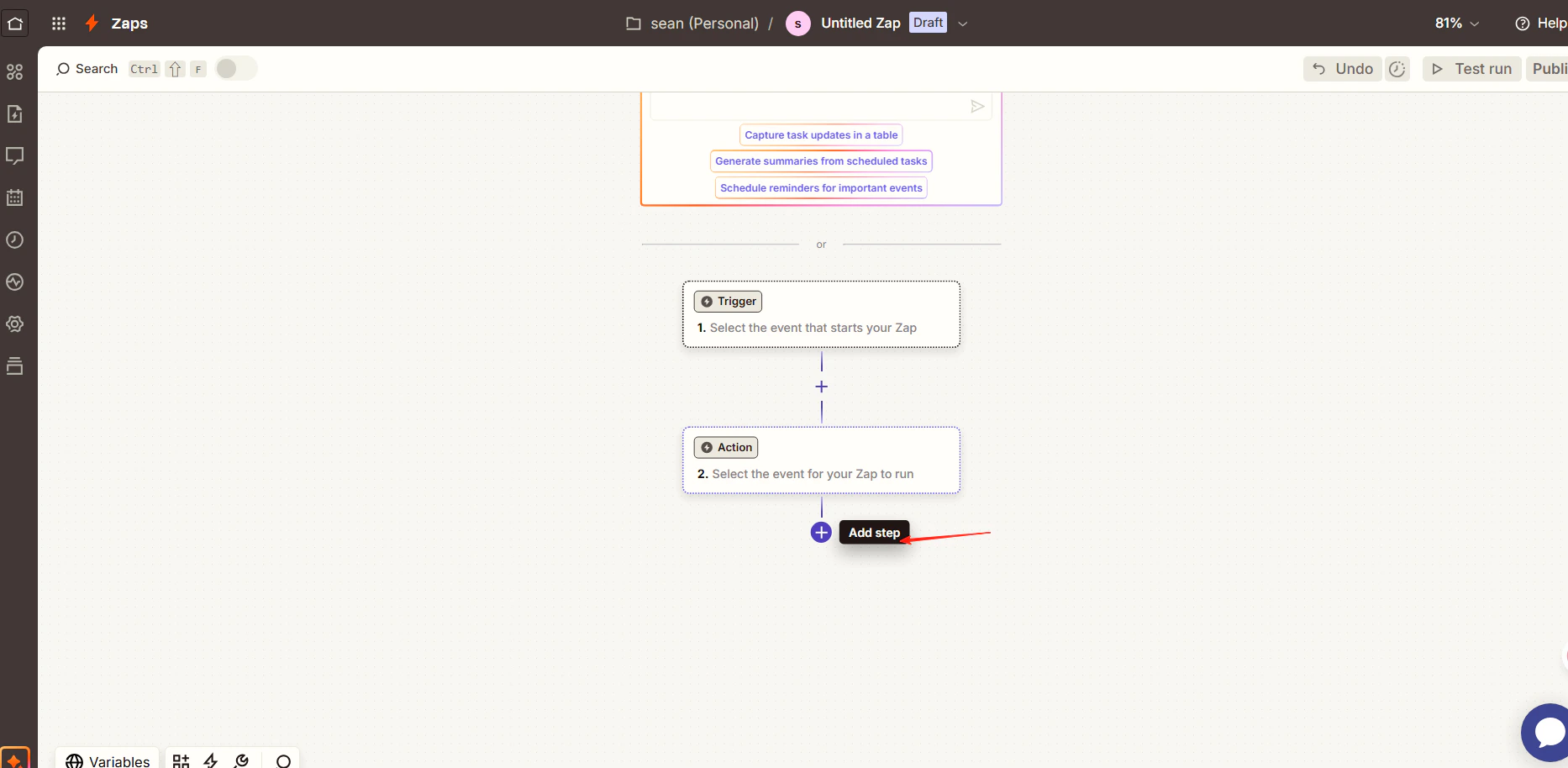
Zapier workflow editor with Add Step button
Zapier search results showing the CometAPI app
CometAPI action selection screen
3

Configure the action and connect your account

  • Action Event: select Generate AI Response
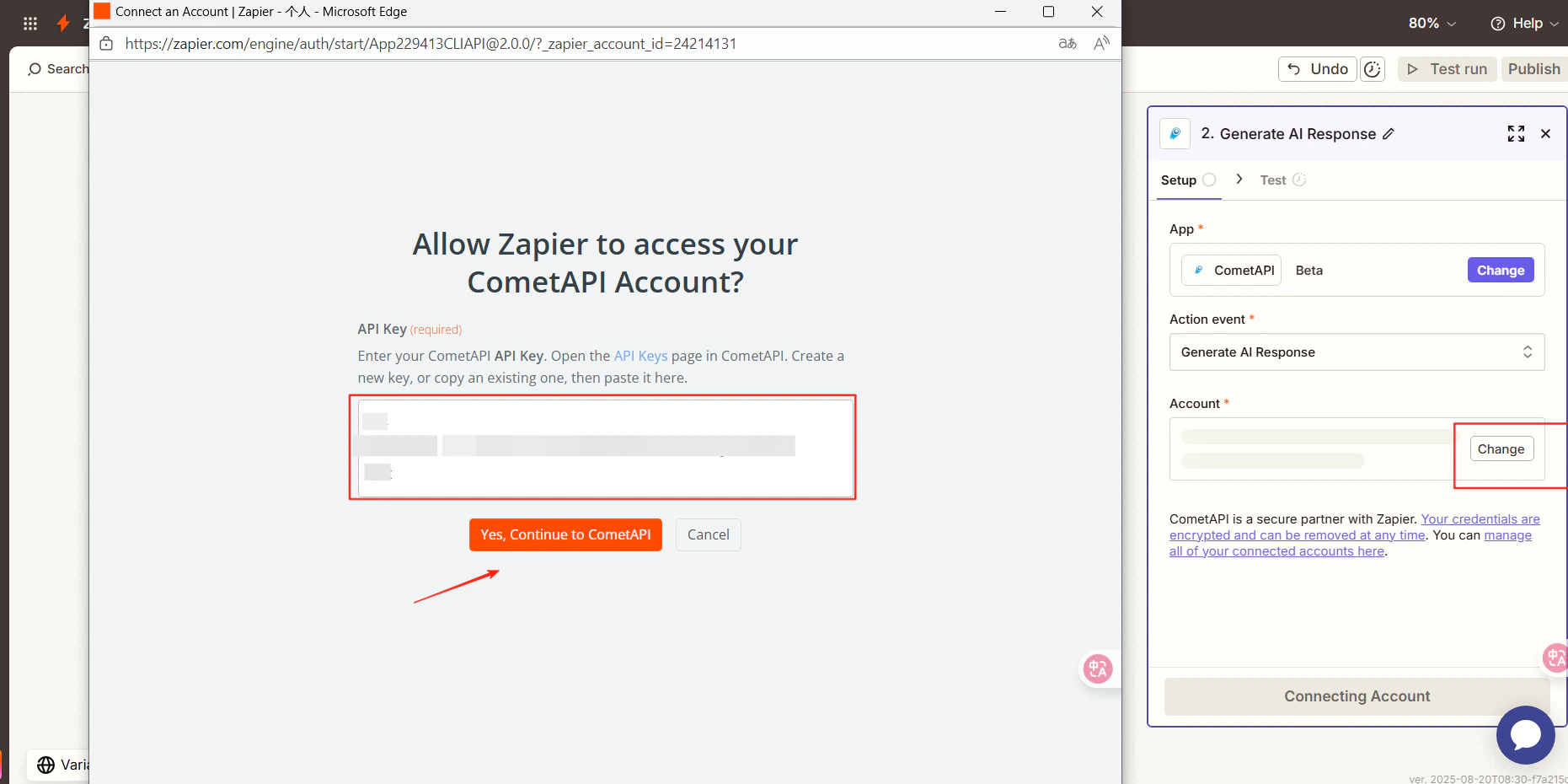
  • Account: click Connect a new account and paste your sk-xxxxx key
Zapier account connection dialog with API key field
4

Select a model and test

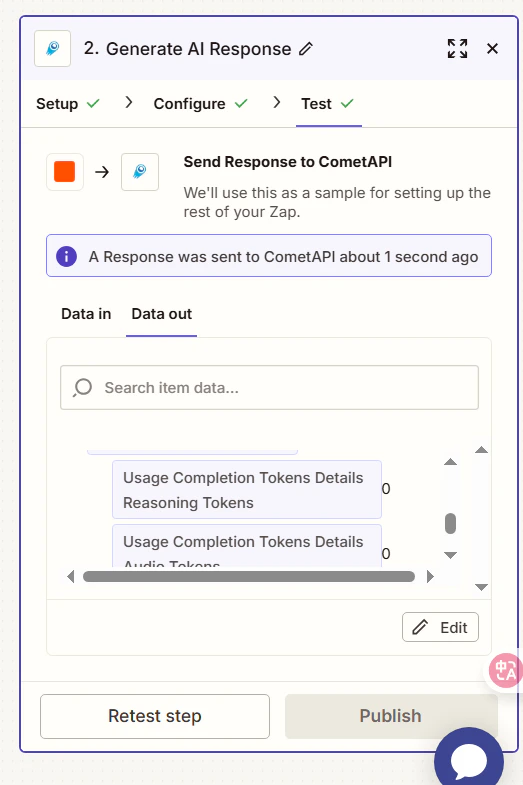
Click Continue, choose the current model you want to use, then click Continue again and run Test Step.
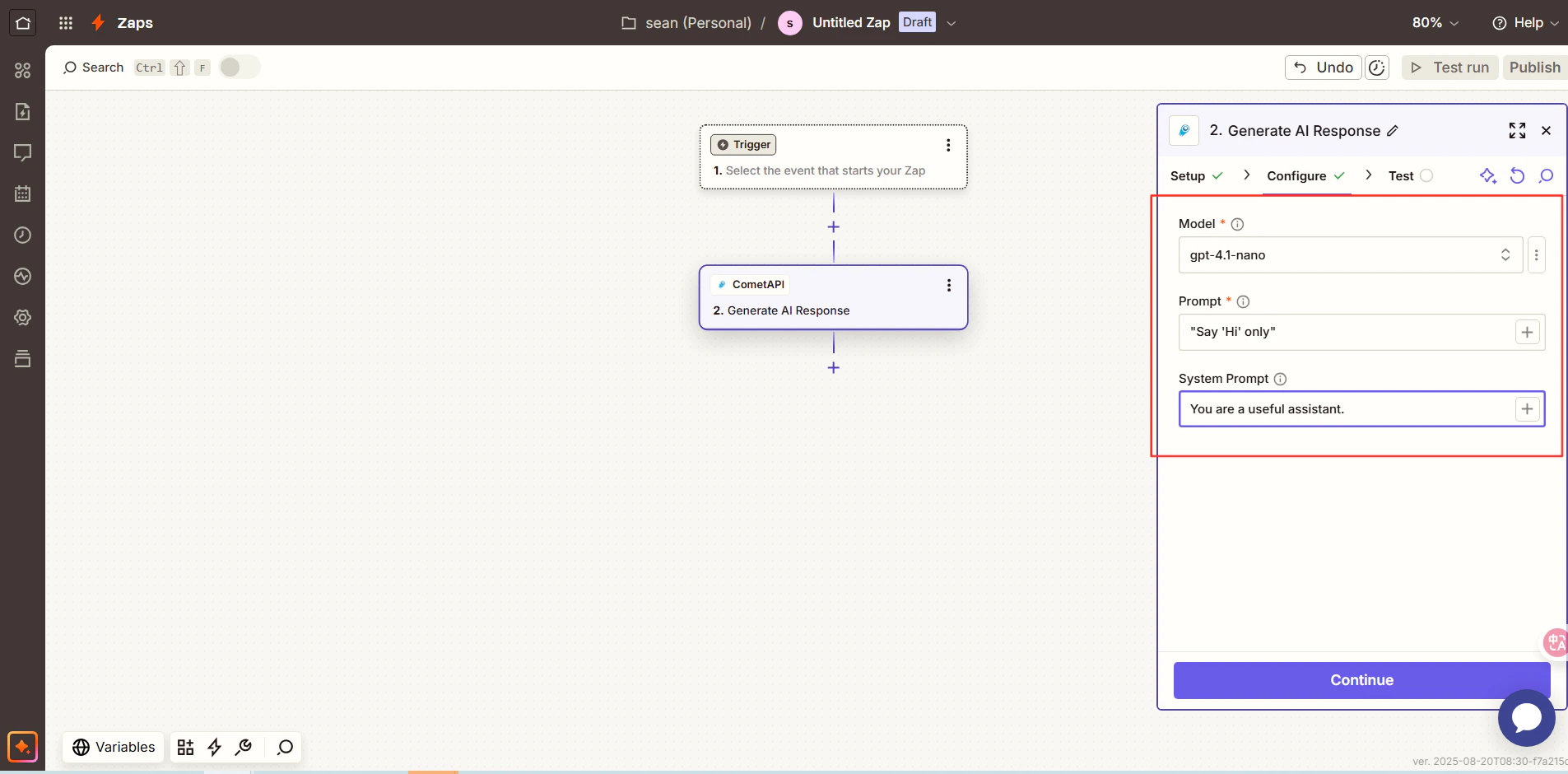
Zapier model selection step
Zapier test result showing a successful AI response
A successful test result confirms the integration. Click Publish to activate your Zap.If the call fails, double-check your API key, or contact CometAPI support.
CometAPI appears as a native Zapier app, so no custom HTTP action is needed. You can chain it with Gmail, Google Sheets, Slack, and thousands of other Zapier integrations.