Prerequisites
Setup
1
Get your CometAPI API key
Log in to the CometAPI dashboard. Click Add API Key and copy your key and base URL (

https://api.cometapi.com).2
Configure OpenAI in ChatAll
Open ChatAll → Settings → OpenAI. Enter 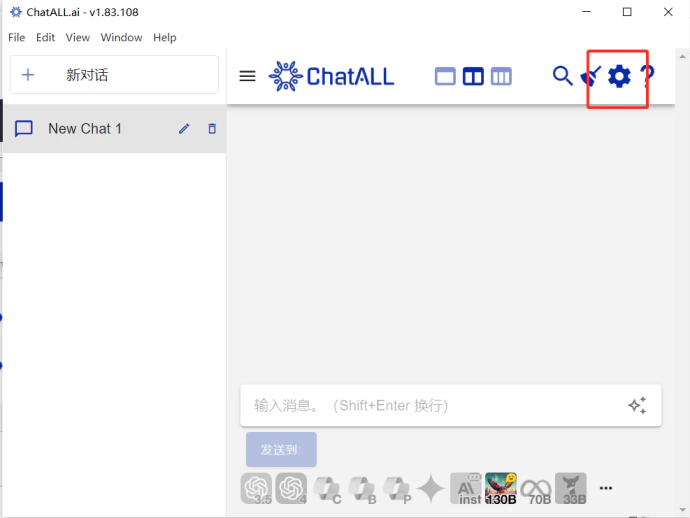
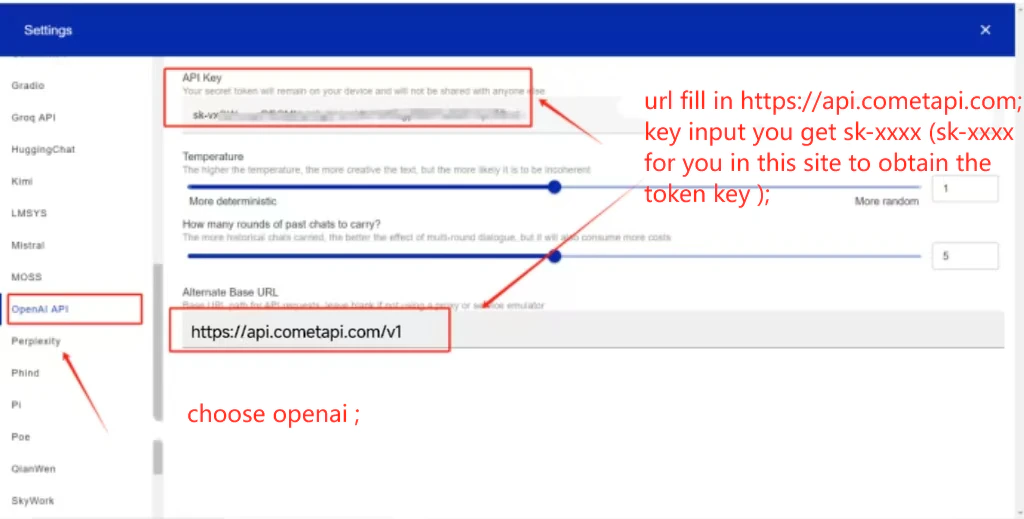
https://api.cometapi.com/v1 in the API Address field, paste your CometAPI key into API Key, and click Save.3
Select models
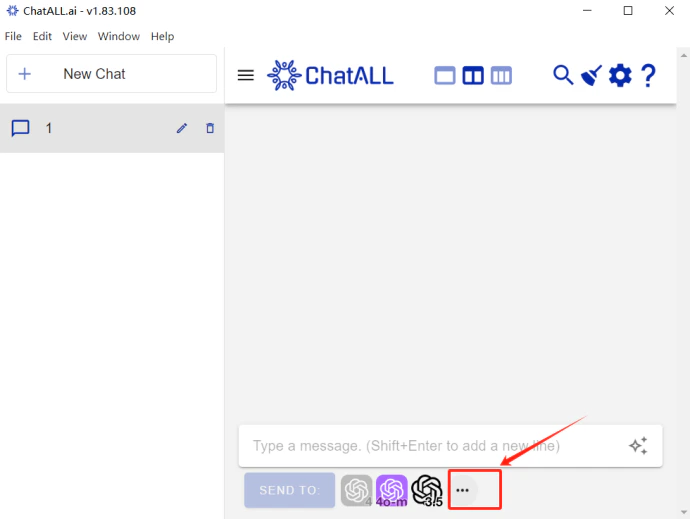
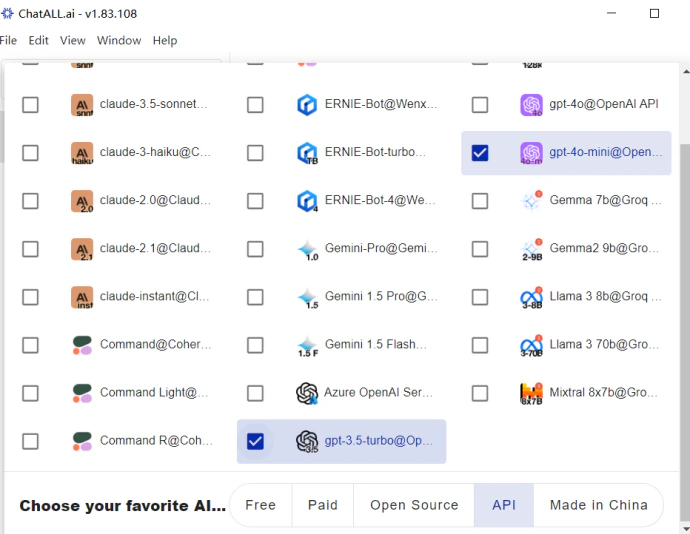
Click the model selector to view and switch between available models.