Prerequisites
-
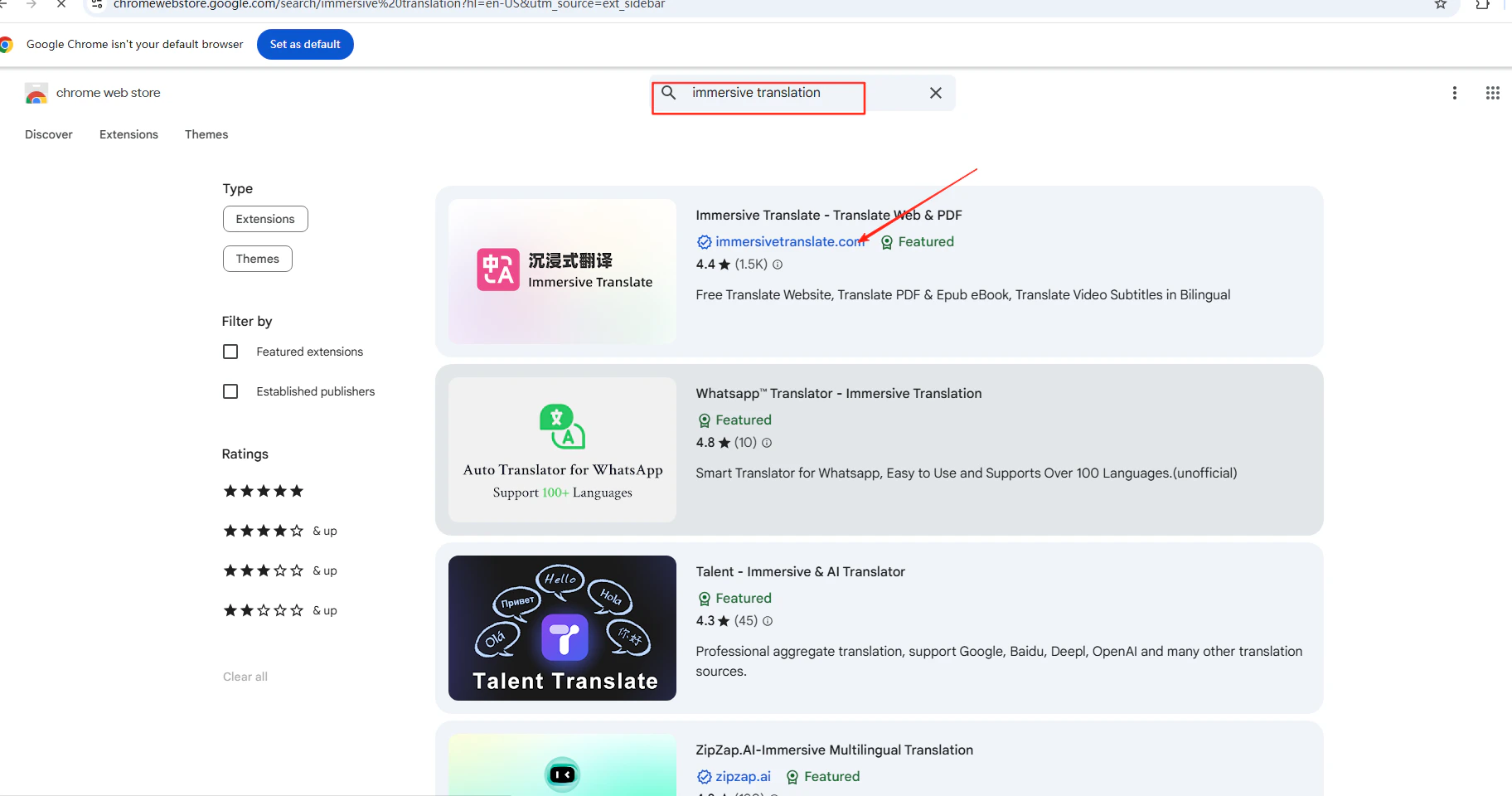
Immersive Translation browser extension installed — search for it in your browser’s extension store
- A CometAPI account with an active API key
Setup
1
Get your CometAPI API key
Log in to the CometAPI dashboard. Click Add API Key and copy your key and base URL (

https://api.cometapi.com).2
Add CometAPI as an OpenAI-compatible service
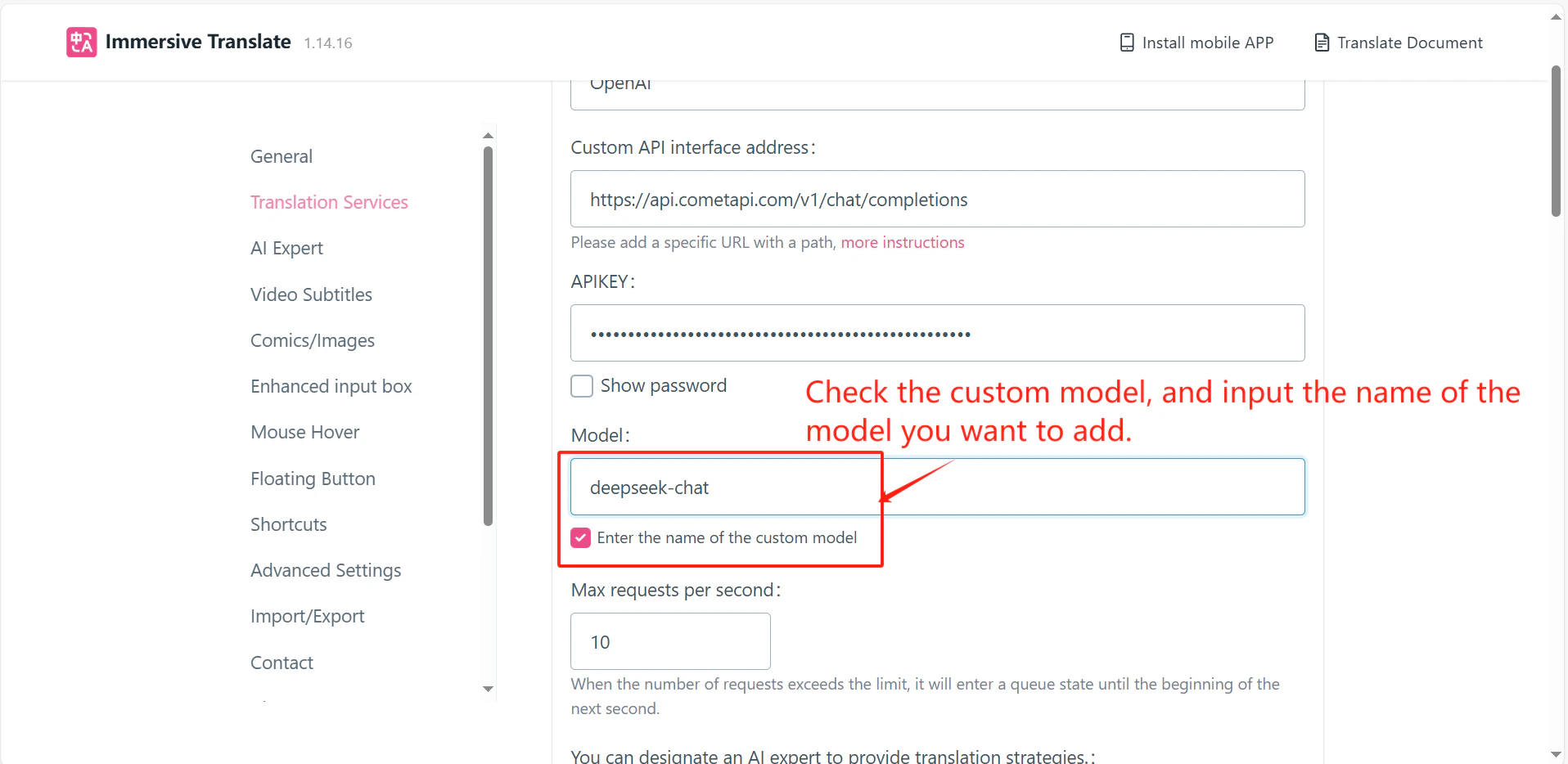
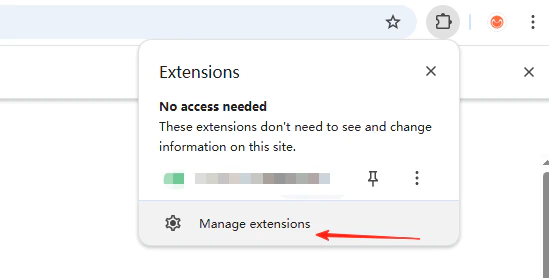
Right-click the Immersive Translation extension icon → Extension Settings → Translation Services. Click Add OpenAI Compatible Service, enter 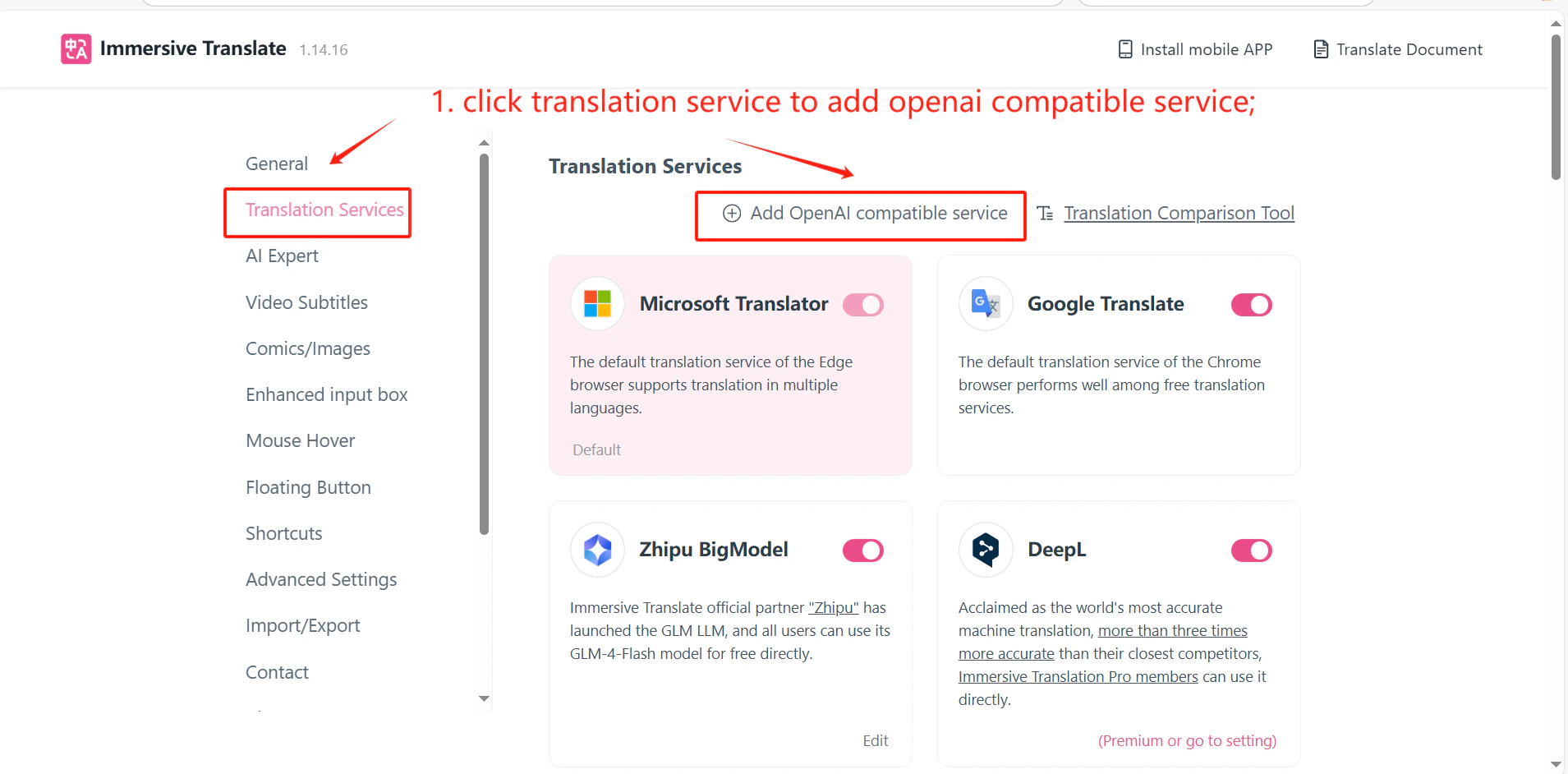
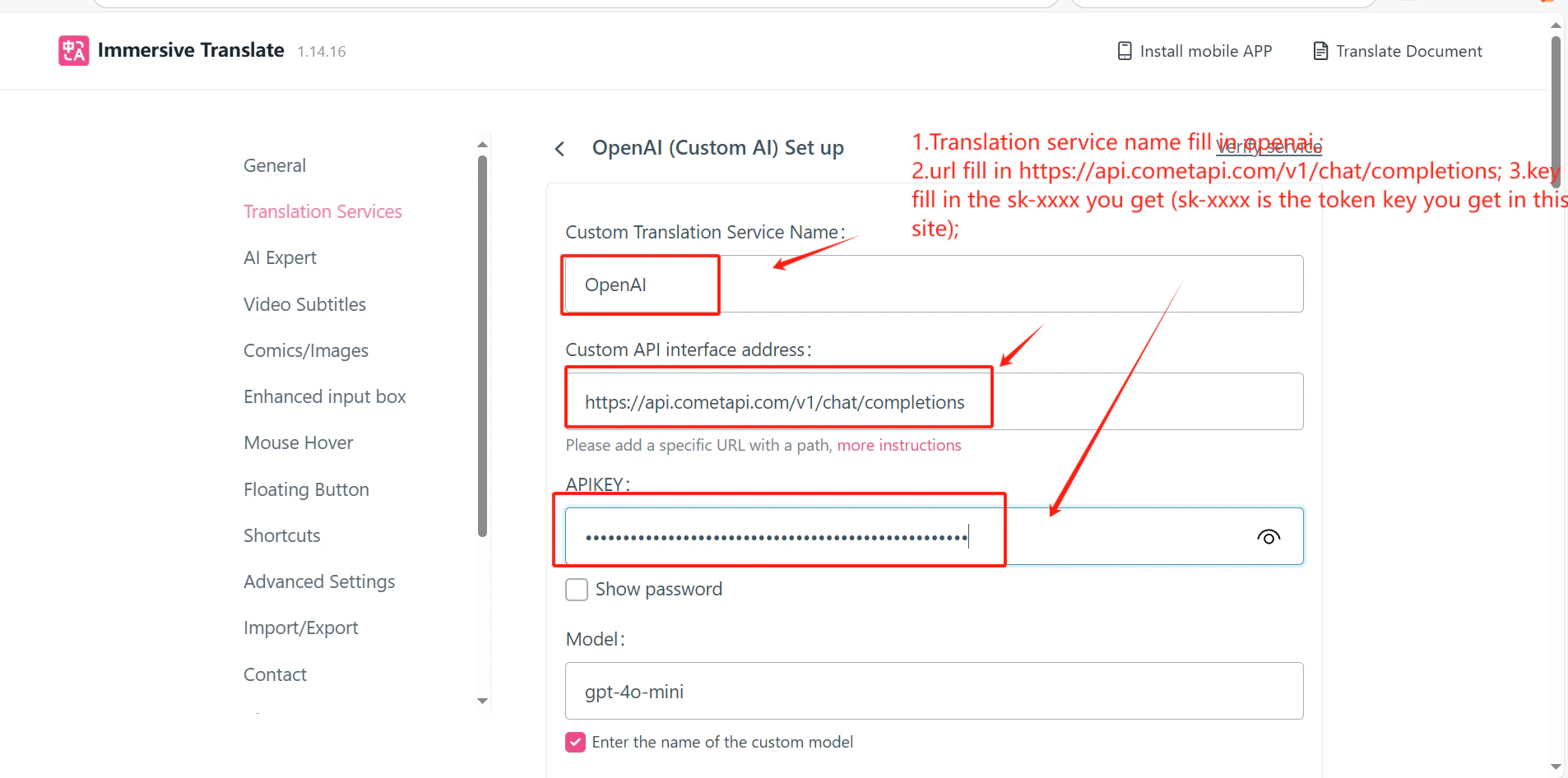
https://api.cometapi.com/v1/chat/completions in the API Address field, and paste your key into API Key.3
Test the service
Click Test Service in the settings panel. A successful verification confirms the integration is working.