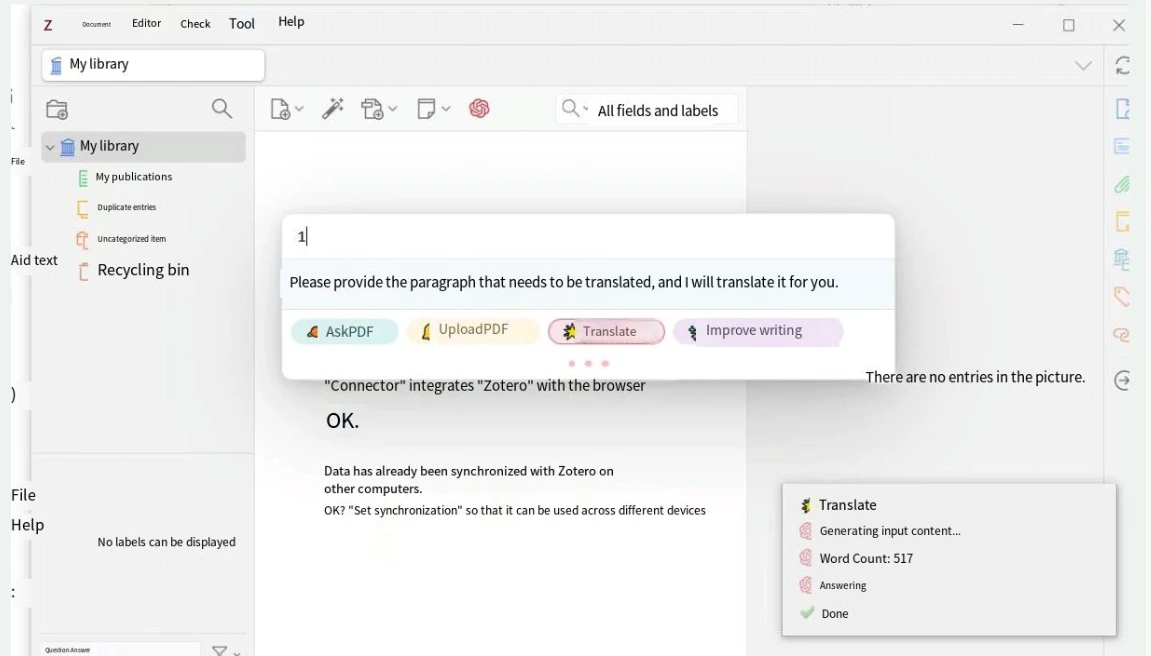
Prerequisites
- A CometAPI account with an active API key — get yours here
- Zotero desktop app — download here
- Zotero browser connector extension — get it here
zotero-gpt.xpiplugin file — download from the Zotero GPT releases page
1
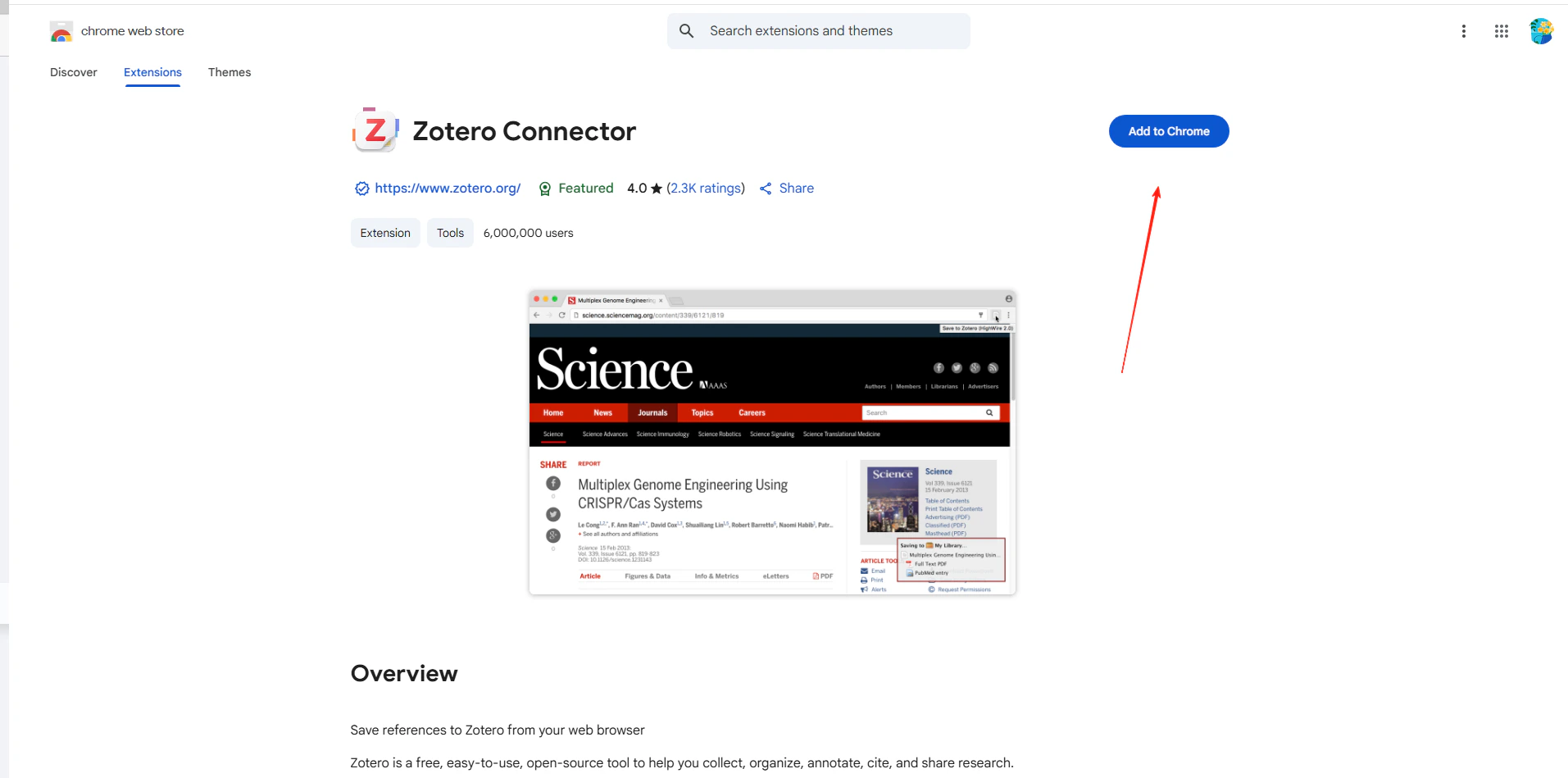
Install the Zotero browser connector
In your browser’s extensions panel, search for and install the Zotero Connector.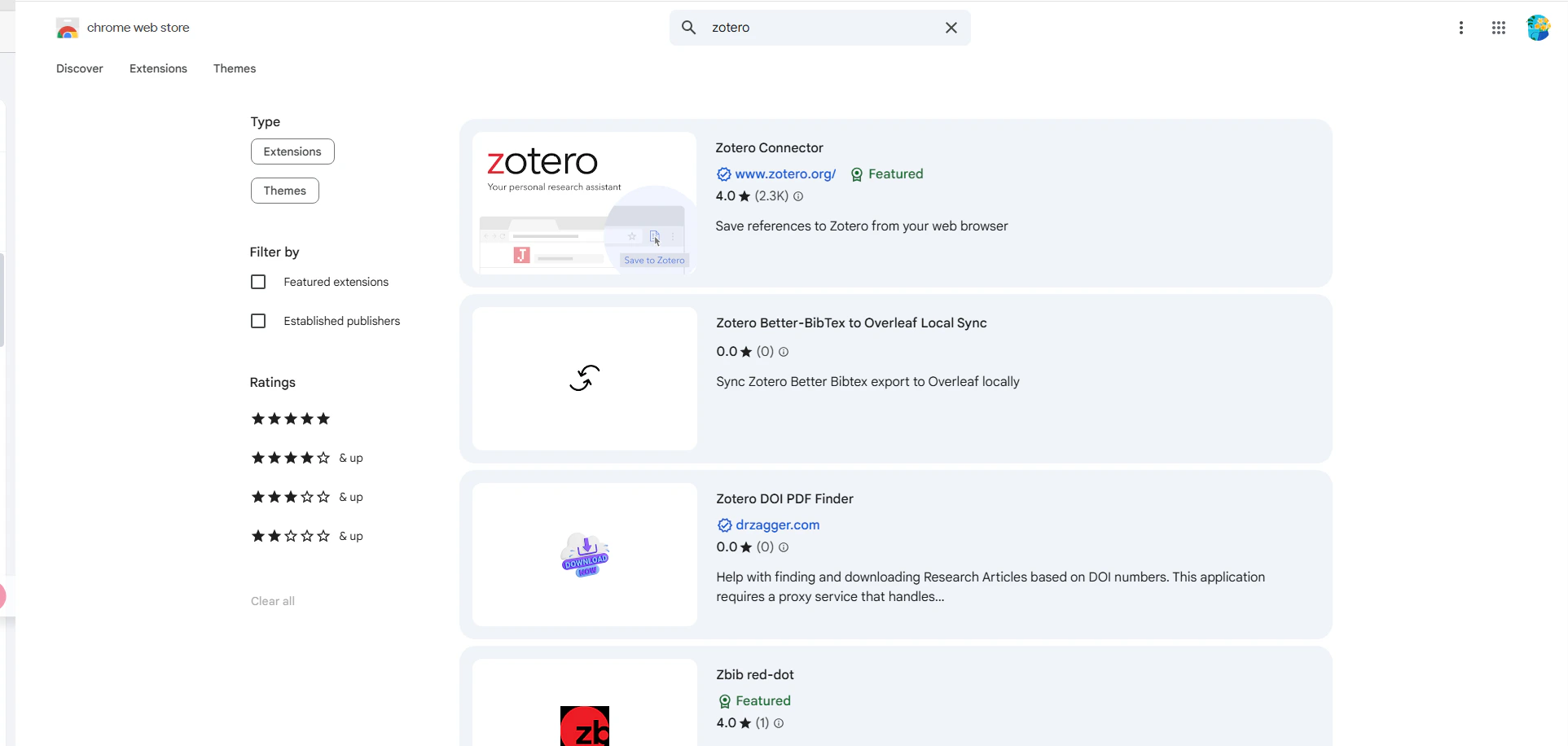
2
Get your CometAPI API key


3
Install the Zotero GPT plugin
In Zotero, go to Tools → Plugins → Install Plugin From File and select the
zotero-gpt.xpi file you downloaded.4
Configure the API settings
Open the Zotero GPT plugin settings: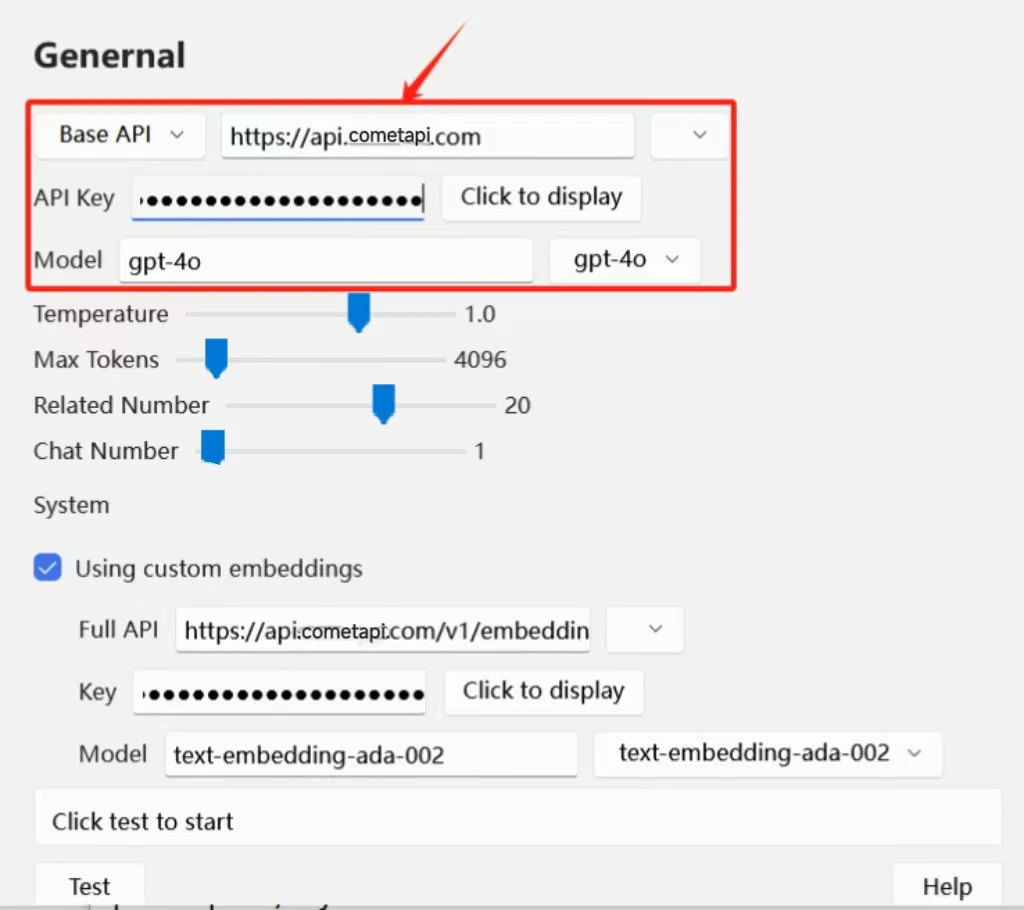
- API Address:
https://api.cometapi.com - API Key: paste your CometAPI API key
- Model: select or type the model you want to use
5
Test the integration
Open a paper in Zotero and use the GPT panel to ask a question or request a summary. A successful AI response confirms the integration is working.