Prerequisites
- A CometAPI account with an active API key — get yours here
- uTools installed — download here
- ChatGPT Friend plugin — get it here
1
Get your CometAPI API key


2
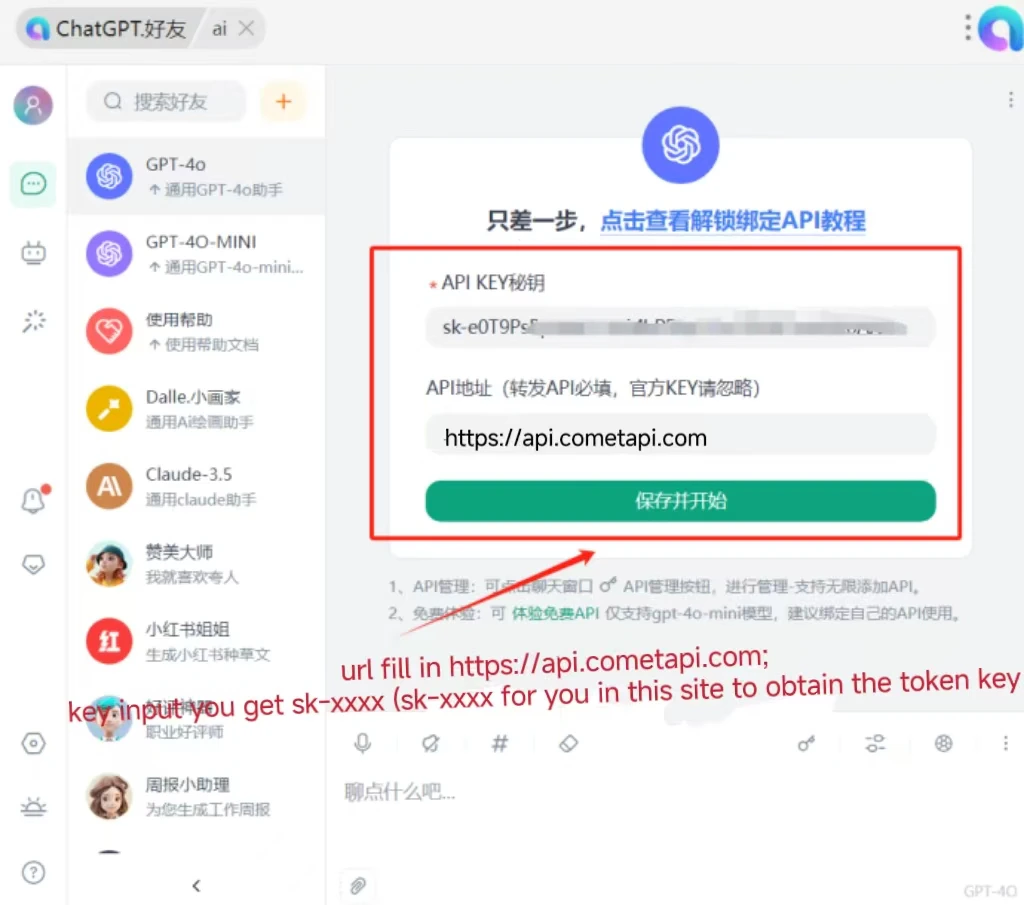
Configure ChatGPT Friend
Open the ChatGPT Friend plugin in uTools. In the settings: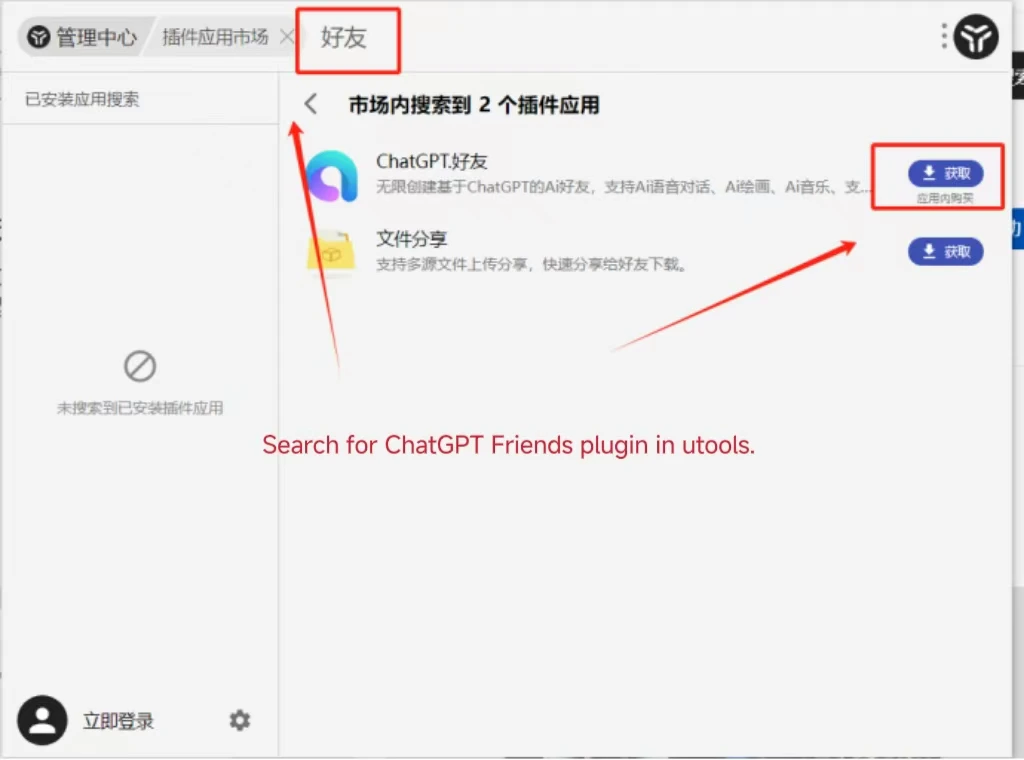
- Interface Address:
https://api.cometapi.com - API Key: paste your CometAPI API key
3
Test the connection
Type a message in the chat input and send it. A successful reply confirms the integration is working.