Prerequisites
- A CometAPI account with an active API key — get yours here
- A Coze account — sign up here
1
Get your CometAPI API key


2
Add CometAPI to a Coze workflow
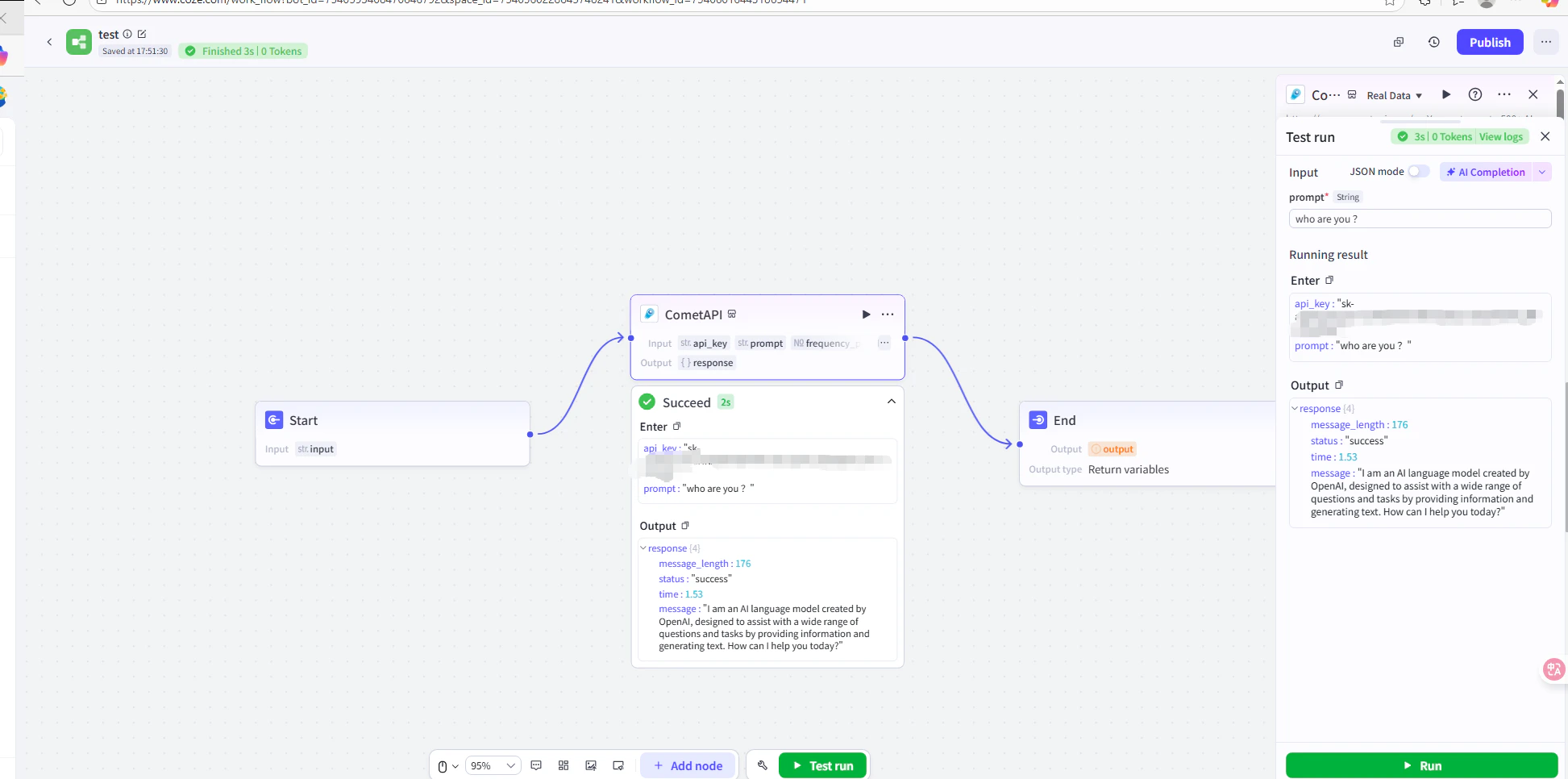
- Method 1: CometAPI Plugin (Recommended)
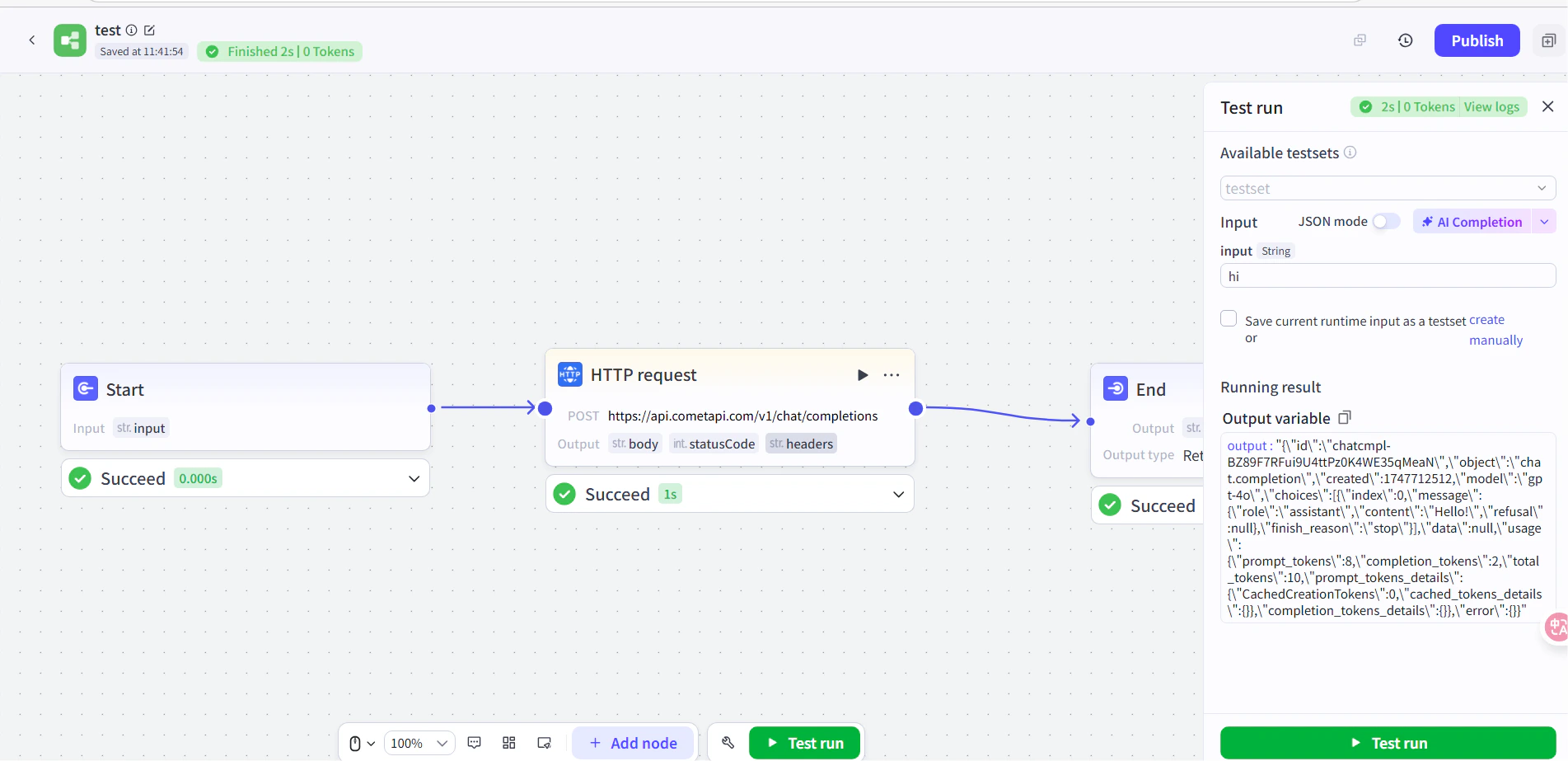
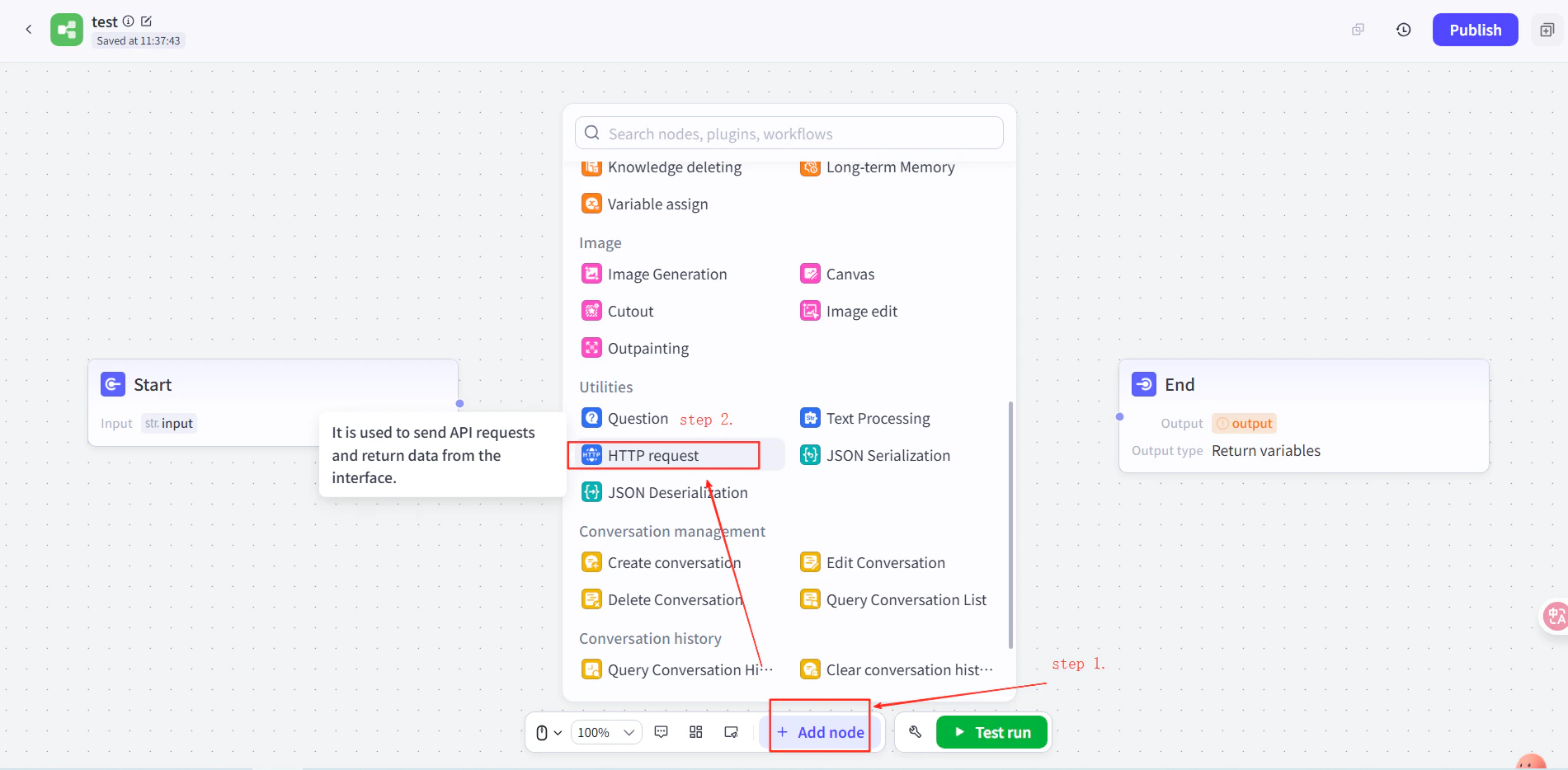
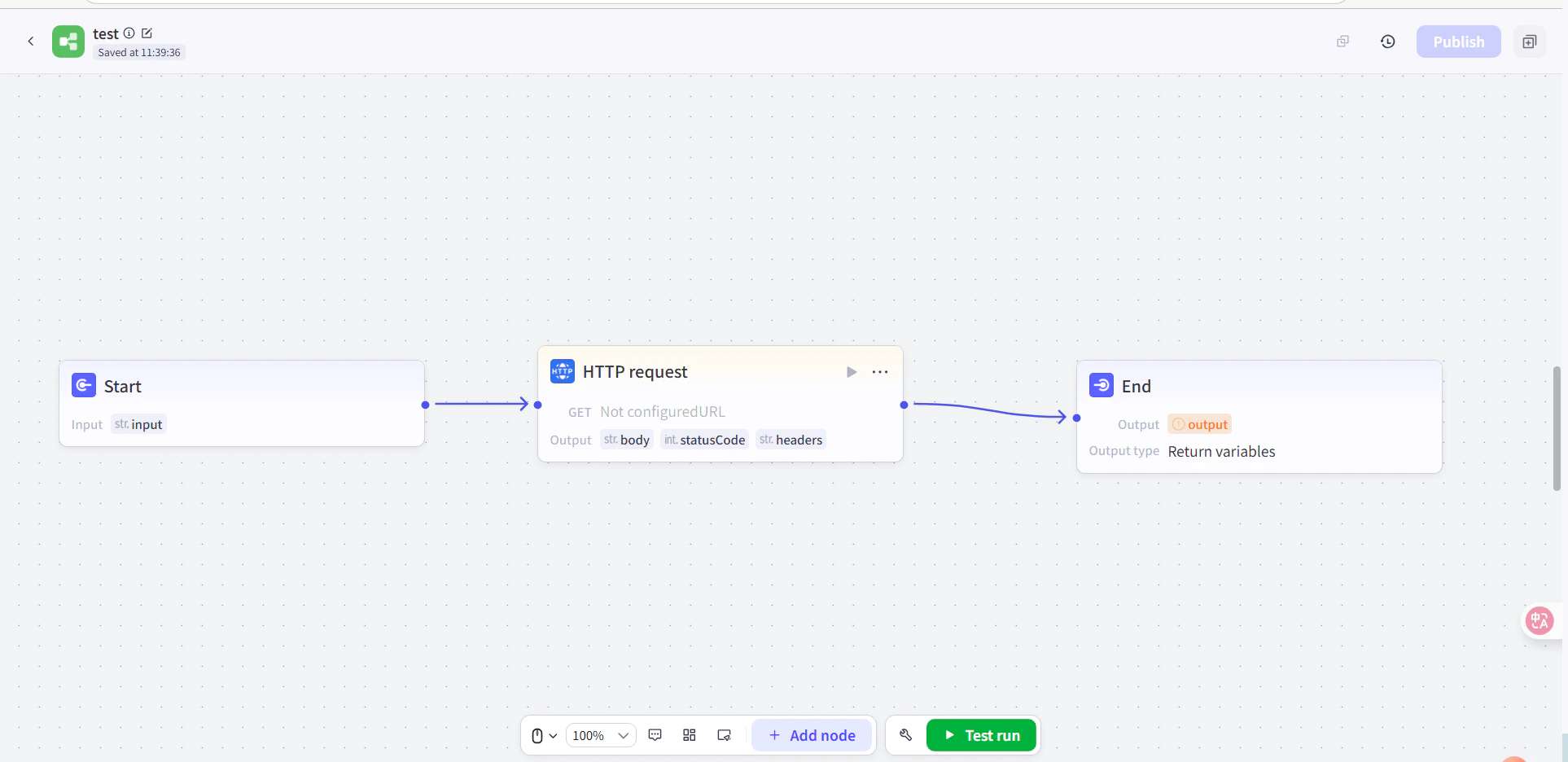
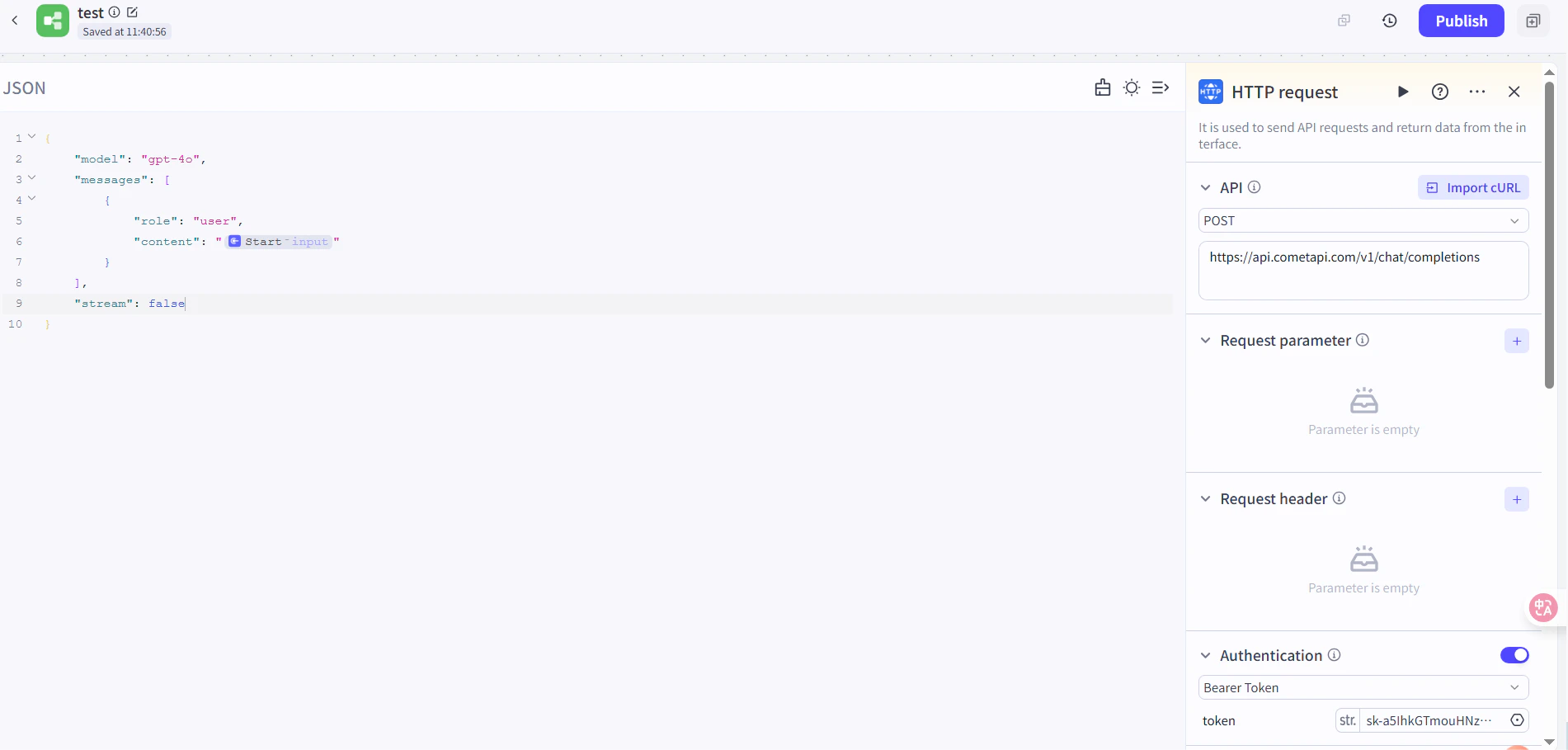
- Method 2: HTTP Request Node
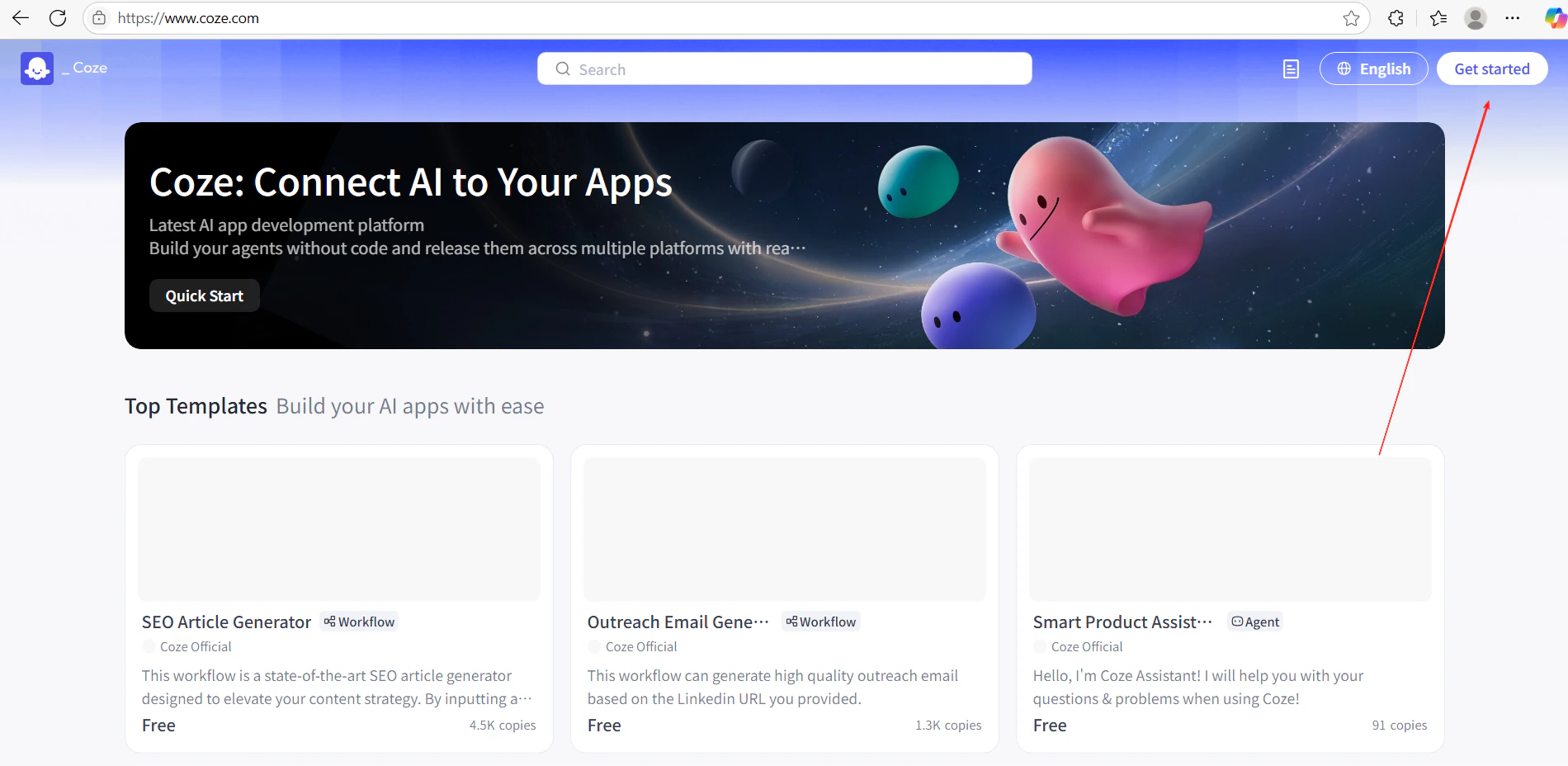
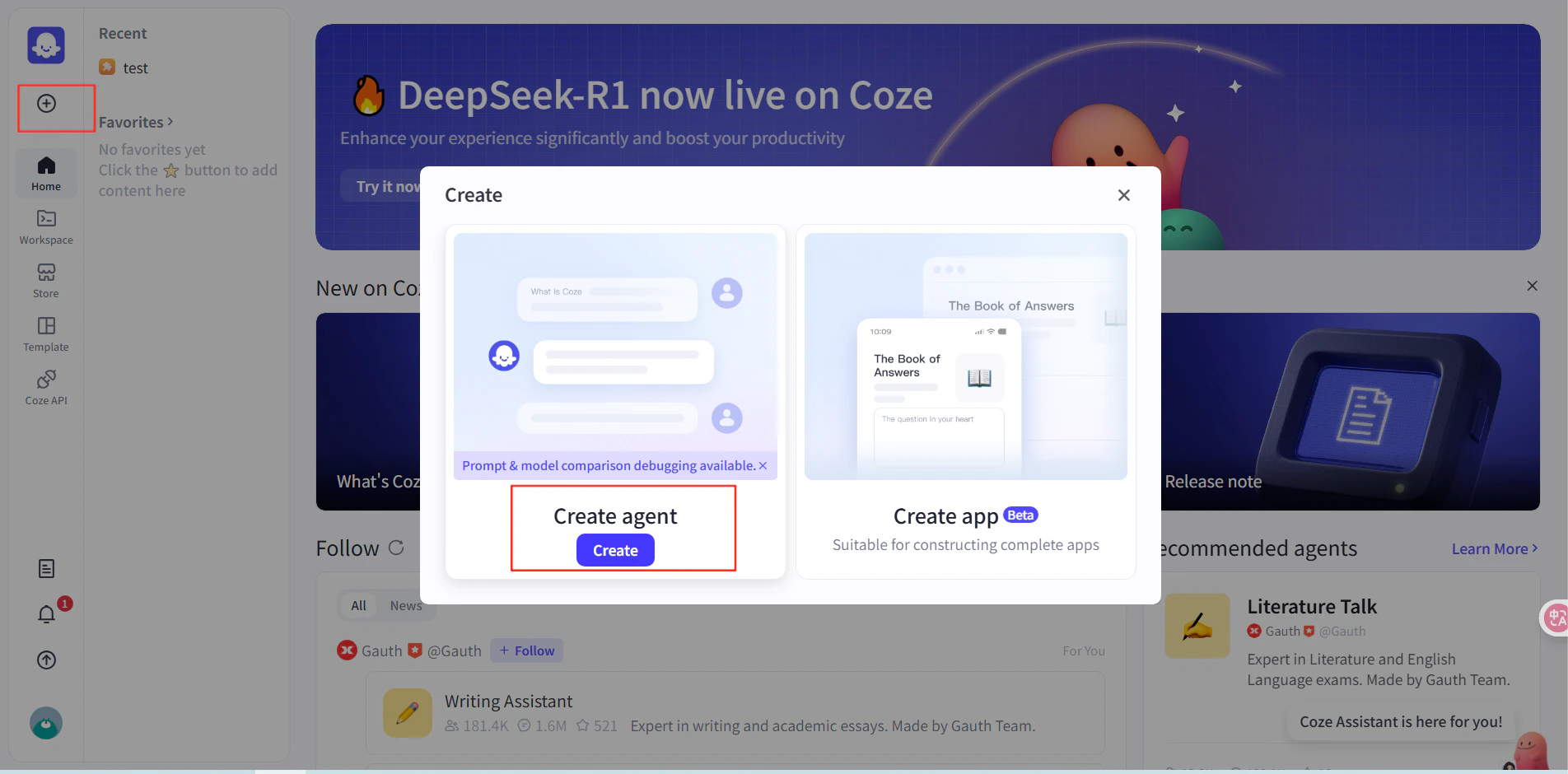
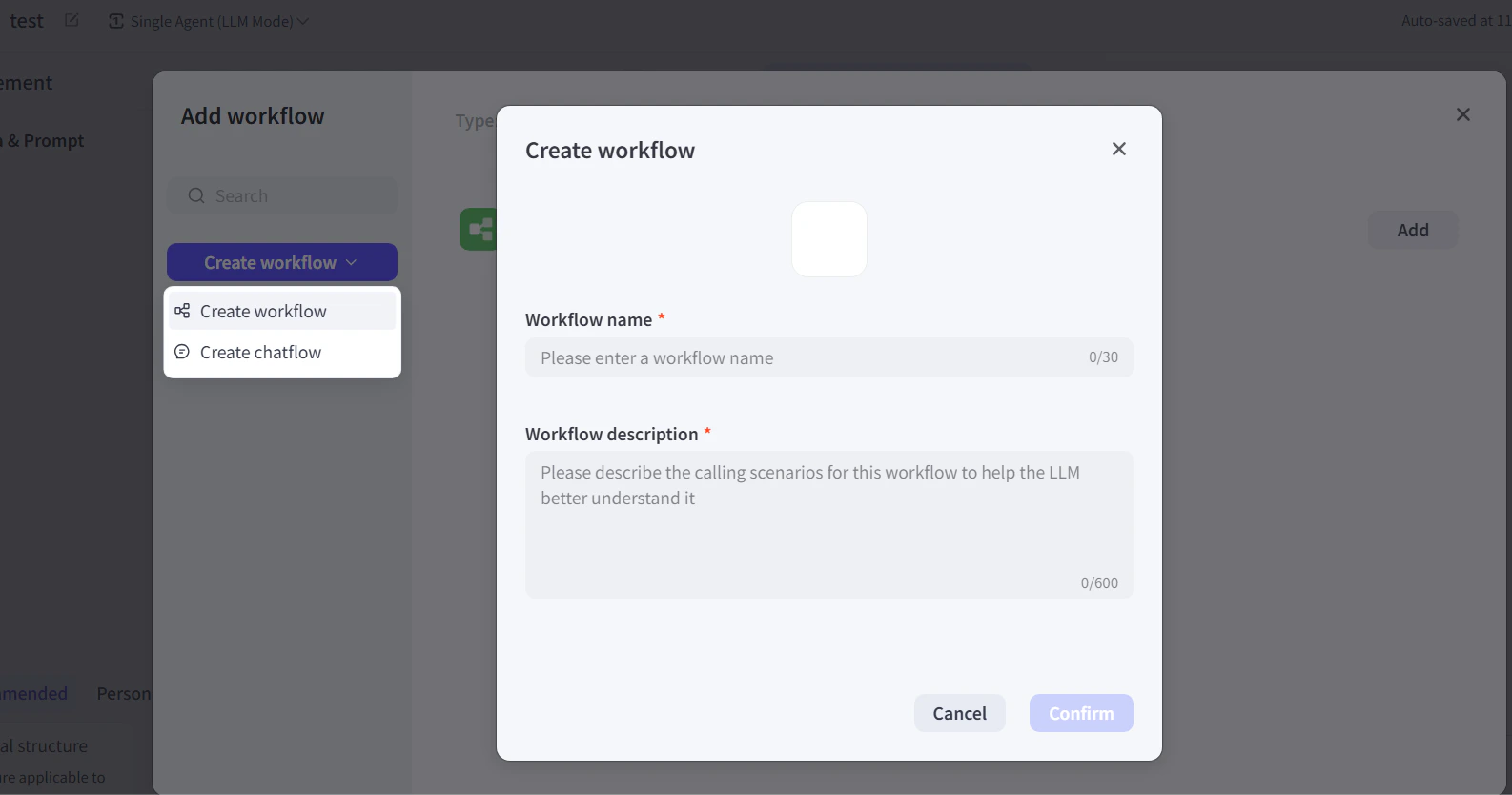
- In Coze, click Get Started and create a new workflow.
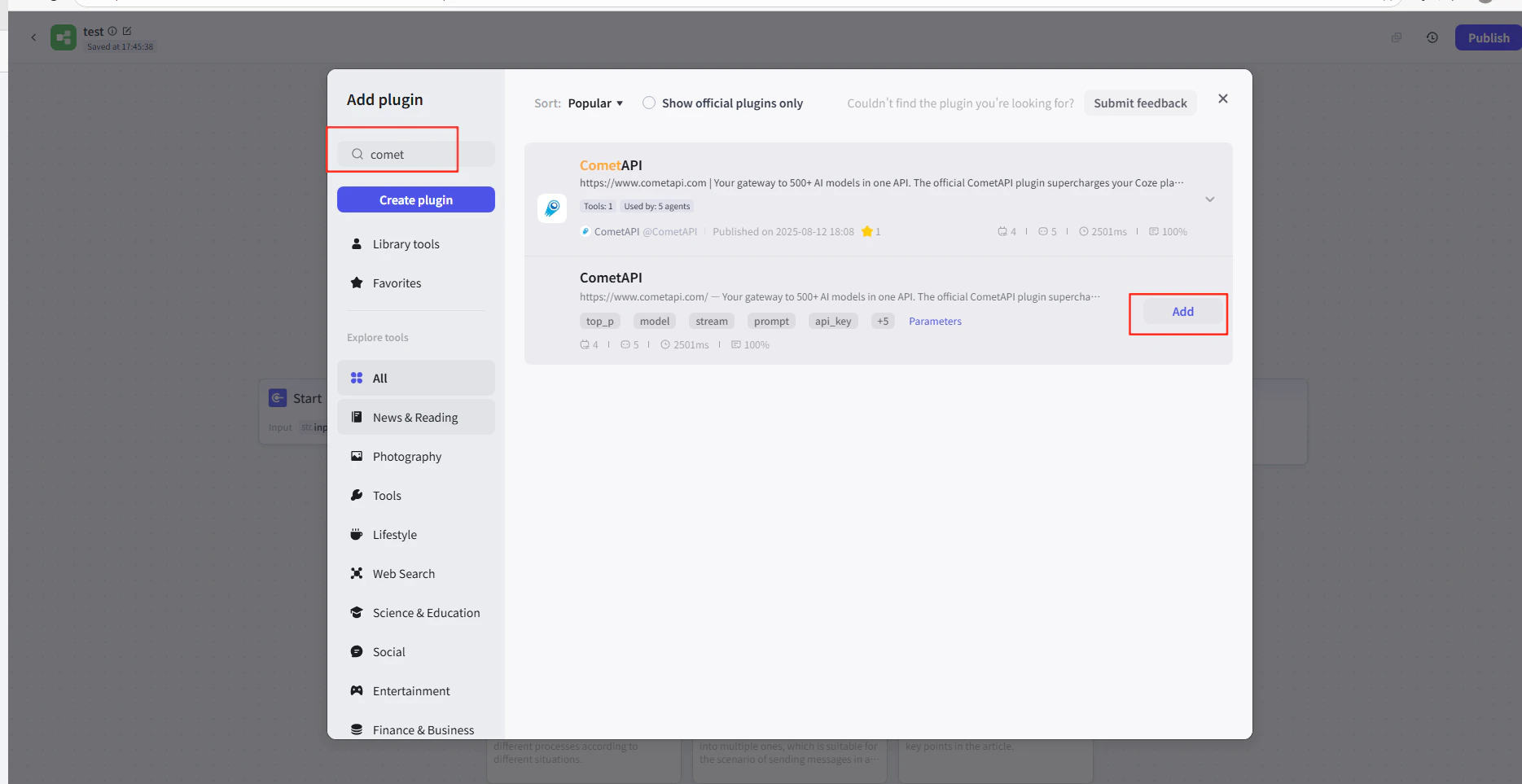
- In the workflow editor, click Add Node → Plugins and search for CometAPI.
- Add the CometAPI plugin node to your workflow.
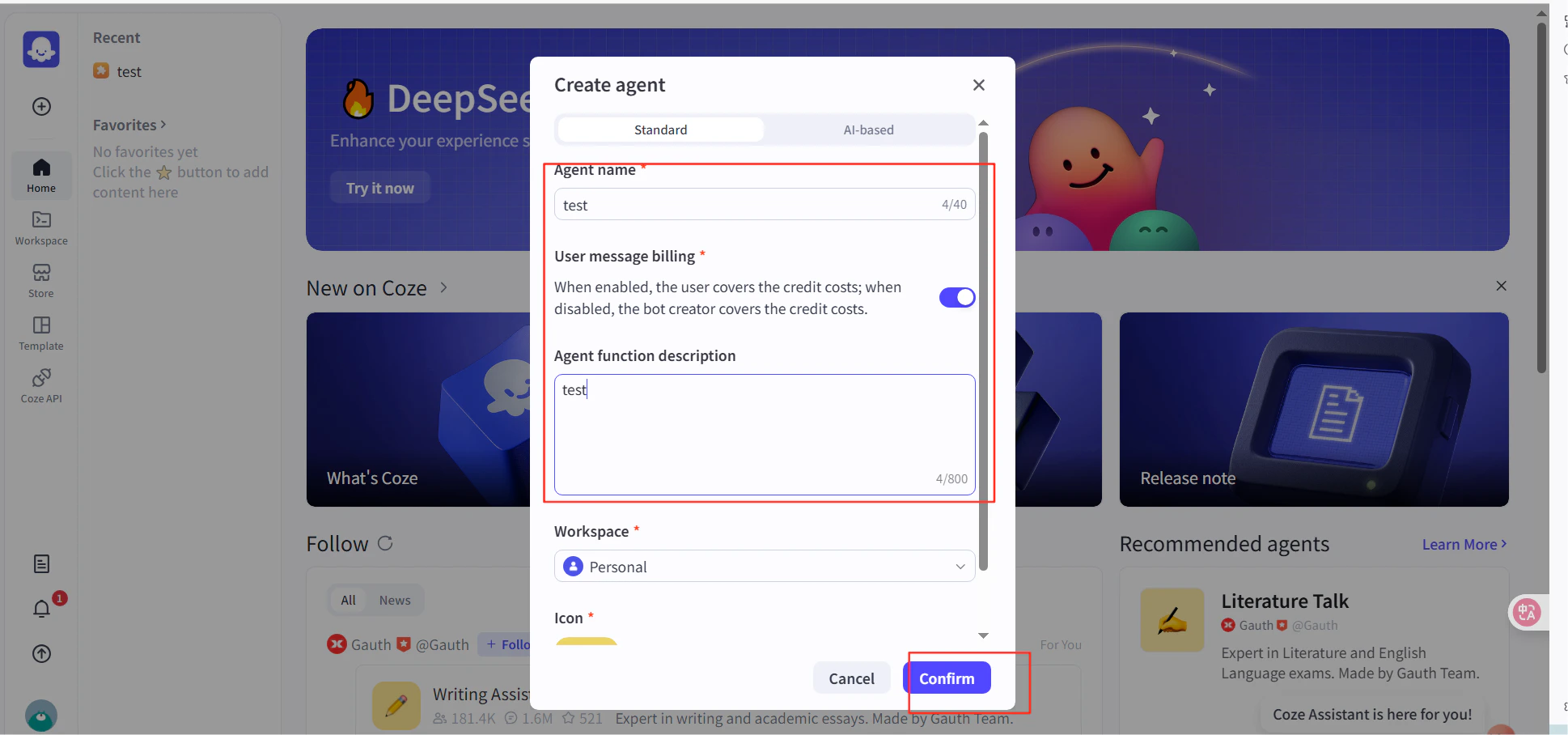
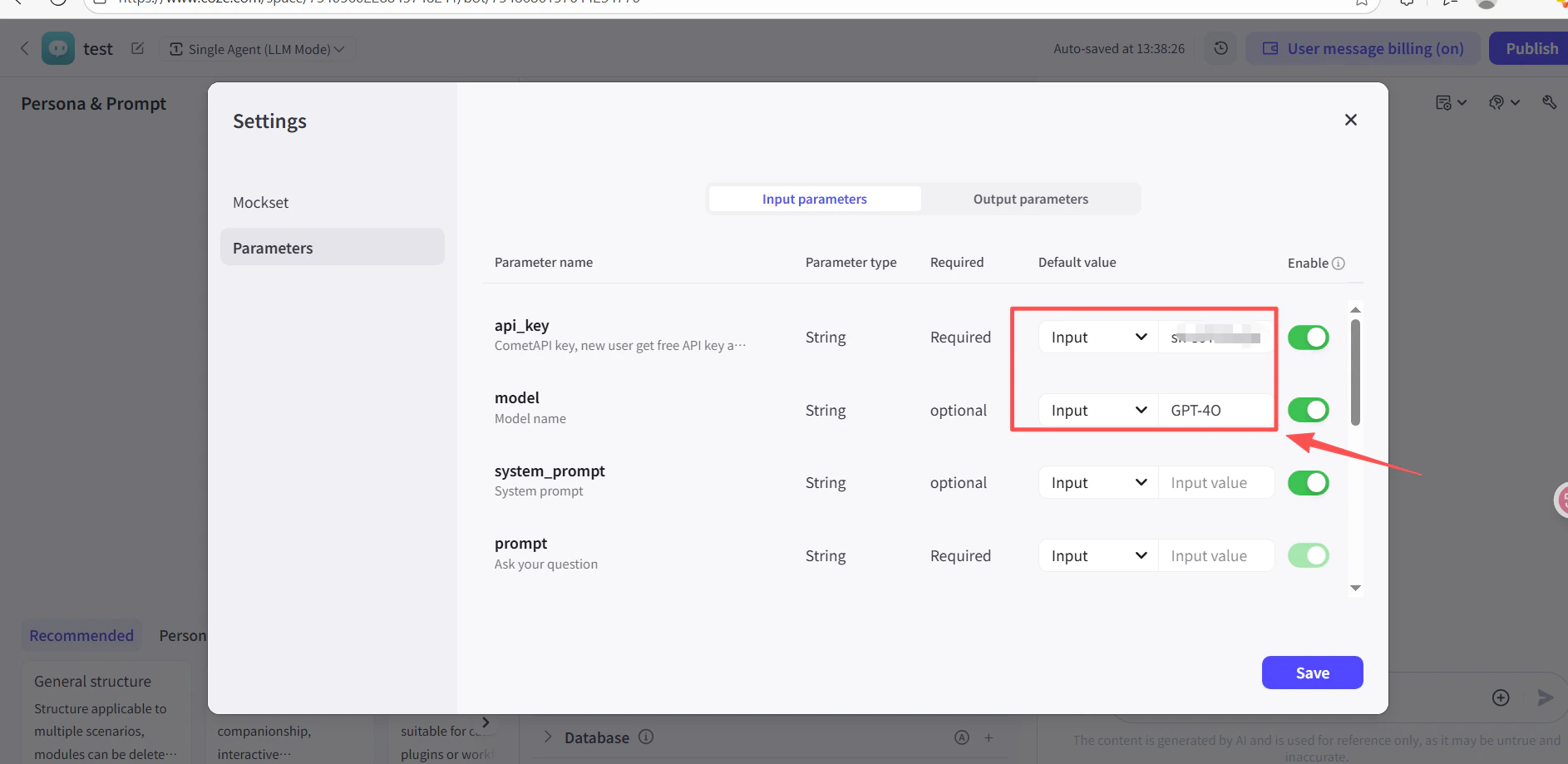
- In the API Key field of the plugin node, paste your CometAPI API key.
- Click Test to verify the connection, then Publish.
3
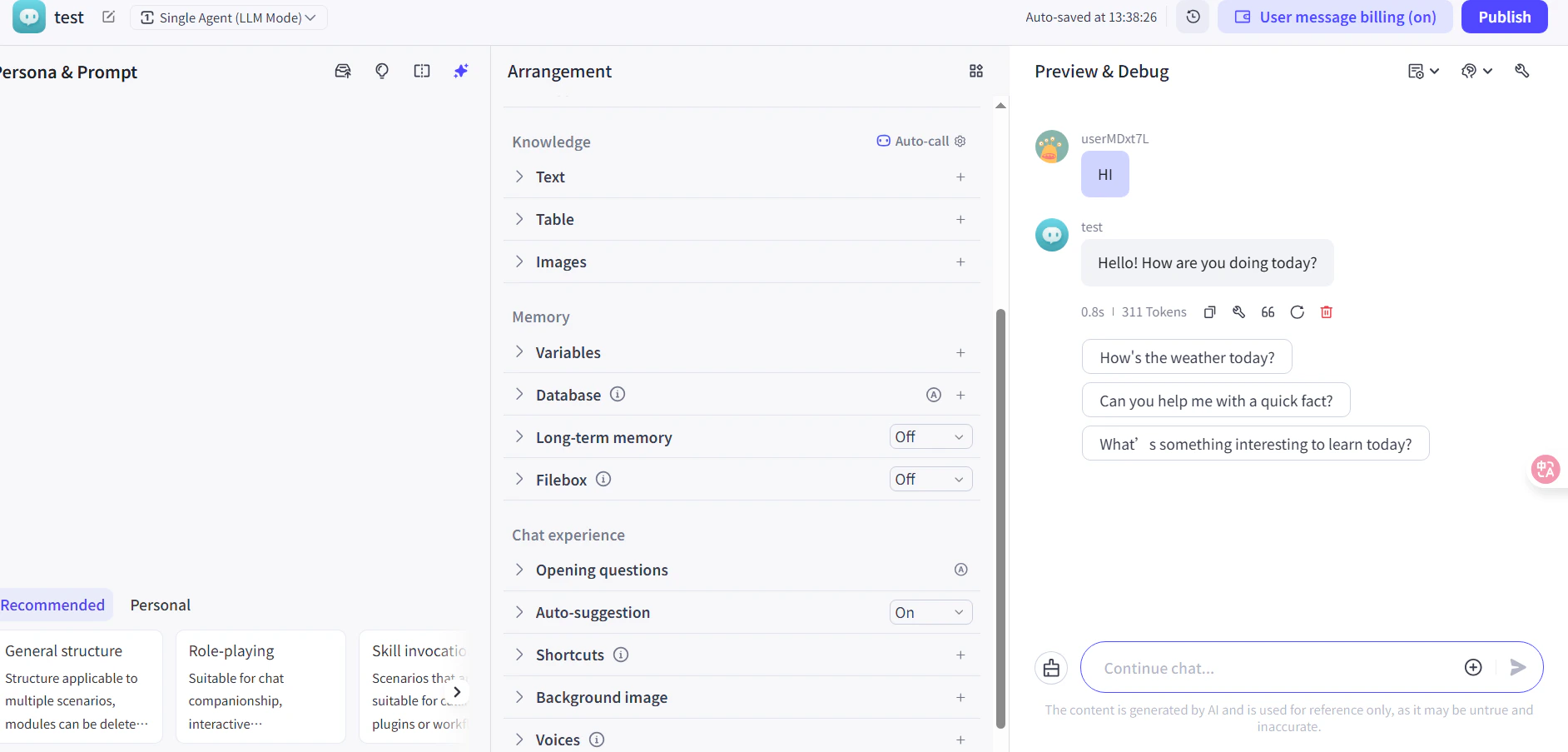
Test and publish
Run a test message in the workflow (e.g. ask for the current time). A successful AI reply confirms the integration is working. Publish the workflow to make it live.